Best PC for Local AI & LLMs (2026): From First Model to AI Workstation
A PC for local AI is a different purchase from a gaming PC. VRAM decides which models you can run, and a second GPU on a gaming motherboard runs into a PCIe lane limit. Here's what each GPU can run, with speeds measured on my own dual-4090 rig, and what I'd buy at each step.
 Richard Baxter AI Ops & Marketing Engineer
 On this page
- Just want a recommendation? Use the PC Finder
- What makes a PC good for local AI
- What each GPU can run
- Why I bought two 48GB cards instead of an RTX PRO 6000
- Start with LM Studio
- From learning to a professional AI workstation
- Two GPUs on a gaming motherboard: the PCIe lane problem
- Unified memory: Mac Studio, Strix Halo and DGX Spark
- Does the CPU matter?
- What I'd buy
- Where to go next
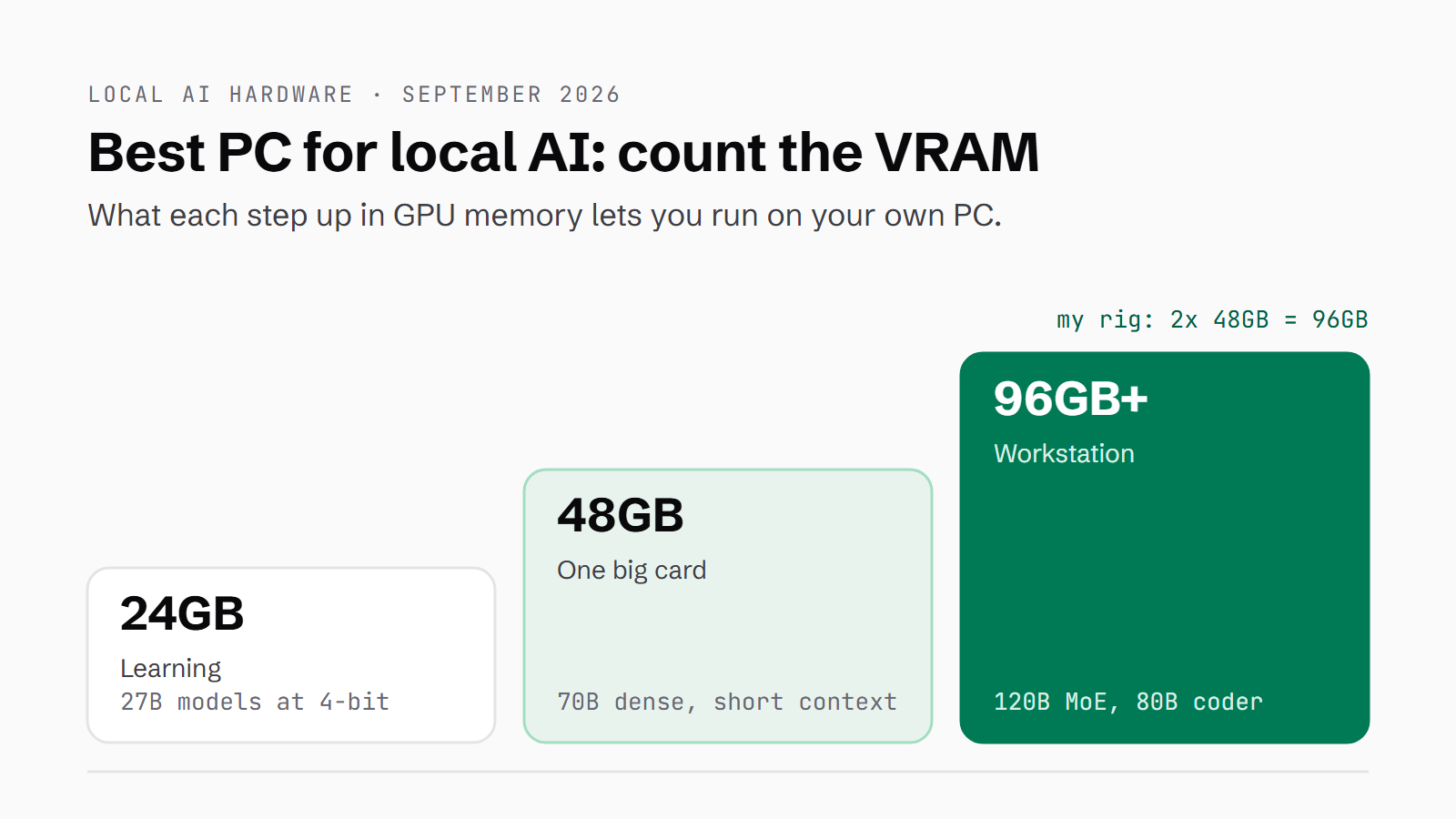
So you want to run AI models on your own PC, and you're about to spend some money on it. Before you do, here's my view, and it's quite simple. Buying a PC for AI is not the same as buying a PC for gaming, nor a simple work workstation. A machine for AI needs a GPU, where the key is VRAM - so that you can hold a good sized local model. VRAM is the memory on the graphics card itself, and it decides more about what you can run than anything else in the box.
I'm going to walk through what to look for when you buy, what each GPU can run, and the problem you hit when you put two GPUs in a gaming motherboard. Then I'll go through what to buy, all the way from light tasks and learning up to a professional workstation running large models for specific jobs like coding and image generation.
The speeds in this guide come from my own machine. It has two modded 48GB RTX 4090s, which gives me 96GB of VRAM, and it runs a fleet of local models that Claude hands its bulk work to. Where I've measured something on it, I'll say so. Where I haven't, I'll tell you where the figure came from.
Quick Navigation
Jump directly to what you're looking for:
PC Finder | What matters | GPU matrix | Two 48GB cards | LM Studio | The ladder | PCIe lanes | Unified memory | The CPU | What I'd buy | Next steps
Just want a recommendation? Use the PC Finder
If you'd rather go straight to a machine, the PC Finder below lets you filter by what you want to run and by budget. It's a shortlist of current machines, with prices checked this month, and I've tried to keep gaming PCs out of it. I haven't tested these builds myself, so treat it as a place to start looking rather than a set of reviews.
Find an AI PC that fits your budget and your models
Filter by what you want to run, what you want to spend, and the form factor you have room for. Showing 12 of 12 hand-picked builds.
Filters
Disclosure Prices checked against the merchants on the date above; they move weekly, so check before you buy. US listings are shown in dollars with a rough sterling conversion. Links to Corsair and Amazon are affiliate links: Houtini may earn a commission at no cost to you. Last verified 2026-09-25. Dual-currency display uses an approximate GBP/USD rate of ~1.27 (2026-09-01); real rate, shipping, and import duties not included.
- Corsair
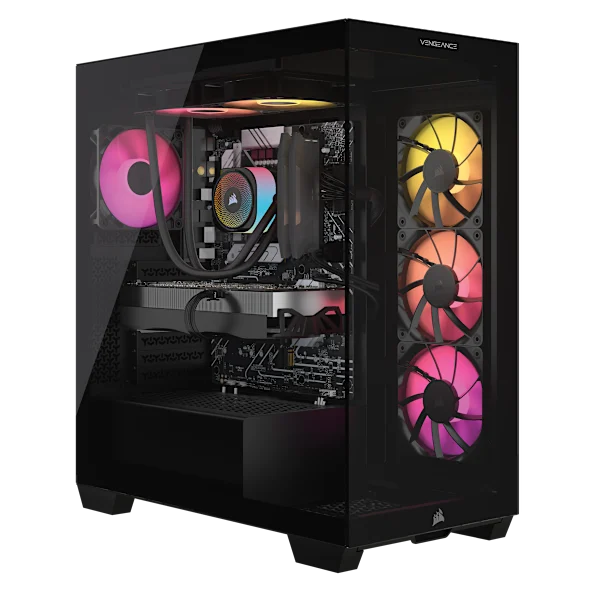
Corsair VENGEANCE a7500 (RTX 5070 Ti)
16GB NVIDIA RTX 5070 Ti16GB of VRAM - the learning rung, bought as a finished tower
Specs and notes
- AMD Ryzen 7 9800X3D
- 32GB RAM
- 1TB storage
16GB runs the smaller 4-bit models with room for context, which is plenty for learning; LM Studio shows which ones fit. The 26-27B models most people move on to are 16-18GB at 4-bit and want a 24GB card or more.
$3,200 ~£2,520 · CorsairView - Corsair
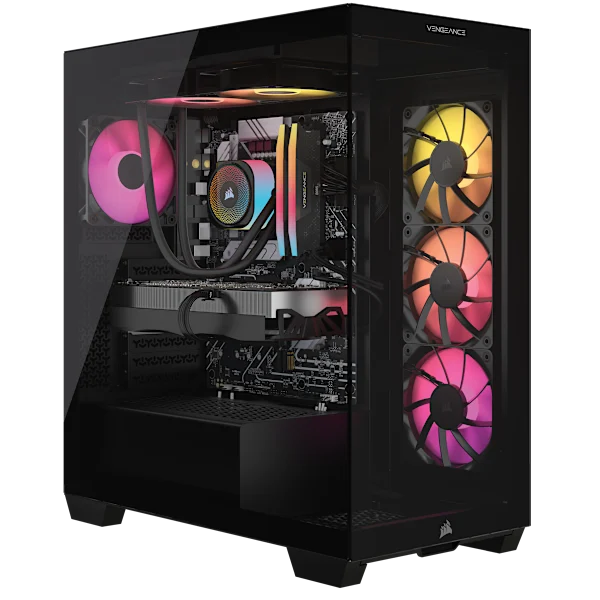
Corsair VENGEANCE a7500 (RTX 5090)
32GB NVIDIA RTX 509032GB on one card - the serious single-card machine
Specs and notes
- AMD Ryzen 9 9900X3D
- 64GB RAM
- 4TB storage
32GB runs the 27-32B models with room for context, which covers most coding and general work. A dense 70B at 4-bit is about 40GB, so it does not fit this card.
$7,100 ~£5,591 · CorsairView - Corsair
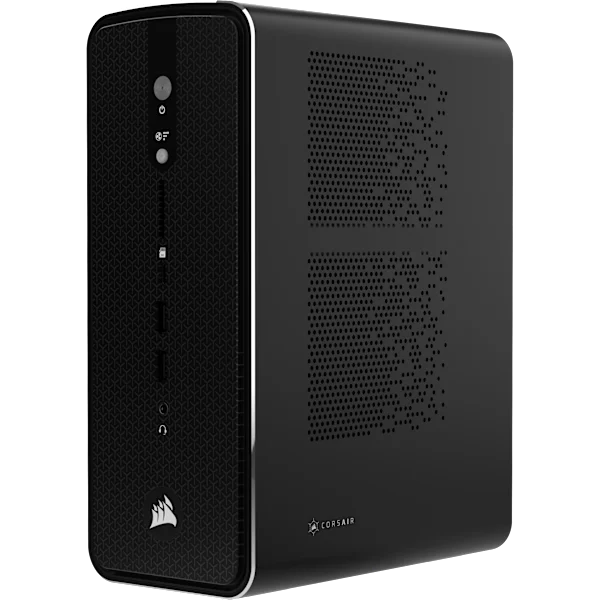
Corsair AI Workstation 300 (128GB)
96GB AMD Radeon 8060S (integrated)Ryzen AI Max+ 395 with 128GB of unified memory
Specs and notes
- AMD Ryzen AI Max+ 395
- 128GB RAM
- 1TB storage
Up to 96GB of the 128GB can go to the GPU, so very large models fit. Tokens come out slower than on a big discrete card. On back order at Corsair.
$4,600 ~£3,622 · CorsairView - Apple
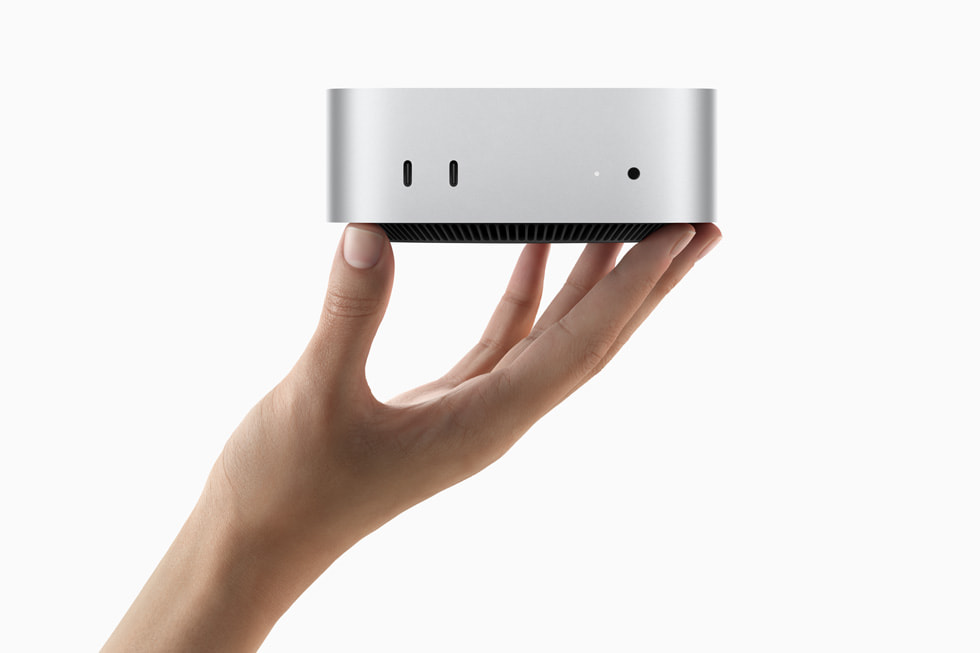
Mac mini (M5 Pro)
24GB Apple M5 Pro (integrated)The quiet way to learn: configurable up to 64GB
Specs and notes
- Apple M5 Pro
- 24GB RAM
- 0.5TB storage
From £1,699 with 24GB of unified memory; configurable to 64GB at extra cost. Unified memory means the model can use most of the system memory.
£1,699 ~$2,158 · AppleView - Apple
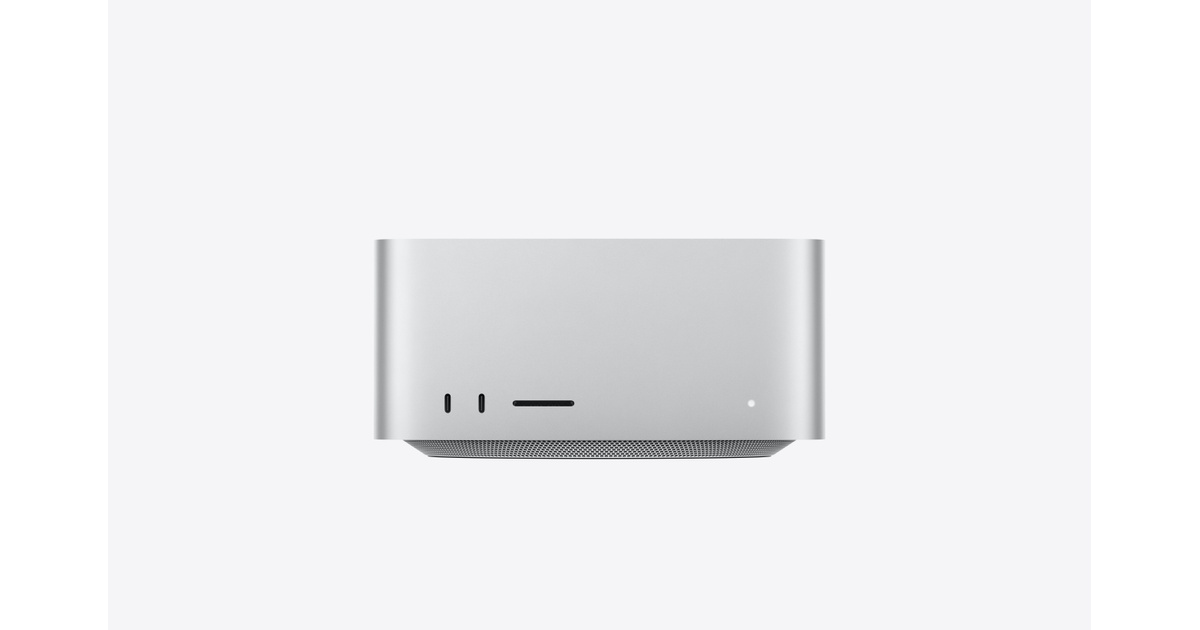
Mac Studio (M5 Max, 64GB)
64GB Apple M5 Max (integrated)64GB of unified memory at 460GB/s
Specs and notes
- Apple M5 Max
- 64GB RAM
- 1TB storage
64GB fits a 70B model at 4-bit with room for context. M5 Max memory runs at 460GB/s, so tokens come out slower than on an RTX 5090 or a 48GB 4090. Configurable to 128GB.
£3,299 ~$4,190 · AppleView - Apple
Mac Studio (M5 Ultra, 96GB)
96GB Apple M5 Ultra (integrated)1.2TB/s unified memory, configurable to 512GB
Specs and notes
- Apple M5 Ultra
- 96GB RAM
- 1TB storage
96GB at 1.2TB/s from £5,499, with 256GB and 512GB build-to-order options for models no single GPU can hold.
£5,499 ~$6,984 · AppleView - NVIDIA
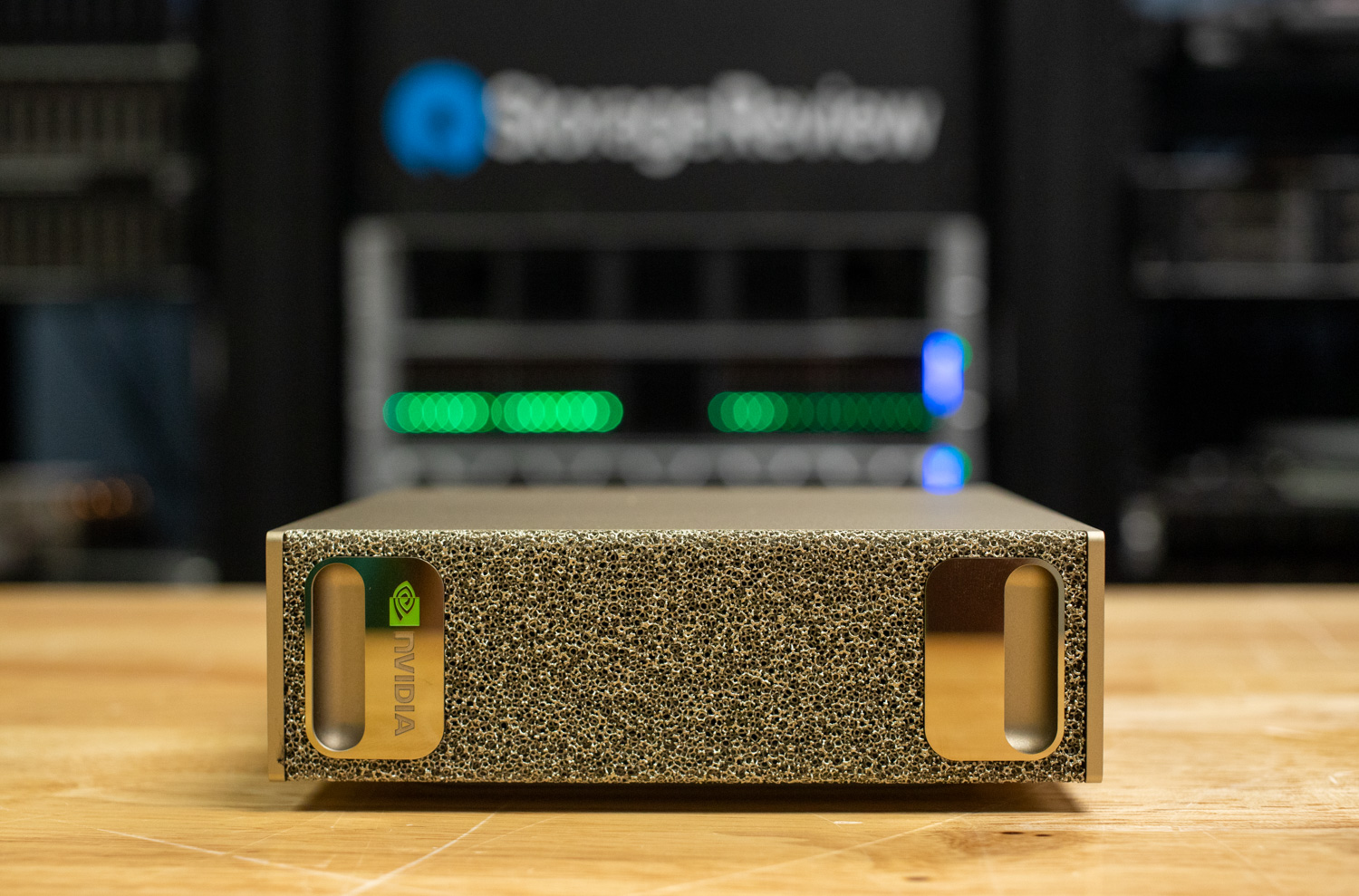
NVIDIA DGX Spark
128GB NVIDIA Blackwell (GB10)128GB unified memory on the GB10 Grace Blackwell chip
Specs and notes
- NVIDIA GB10 Grace Blackwell
- 128GB RAM
- 4TB storage
128GB of unified memory shared by the CPU and GPU, with CUDA. £4,699 inc VAT in the UK; the US Founders Edition price rose from $3,999 to $4,699.
£4,699 ~$5,968 · CyberPowerPC UKView - GMKtec
GMKtec EVO-X2 (128GB)
96GB AMD Radeon 8060S (integrated)Ryzen AI Max+ 395, 128GB, 2TB - the cheaper Strix Halo box
Specs and notes
- AMD Ryzen AI Max+ 395
- 128GB RAM
- 2TB storage
The same Ryzen AI Max+ 395 and 128GB as Corsair's AI Workstation 300, in stock on Amazon US.
$3,650 ~£2,874 · AmazonView - ArsenalPC
ArsenalPC ES620 (2x RTX 5090)
64GB 2x NVIDIA RTX 509064GB across two RTX 5090s, 256GB of RAM
Specs and notes
- AMD Ryzen 9 9900X (AM5)
- 256GB RAM
- 4TB storage
Two 32GB cards for 64GB. It is an AM5 platform, so check how the two GPU slots share the CPU's lanes before buying for split models.
$17,029 ~£13,409 · AmazonView - Empowered PC
Empowered PC Sentinel (RTX PRO 6000)
96GB NVIDIA RTX PRO 6000 Blackwell96GB on one card, so nothing needs splitting
Specs and notes
- Intel Core Ultra 7 270K Plus
- 128GB RAM
- 12TB storage
A single RTX PRO 6000 with 96GB of GDDR7, so a 120B-class model runs on one card with no lane problem. 128GB RAM, 12TB of SSD, 3-year warranty.
$23,200 ~£18,268 · AmazonView - ArsenalPC
ArsenalPC MES2X (Threadripper PRO, RTX PRO 6000)
96GB NVIDIA RTX PRO 6000 BlackwellA true workstation platform: 128 PCIe 5.0 lanes
Specs and notes
- AMD Threadripper PRO 9955WX
- 256GB RAM
- 8TB storage
Threadripper PRO on sTR5 gives every GPU slot full x16 lanes, so a second card can be added later without the lane problem. 256GB of 8-channel ECC memory.
$34,849 ~£27,440 · AmazonView - ArsenalPC
ArsenalPC ES620 (2x RTX PRO 6000)
192GB 2x NVIDIA RTX PRO 6000 Blackwell192GB of VRAM, both cards at x16
Specs and notes
- AMD Threadripper PRO 9975WX
- 384GB RAM
- 4TB storage
Two 96GB cards on a Threadripper PRO platform with 128 PCIe 5.0 lanes. Needs a 220-240V outlet (ships with a C19 cable).
$70,199 ~£55,275 · AmazonView



Nothing matches every filter. Loosen one - most people drop the budget filter first.
What makes a PC good for local AI
When you use a local model, your PC is doing inference: running a trained model to get answers out of it. Training is the job of building the model in the first place, and inference is using the finished thing, which is the job you're buying a PC for.
A model is, at heart, a very large file of numbers called weights. For inference, those weights have to sit in the GPU's memory, the VRAM, while the model runs. If the weights don't fit, the model doesn't run on the card, however fast the card is. That's why, for AI, you pick a GPU by its memory first and its speed second.
Model sizes are quoted in parameters, which is the count of those weights. A 27B model has 27 billion of them. Quantisation stores each weight in fewer bits, which makes the whole model smaller, and 4-bit versions are the usual starting point on a home PC. You can see what that does to the size in LM Studio's model explorer. Qwen3.6 27B comes as 17.48GB in Q4KM (a 4-bit format), 23.01GB in Q6K and 29.53GB in Q80, and LM Studio recommends the 4-bit one.
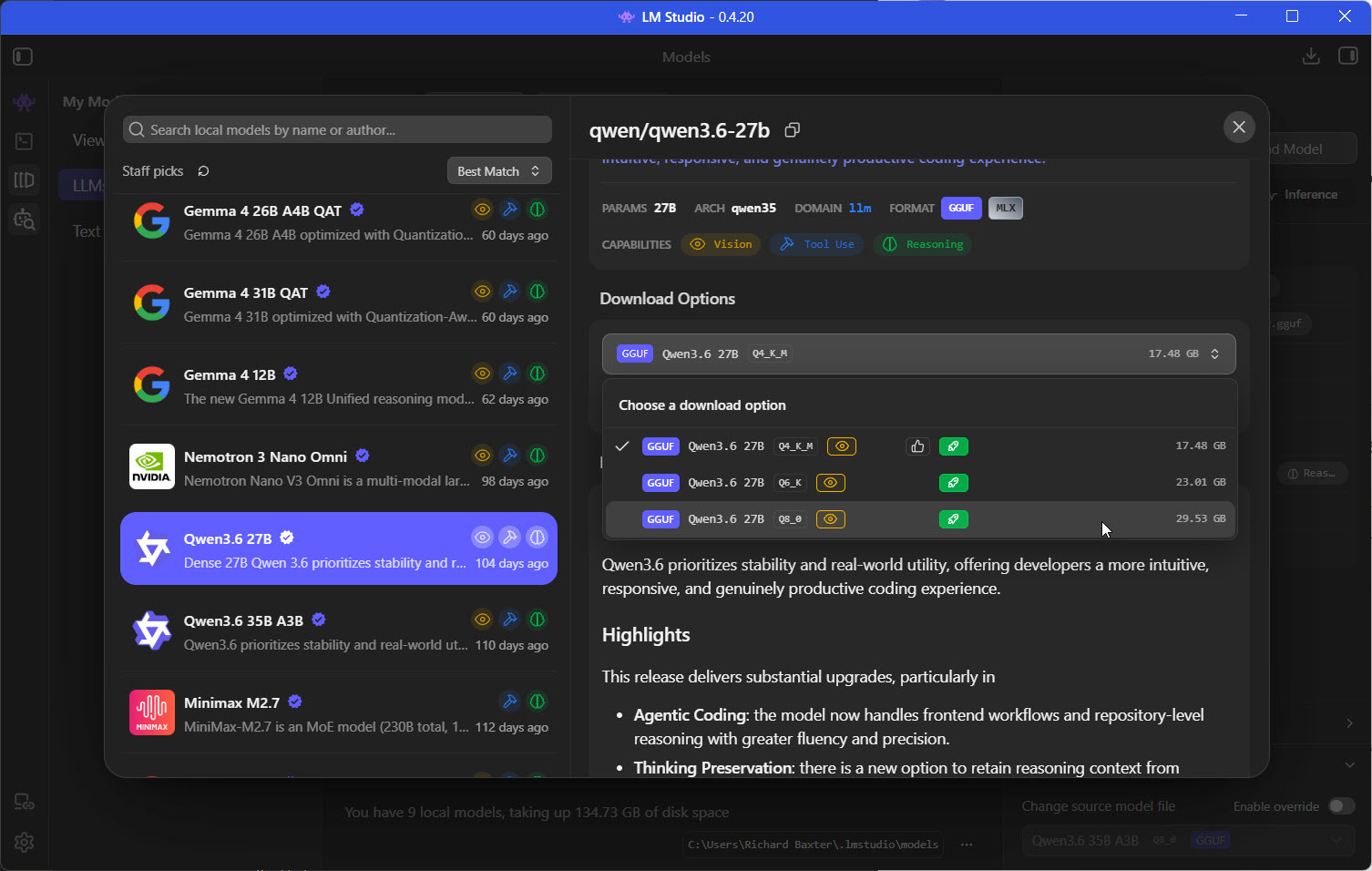
Qwen3.6 27B at three quantisations in LM Studio, each marked as fitting my GPUs.
The weights aren't the only thing in memory, though. The context window is how much text the model can hold in view at once, your prompt and its answer included, and that takes memory too. When I load Qwen3 30B A3B at its full 262k context, LM Studio's load dialog estimates 24.16GB of GPU memory.
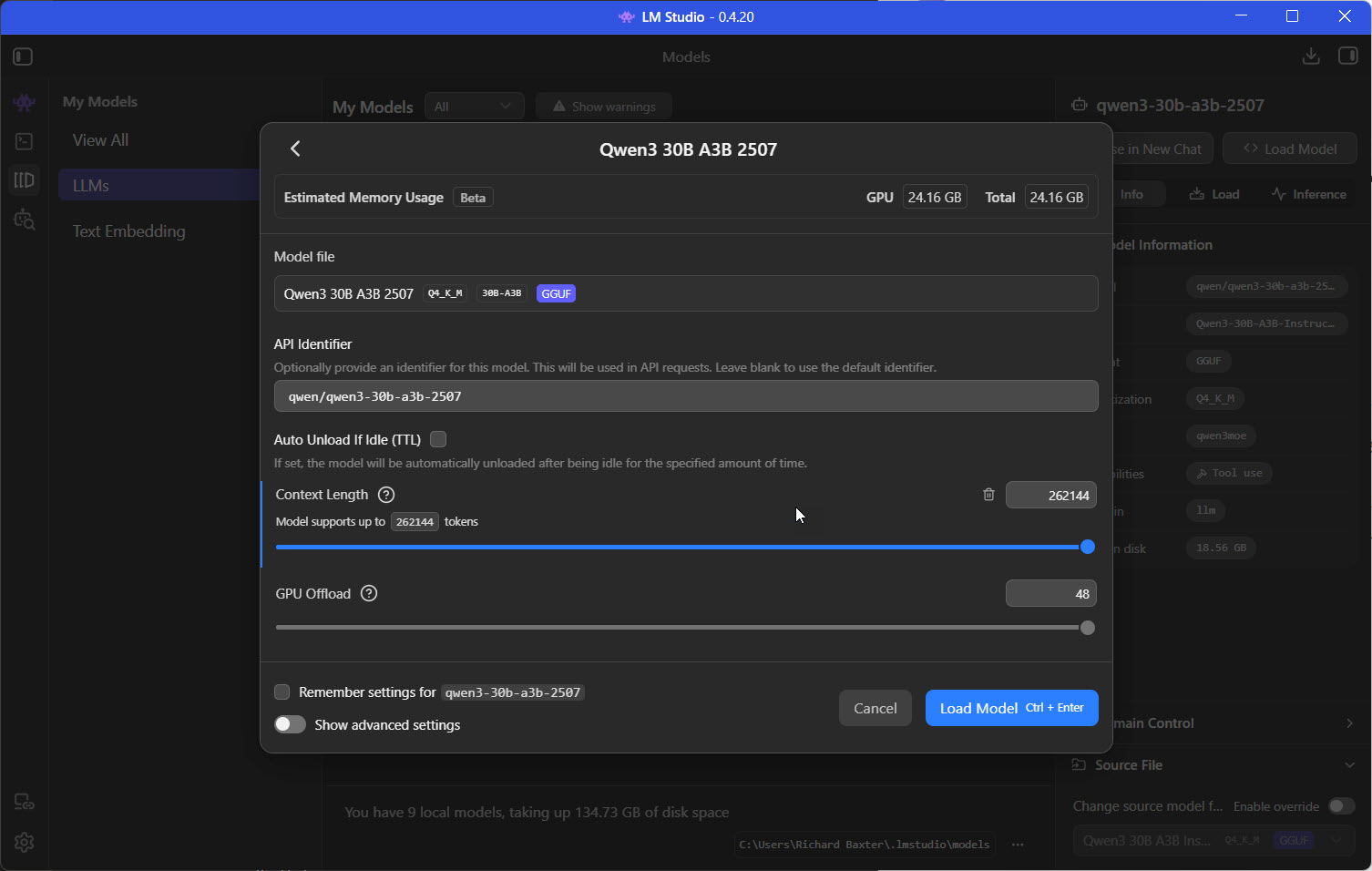
LM Studio estimates the memory a model will need before you load it.
To check a particular model against a particular card, use our VRAM calculator. It does the sum for you, weights and context together.
I'll come back to system RAM and the CPU further down; for inference they come a long way behind VRAM.
What each GPU can run
The table below sets the models I run against four ways of getting the memory. The first GPU column is a standard 24GB RTX 4090. The second is a modded 48GB RTX 4090, which is what I run. It has the same memory bandwidth as the standard card and twice the memory. I call mine 4090Ds, after the China-market version of the card. The third column is two of those cards together, for 96GB. The fourth is NVIDIA's RTX PRO 6000 Blackwell, which has 96GB on a single card.
Speeds are in tokens per second (tok/s). A token is a chunk of text, roughly a word or part of one, so tok/s is how quickly the answer comes out.
Any cell with a speed in it was measured on my rig, not reported by someone else. Every other cell is arithmetic: the weights plus working memory for a 32k context, with a little headroom, either fit the card or they don't. I don't own a plain 24GB 4090 and I've never run a PRO 6000, so those two columns only ever say whether a model fits, never how fast it goes.
| Model | Weights in GPU | RTX 4090 24GB | Modded RTX 4090 48GB | 2x 48GB (96GB, split) | RTX PRO 6000 96GB |
|---|---|---|---|---|---|
| Gemma 4 26B-A4B QAT, INT4 fast general, MoE | ~16GB | fits | measured 145 tok/s | - | fits |
| Qwen3.6 35B-A3B, AWQ 4-bit fast general + vision, MoE | ~20GB | tight, short context | measured 118-133 tok/s | measured 14.9 tok/s (one run, slower than one card) | fits |
| Qwen3.6 27B, AWQ INT4 + MTP coding, dense | 17.5GB at Q4_K_M | fits, shorter context | measured 63.5 tok/s, 128k context | - | fits |
| Gemma 4 31B QAT, W4A16 general, dense | ~20GB | tight | measured 40-42 tok/s | measured 56 tok/s (different KV-cache setting) | fits |
| Qwen3.8 27B, AWQ dense | 27.7GB | no | measured 34.4 tok/s | measured 48.9 tok/s | fits |
| Devstral Small 2 24B, AWQ coding | 32.1GB | no | measured 60.8 tok/s | - | fits |
| Llama 3.3 70B, AWQ 4-bit dense 70B | 39.8GB | no | measured 23.2 tok/s, ~21k context | FP8: measured 19.2 tok/s | fits, long context |
| gpt-oss-120b MoE | 65.2GB | no | no | fits, 131k context | fits |
| Llama 4 Scout, INT4 MoE | 64.9GB | no | no | measured 53.8 tok/s | fits |
| Qwen3-Coder-Next 80B, AWQ 8-bit agentic coding, MoE | ~80GB | no | no | measured 101.6 tok/s, 128k context | tight |
| Nemotron 3 Super 120B-A12B, AWQ 4-bit MoE | 80.7GB | no | no | measured 65.3 tok/s | tight |
| FLUX.2-klein-4B image generation | ~16GB | fits | fits | - | fits |
| Qwen-Image-2.1 image generation | ~23GB | tight | fits | - | fits |
Measured cells: vLLM on my two modded 48GB RTX 4090s, capped at 330W, one request at a time. "-" means I did not split that model.
Going from one 48GB card to 96GB takes you from a dense 70B at about 21k context to the 120B-class models, and the 80B coder with 128k of context.
Most of those bigger models are MoE, which stands for mixture of experts. The model is large in total, but only part of it does the work on each token. Qwen3.6 35B-A3B (cyankiwi's AWQ build) has 35 billion parameters in total and about 3 billion active, which is what the A3B means. That's why it ran at 118-133 tok/s on one of my cards while the dense Qwen3.6 27B managed 63.5, even with speculative decoding (the MTP in the table: a small draft head guessing the next few tokens) helping it.
Why I bought two 48GB cards instead of an RTX PRO 6000
I chose two 4090Ds to get the 96GB of VRAM at about half the cost of a Blackwell Pro. The pair cost me about £6,200, roughly £3,100 a card. One RTX PRO 6000 Blackwell is £14,259.96 at Scan and £14,999.99 at Overclockers today. So my two cards came in at about 43% of the price of one PRO 6000, for the same 96GB.
| 96GB of VRAM, two ways | 2x modded RTX 4090 48GB | 1x RTX PRO 6000 Blackwell |
|---|---|---|
| Price (UK) | ~£6,200 (~£3,100 a card) | £14,259.96 (Scan) to £14,999.99 (Overclockers) |
| Cards | two, so big models are split | one, nothing to split |
| Memory | GDDR6X, 48GB per card | GDDR7, 96GB on one card |
| What I run them at | 330W cap, core clock locked to 2,200MHz | - |
The PRO 6000 launched at $8,565, and NVIDIA now lists it at $16,000, a rise Wccftech puts down to memory shortages, so at the launch price my route wouldn't have been half the cost.
Being one card, the PRO 6000 never has to split a model over a slow second slot, and its GDDR7 memory runs at 1,792GB/s.
Mine are capped at 330W with the core clock locked to 2,200MHz, because unlocked they blue-screen the machine on power spikes that last microseconds. My second card also sits in a slot with a quarter of the lanes it could use, which is the motherboard's doing, and I'll come to what that costs below.
Start with LM Studio
For beginners, LM Studio is ideal because it looks after the hardware side for you and recommends which models you can run based on your setup. You search for a model, and each download option carries a green icon if it fits your hardware. Before you load anything, the load dialog gives you an estimate of the memory it'll use.
It handles more than one GPU for you as well. In Settings > Hardware on my machine, LM Studio reports two GPUs detected with CUDA, both RTX 4090s at 47.99GB, and 95.98GB of VRAM in total. The Strategy setting is on Tensor parallelism, which splits one model's work across both cards so they compute it together.
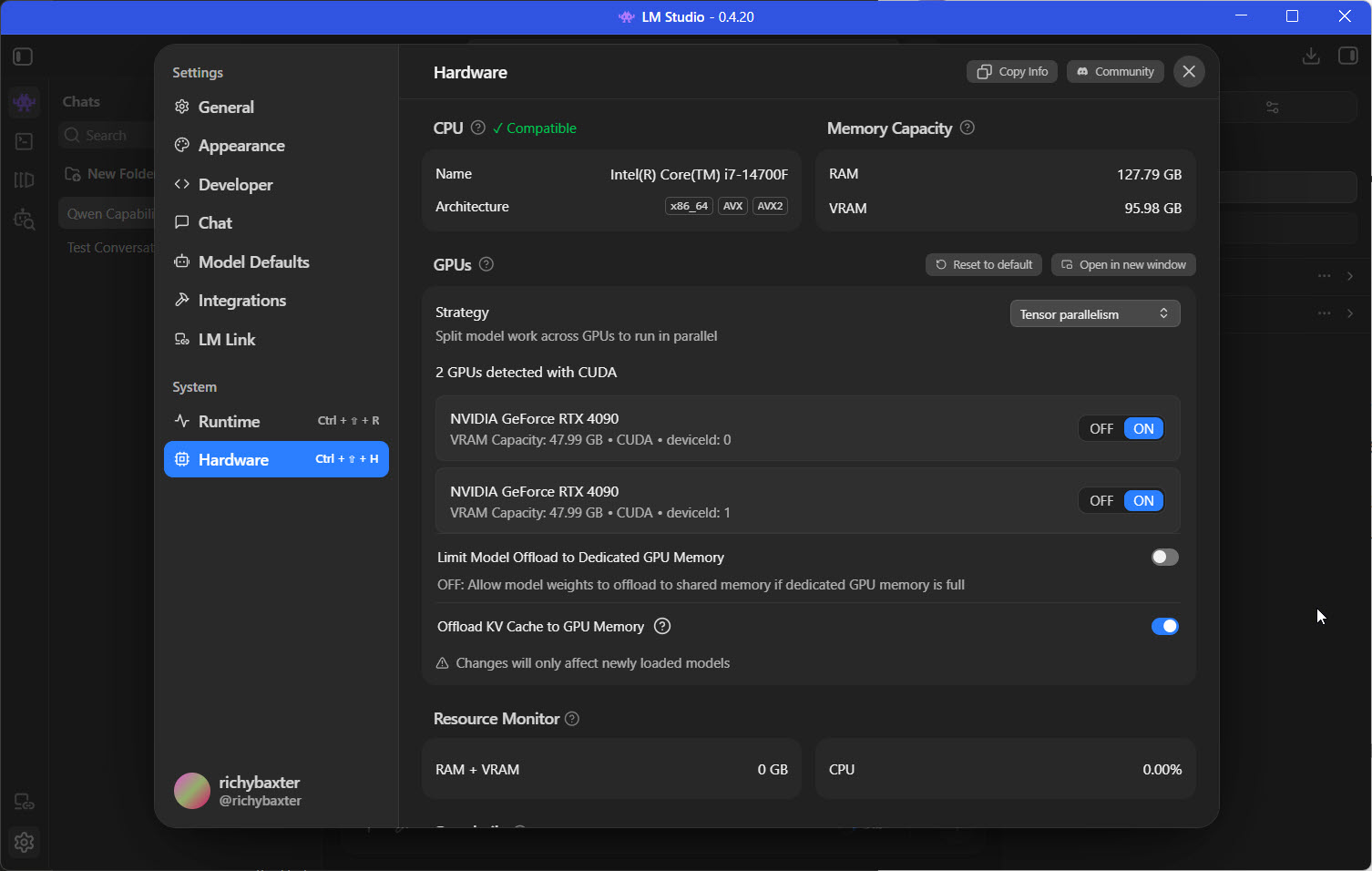
Both 48GB cards in LM Studio, set to split a model between them.
It's also OpenAI API compatible, meaning you can use houtini-lm. LM Studio can run a local server that answers requests in the same format as OpenAI's API, so software written to talk to OpenAI can talk to a model on your own PC instead. houtini-lm is my MCP server, and MCP servers are how you give Claude extra tools. This one lets Claude pass the drafting of code and the long summaries to a model running in LM Studio on your machine.
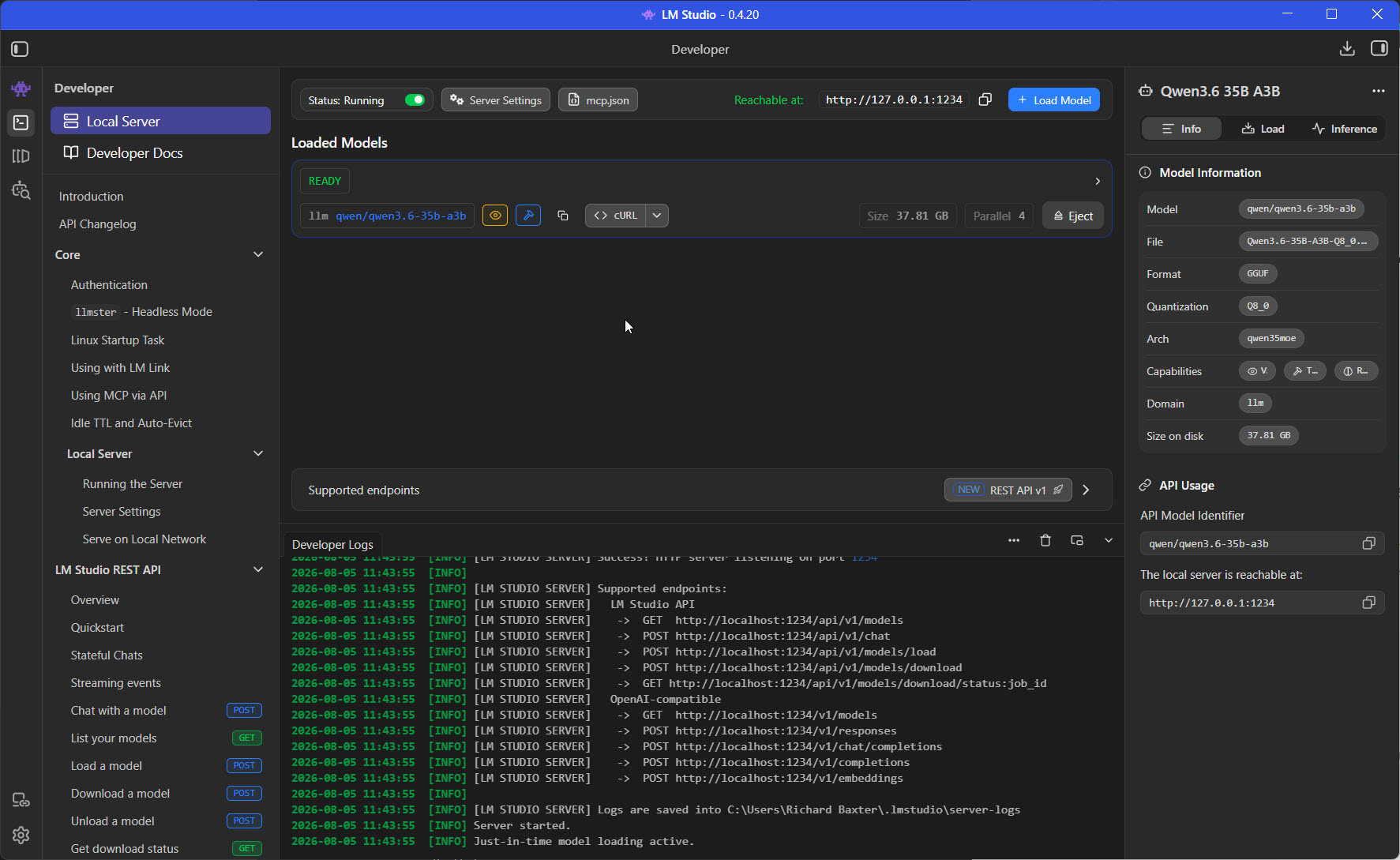
LM Studio's Developer tab, serving Qwen3.6 35B A3B on 127.0.0.1:1234.
I serve my own models with vLLM rather than LM Studio. vLLM ships a parser for each model family's tool-call format, and with the right one set, tool calls come back as tool calls instead of leaking into the chat as raw text. I still use LM Studio on the desktop.
If you're starting from nothing, my LM Studio setup guide is the next step.
From learning to a professional AI workstation
What do you need the machine to do? That decides the build, and I'd split it into three rungs.
Learning and light tasks
This rung is for trying models out, chatting with them, summarising documents and getting help with lighter coding. It's where most people should start, because you learn what you need before you spend serious money.
A single GPU with 24GB of VRAM covers it. Gemma 4 26B-A4B needs about 16GB and Qwen3.6 27B is 17.5GB at Q4KM, so a 24GB card holds either. If you already have a gaming PC with a 16GB card, you can start with smaller models, and LM Studio will tell you which ones fit.
A Mac works here too. Macs use unified memory, which means one pool of memory shared by the processor and the graphics, so the model can use most of the system's memory rather than only the memory on a graphics card. The current Mac mini starts at £899 for the M6 with 16-32GB, and the M5 Pro, from £1,699, goes up to 64GB. The other option is one of the mini PCs built on AMD's Ryzen AI Max+ 395 with 128GB, which I cover in the unified memory section below.
A serious single-card machine
The middle rung is one big card, and the most memory you can get on it. The RTX 5090 has 32GB, but the cheapest one in the UK is £3,939.98, more than double its £1,799 launch price. The other route is a modded 48GB card like mine, which cost me about £3,100. That 16GB difference decides whether you can run a 70B model. A dense 70B at 4-bit is about 40GB, so it doesn't fit a 32GB card at all. It does fit one 48GB card, with the context capped at about 21k, and on mine it runs at 23.2 tok/s.
FLUX.2-klein-4B, the image model I'm lining up for the rig, is about 16GB, which leaves room on a big card for a text model alongside it.
If you'd rather buy a complete tower, the Corsair range below is grouped by VRAM, with prices from Corsair.
Corsair PCs, sorted by what they can run
Grouped by GPU memory, because VRAM decides the largest model you can load. Model sizes assume 4-bit quantisation with room for context.
Corsair AI Workstation 300
Out of stockUp to 48GB usable by the GPU. Up to 32B comfortably, 70B tight.
- AMD Ryzen AI Max 385
- 1TB M.2 SSD
Corsair AI Workstation 300
Back orderUp to 96GB usable by the GPU. 70B dense, 120B-class MoE.
- AMD Ryzen AI Max+ 395
- 1TB M.2 SSD
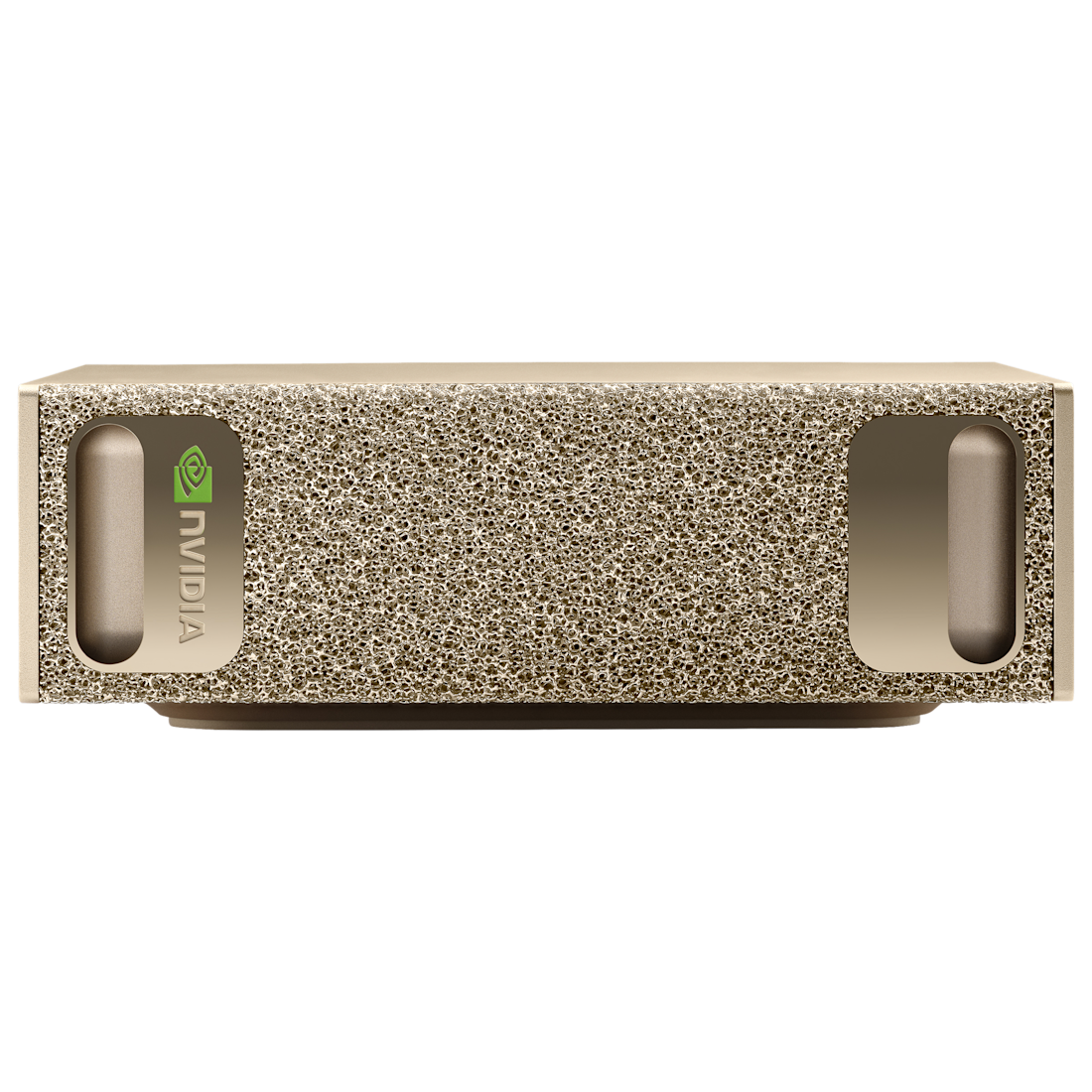
NVIDIA DGX Spark
Out of stock70B dense, 120B-class MoE.
- NVIDIA GB10 Grace Blackwell
Nothing in stock at this tier right now. Untick "In stock only" to see back-order models.
VENGEANCE a7500
In stock- AMD Ryzen 9 9900X3D
- 64GB system RAM
- 4TB (2TB/2TB) M.2 SSD
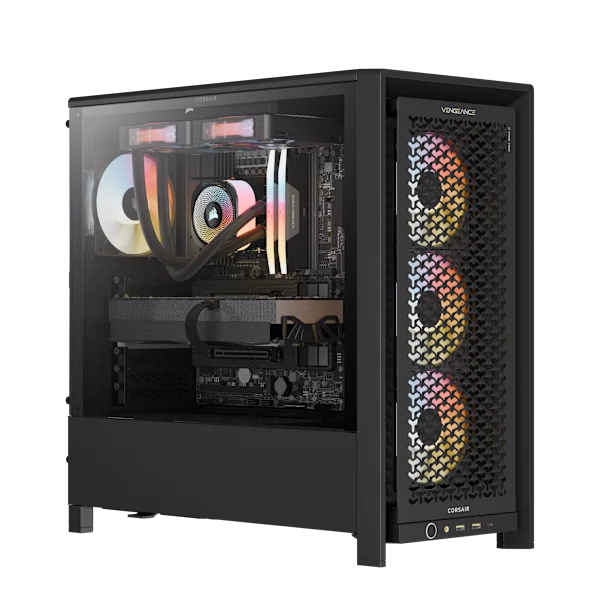
VENGEANCE i7600 AIR
In stock- Intel Core Ultra 9 285K
- 64GB system RAM
- 4TB (2TB/2TB) M.2 SSD
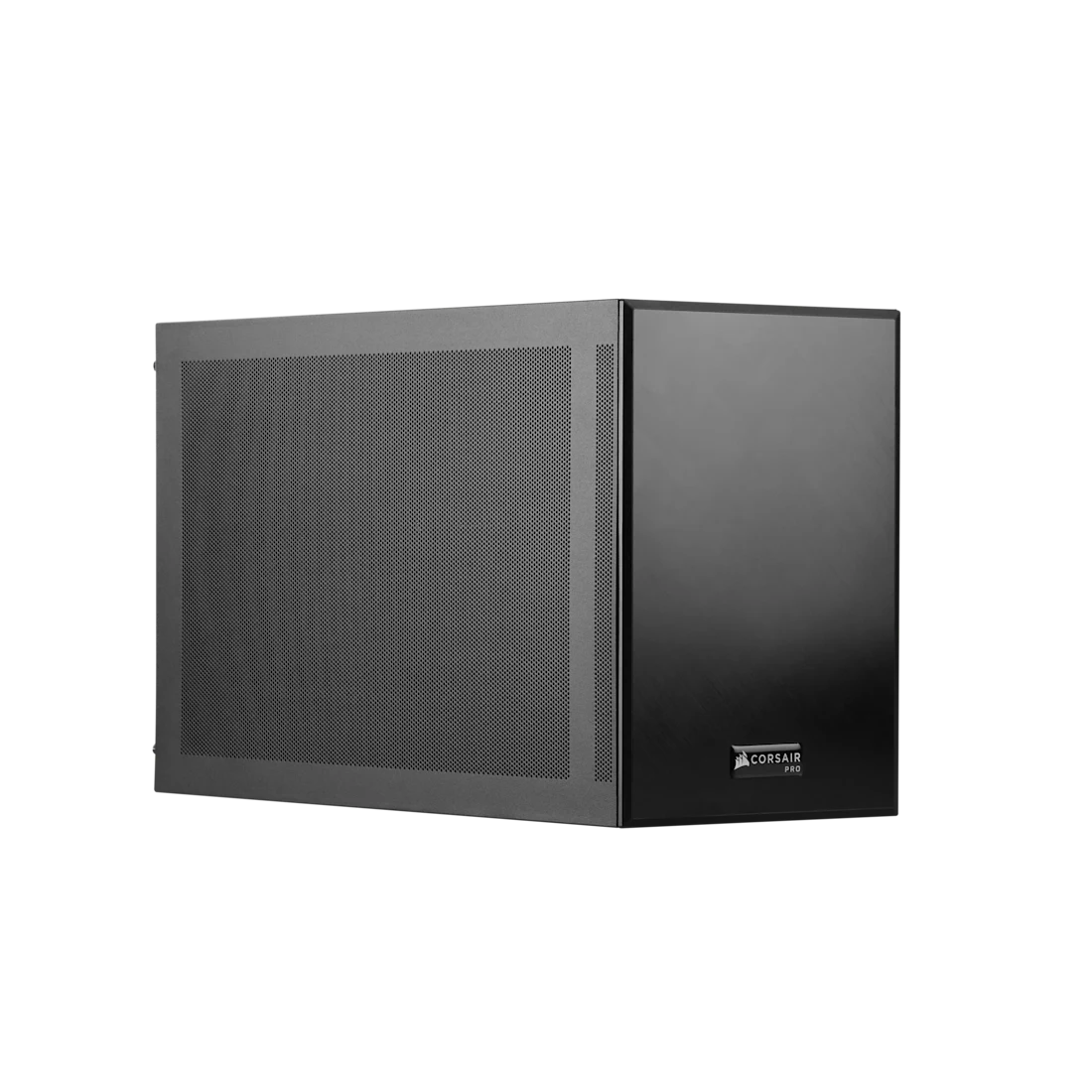
FlexPrime V20C Workstation
Back order- Intel Core Ultra 7 270K Plus
- 32GB system RAM
- 1TB M.2 SSD
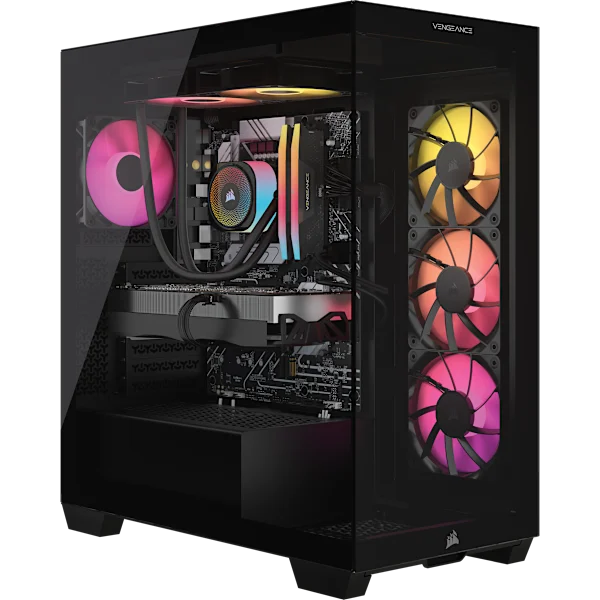
VENGEANCE i7500
Back order- Intel Core i9-14900KF
- 64GB system RAM
- 2TB M.2 SSD
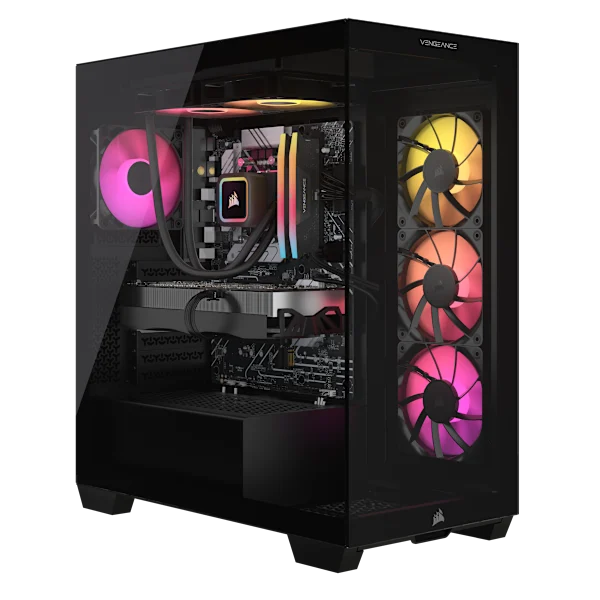
VENGEANCE a7500
Back order- AMD Ryzen 7 9800X3D
- 64GB system RAM
- 4TB (2TB/2TB) M.2 SSD
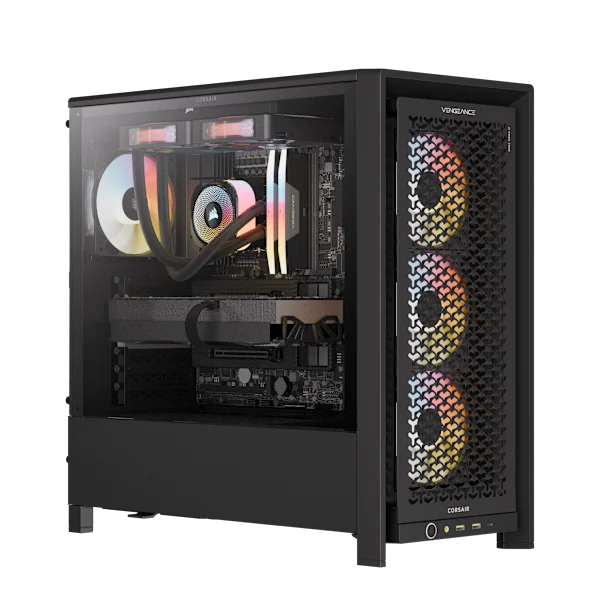
VENGEANCE a7500 AIR
Back order- AMD Ryzen 9 9950X3D
- 64GB system RAM
- 4TB (2TB/2TB) M.2 SSD
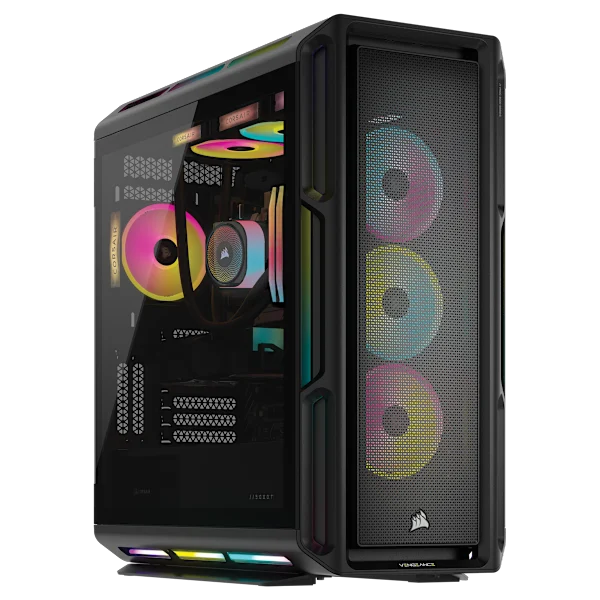
VENGEANCE a8200
Back order- AMD Ryzen 9 9950X3D
- 64GB system RAM
- 6TB (2TB/4TB) M.2 SSD
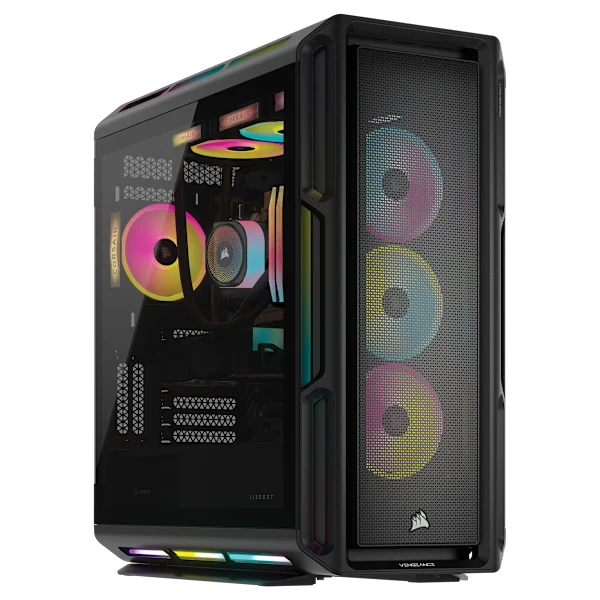
VENGEANCE i8300
Back order- Intel Core Ultra 9 285K
- 64GB system RAM
- 6TB (2TB/4TB) NVMe SSD
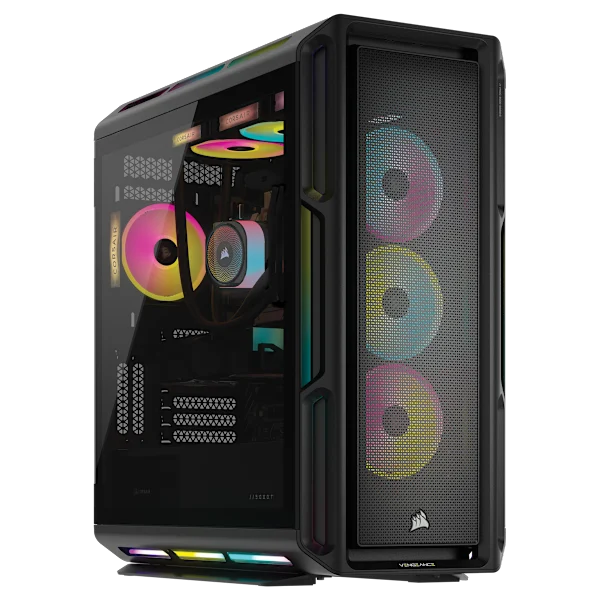
VENGEANCE a8200
Out of stock- AMD Ryzen 9 9950X3D2
- 96GB system RAM
- 6TB (2TB/4TB) M.2 SSD
Nothing in stock at this tier right now. Untick "In stock only" to see back-order models.
VENGEANCE a7500
In stock- AMD Ryzen 7 9800X3D
- 32GB system RAM
- 1TB M.2 SSD
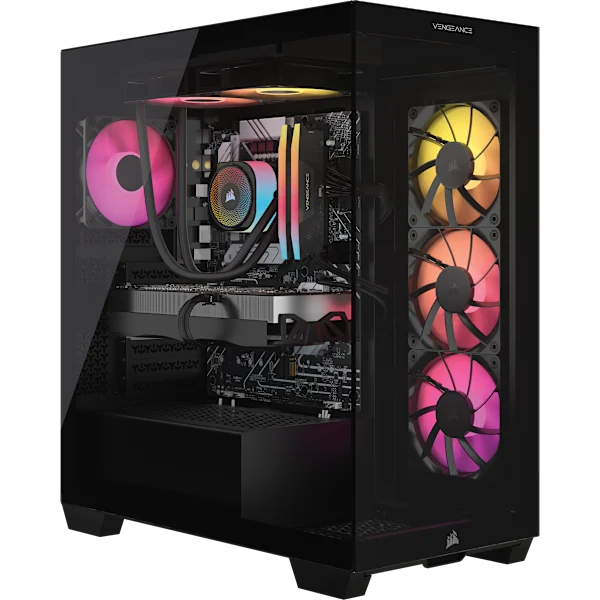
VENGEANCE i7600
In stock- Intel Core Ultra 7 270K PLUS
- 32GB system RAM
- 1TB SSD
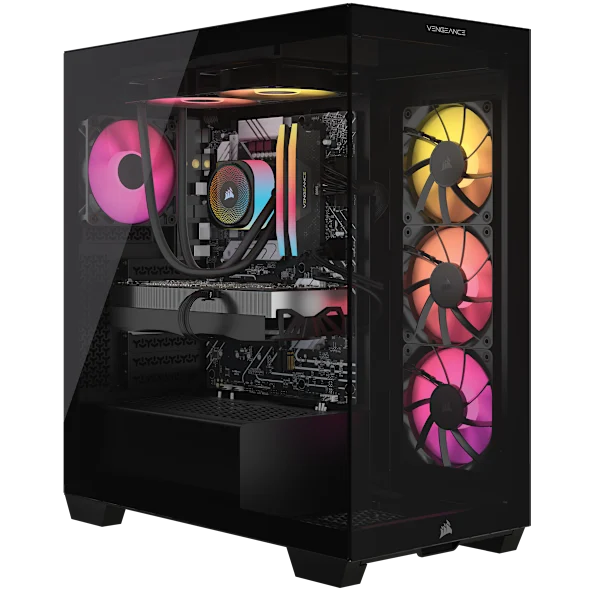
VENGEANCE i7600
In stock- Intel Core Ultra 7 265KF
- 32GB system RAM
- 2TB M.2 SSD
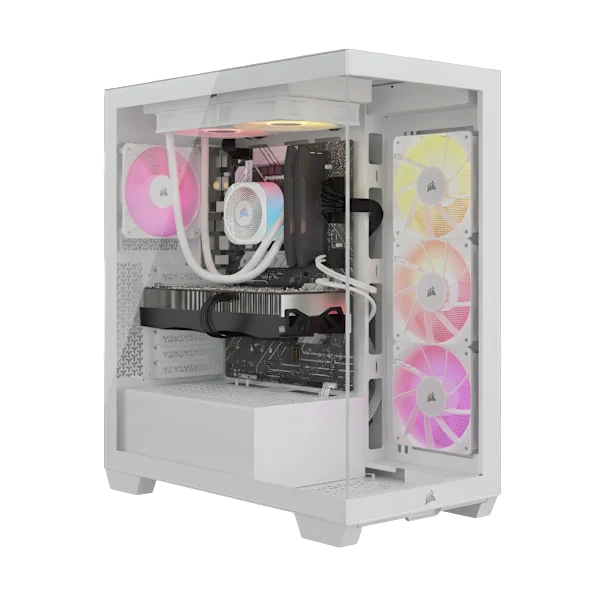
VENGEANCE a7500 - White
In stock- AMD Ryzen 7 9800X3D
- 32GB system RAM
- 2TB M.2 SSD
VENGEANCE a7500
In stock- AMD Ryzen 9 9900X3D
- 32GB system RAM
- 2TB M.2 SSD
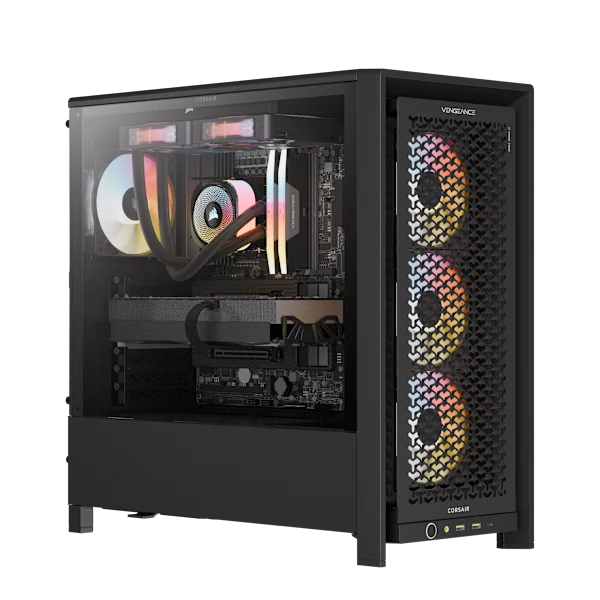
VENGEANCE i7600 AIR
In stock- Intel Core Ultra 9 285K
- 32GB system RAM
- 2TB M.2 SSD
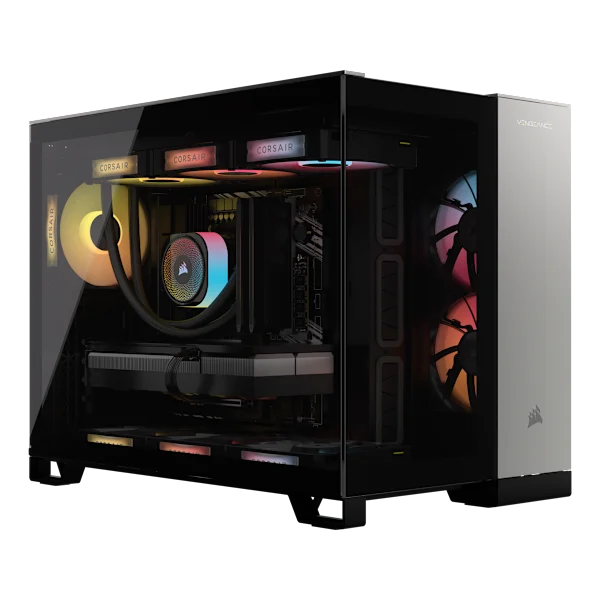
VENGEANCE a5100
In stock- AMD Ryzen 7 9850X3D
- 32GB system RAM
- 2TB M.2 SSD
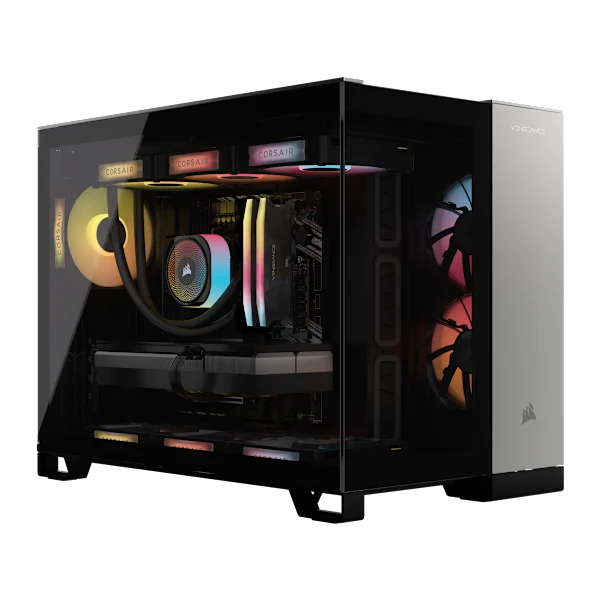
VENGEANCE i5200 - Black/Satin Gray
In stock- Intel Core Ultra 9 285K
- 32GB system RAM
- 2TB M.2 SSD
VENGEANCE a7500 AIR
In stock- AMD Ryzen 7 9850X3D
- 32GB system RAM
- 2TB M.2 SSD
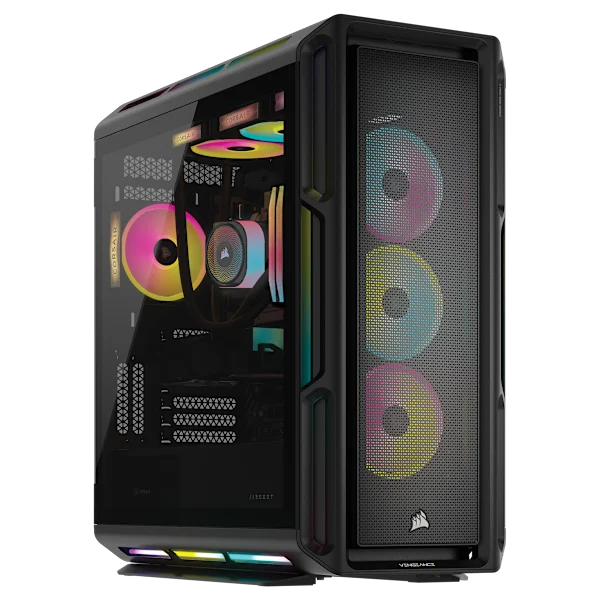
VENGEANCE i8200
In stock- Intel Core i9-14900KF
- 64GB system RAM
- 4TB (2TB/2TB) M.2 SSD
VENGEANCE a7500 AIR
In stock- AMD Ryzen 7 9800X3D
- 32GB system RAM
- 2TB M.2 SSD
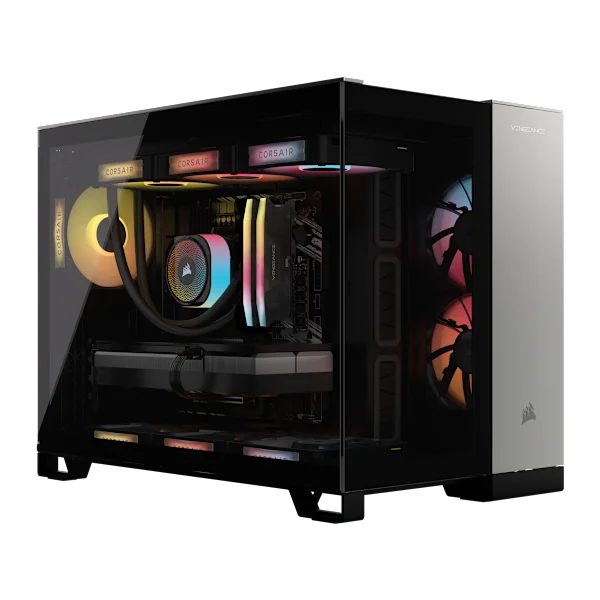
VENGEANCE a5100
In stock- AMD Ryzen 9 9900X3D
- 32GB system RAM
- 2TB M.2 SSD
VENGEANCE i8300
In stock- Intel Core Ultra 9 285K
- 64GB system RAM
- 4TB (2TB/2TB) M.2 SSD
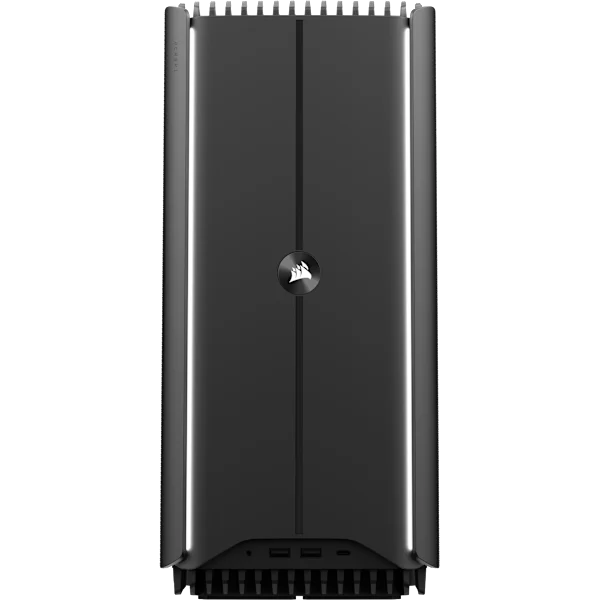
CORSAIR ONE a600 - Metal Dark
In stock- AMD Ryzen 9 9900X3D
- 32GB system RAM
- 2TB M.2 SSD
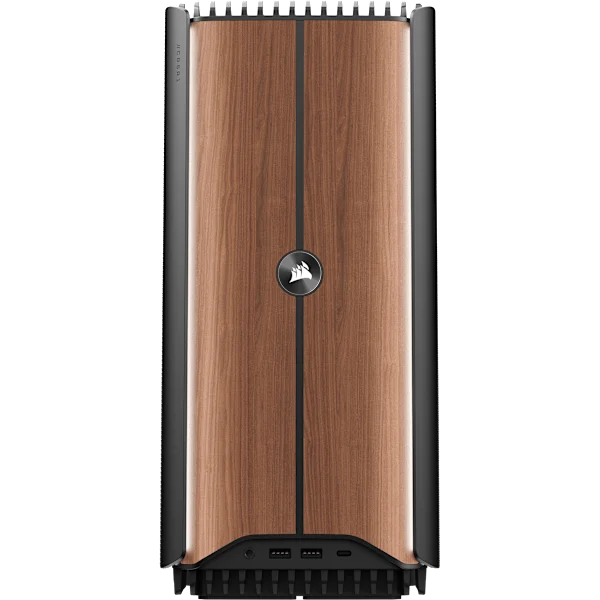
CORSAIR ONE a600 - Wood Dark
In stock- AMD Ryzen 7 9800X3D
- 32GB system RAM
- 2TB M.2 SSD
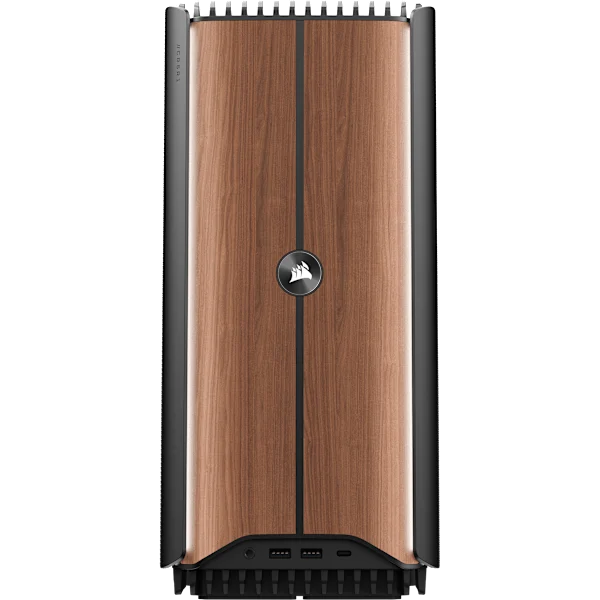
CORSAIR ONE a600 - Wood Dark
In stock- AMD Ryzen 9 9900X3D
- 32GB system RAM
- 2TB M.2 SSD
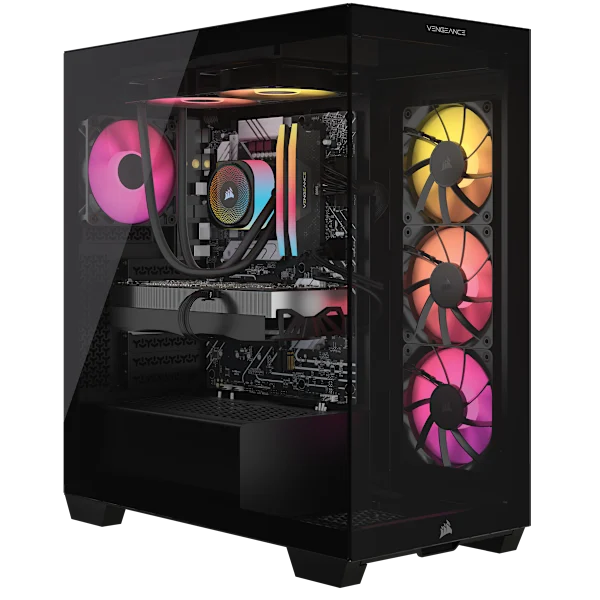
VENGEANCE a7500
Back order- AMD Ryzen 7 9800X3D
- 32GB system RAM
- 1TB M.2 SSD
VENGEANCE a7500
Back order- AMD Ryzen 7 9800X3D
- 32GB system RAM
- 2TB SSD
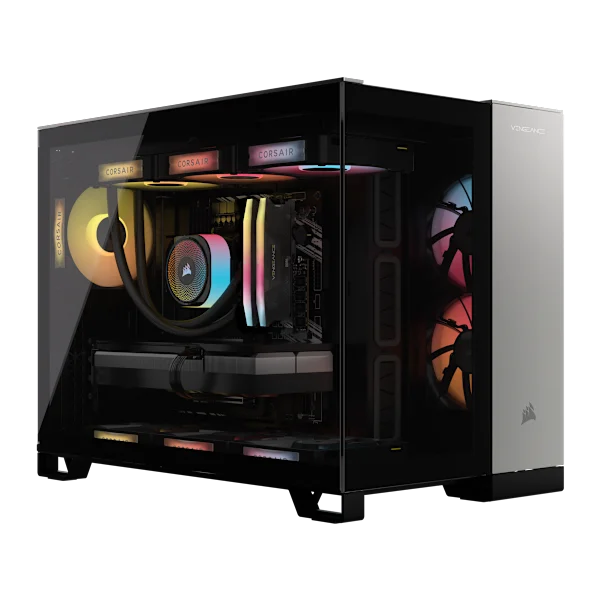
VENGEANCE i5100
Out of stock- Intel Core i9-14900KF
- 32GB system RAM
- 2TB M.2 SSD
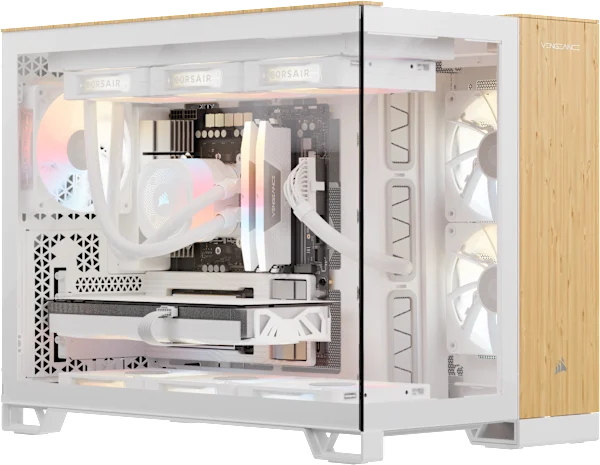
VENGEANCE a5100 - Wood Bright
Out of stock- AMD Ryzen 7 9800X3D
- 32GB system RAM
- 2TB M.2 SSD
VENGEANCE a5100
Out of stock- AMD Ryzen 7 7800X3D
- 32GB system RAM
- 2TB M.2 SSD
CORSAIR ONE a600 - Metal Dark
Out of stock- AMD Ryzen 7 9800X3D
- 64GB system RAM
- 4TB (2TB/2TB) M.2 SSD
VENGEANCE a8200
Back order- AMD Ryzen 9 9950X3D
- 64GB system RAM
- 4TB (2TB/2TB) M.2 SSD
VENGEANCE a5100 - Wood Bright
Out of stock- AMD Ryzen 7 9850X3D
- 32GB system RAM
- 2TB M.2 SSD
Nothing in stock at this tier right now. Untick "In stock only" to see back-order models.
CORSAIR ONE a600 - Wood Dark
In stock- AMD Ryzen 7 9700X
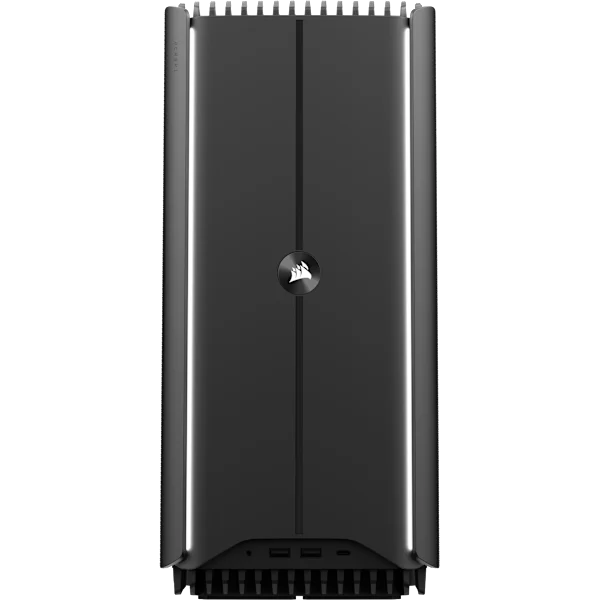
CORSAIR ONE i600 - Metal Dark
In stock- Intel Core Ultra 7 270K
- 32GB system RAM
- 1TB M.2 SSD
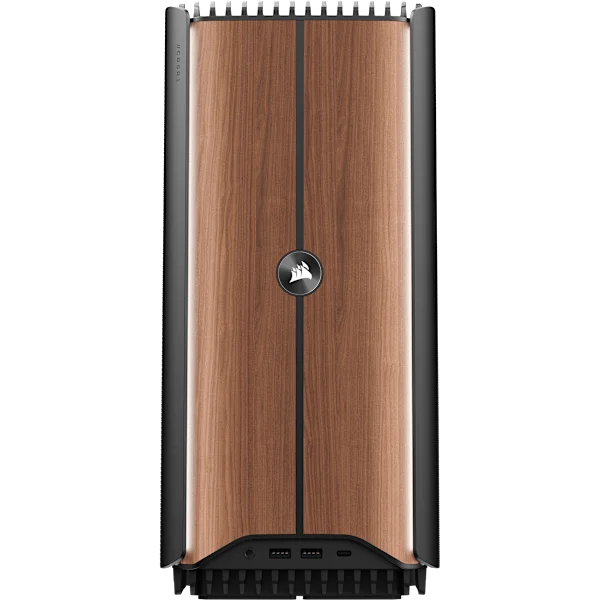
CORSAIR ONE i600 - Wood Dark
In stock- Intel Core Ultra 7 270K
- 32GB system RAM
- 1TB M.2 SSD
CORSAIR ONE i500 - Wood Dark
Out of stock- Intel Core i9-14900F
- 32GB system RAM
- 1TB M.2 SSD
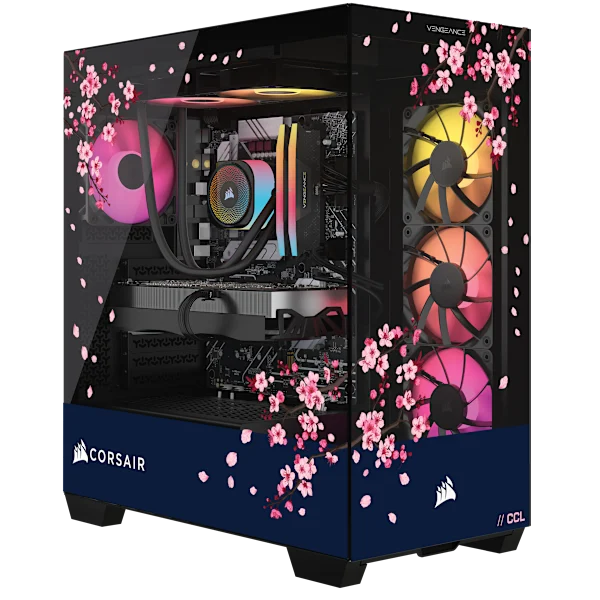
VENGEANCE a7500 DARK CHERRY EDITION
Out of stock- AMD Ryzen 7 9800X3D
- 32GB system RAM
- 1TB M.2 SSD
Nothing in stock at this tier right now. Untick "In stock only" to see back-order models.
VENGEANCE a7500
In stock- AMD Ryzen 5 9600X
- 16GB system RAM
- 1TB M.2 SSD
VENGEANCE i7500
In stock- Intel Core i5-14600K
- 16GB system RAM
- 1TB M.2 SSD
VENGEANCE a7500 - White
In stock- AMD Ryzen 5 9600X
- 16GB system RAM
- 1TB M.2 SSD
VENGEANCE a7500
Out of stock- AMD Ryzen 5 9600X
- 32GB system RAM
- 1TB M.2 SSD
Nothing in stock at this tier right now. Untick "In stock only" to see back-order models.
US prices from Corsair, checked 25 September 2026. Links to corsair.com are affiliate links; Houtini may earn a commission at no cost to you.
The professional workstation
The top rung is 96GB and up. For coding, Qwen3-Coder-Next 80B runs at 101.6 tok/s across my two cards with 128k of context. For a large general model, Nemotron 3 Super 120B runs at 65.3 tok/s. Qwen-Image-2.1 needs about 23GB, so at this rung it can stay loaded next to a mid-size text model rather than swapping in and out.
There are two ways to get there. One is two cards, which is my route and the cheaper one. On a gaming board it brings the lane problem in the next section with it; a workstation board fixes that, at a price. The other is a single RTX PRO 6000, which puts all 96GB on one card and avoids the problem altogether.
The two most expensive workstations in the finder above are built on Threadripper PRO, which gives every GPU its full x16 lanes. On Amazon US, ArsenalPC's MES2X, with one RTX PRO 6000 and a Threadripper PRO 9955WX, is $34,849. ArsenalPC's ES620, with two RTX PRO 6000s, 192GB of VRAM and a Threadripper PRO 9975WX, lists at $70,199. Both are examples of where the money goes, not machines I've used.
Two GPUs on a gaming motherboard: the PCIe lane problem
Gaming motherboards have a critical issue - usually only GPU slot 0 has the full 16 PCIe lanes. PCIe lanes are the data channels between the graphics card and the rest of the PC. A slot with 16 of them (x16) moves data four times as fast as one with 4 (x4).
My board is an MSI Z790 Gaming Plus WiFi, with an Intel Core i7-14700F. It has more than one full-length slot, so it looks like it's made for two GPUs. It isn't, quite. MSI's spec sheet says the first slot gets up to x16 straight from the CPU, and the second gets up to x4 through the chipset. The chipset is a hub on the motherboard that shares its own single link back to the CPU with everything else plugged into it. So my system is PCIe x16 on GPU 0 and x4 on GPU 1! The card in the second slot can run at x16. The slot can't.
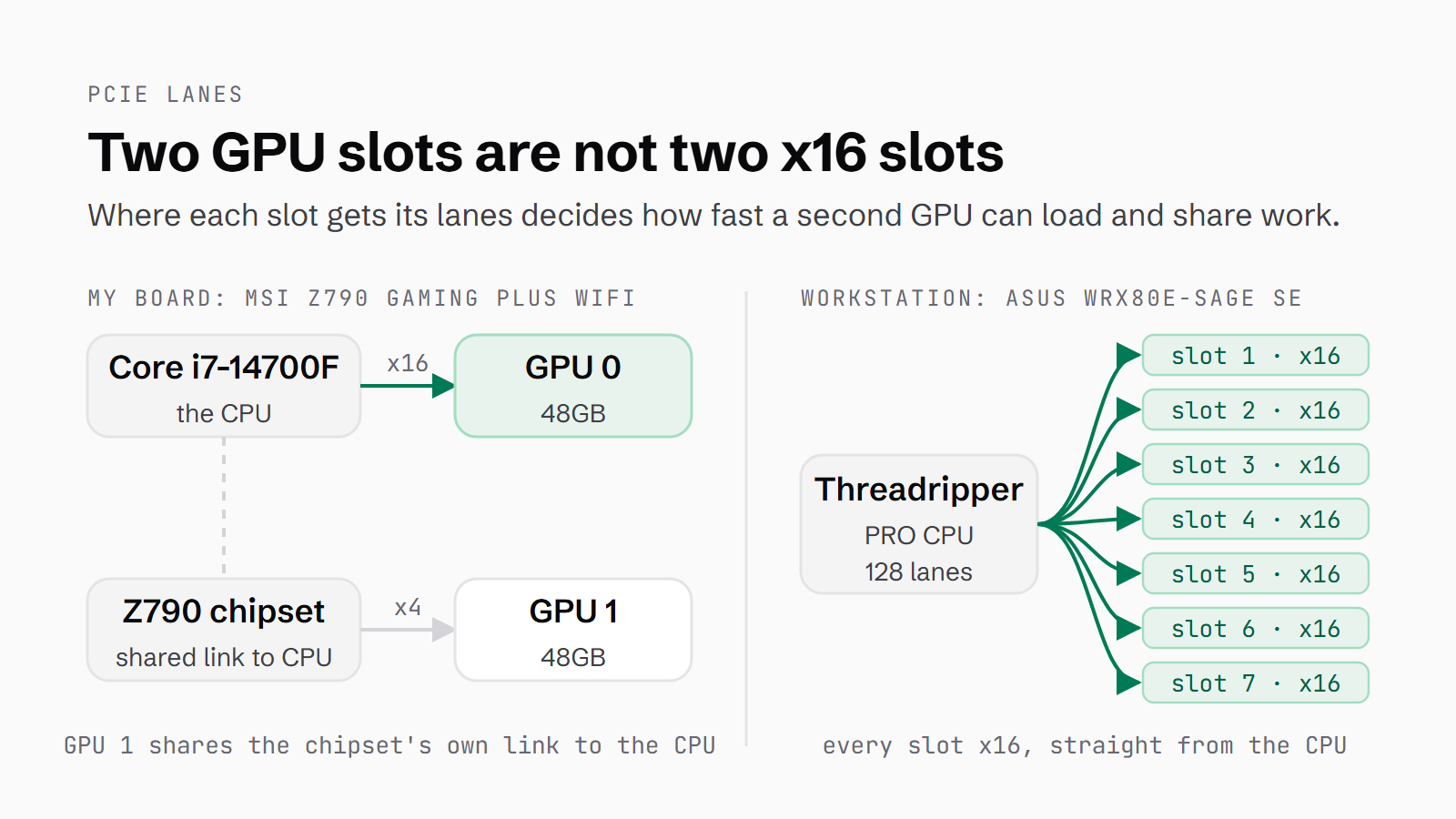
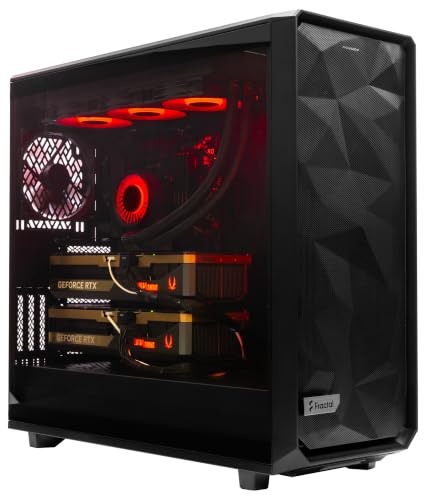
Two GPUs on my board, but only one slot gets sixteen lanes.
That's essentially a limiting factor on upload bandwidth, so if you run two GPUs on a gaming motherboard, you'll find warming up a model to be a sluggish experience. On mine, a 2.2GB model took 129 seconds to load, a 26GB model took over 20 minutes, and a 77GB model split across both cards took 42 minutes. On that last one the link is only part of it. The disk read at 530MB/s, so only about 2.4 minutes of the load was reading the file. Most of the rest was unpacking the weights, splitting them across the two cards and preparing them to run.
This is why workstation motherboards like the ASUS Pro WS WRX80E-SAGE SE WIFI have an array of 7 PCIe slots at 16 lanes per slot. The lanes come from a Threadripper PRO CPU, which has 128 of them. Great for ML training and fast loading of large LLMs. The trade-off is cost - because you need the CPU and chipset to be able to support multiple x16 slots.
I used to say the x4 link had no impact on inference. That's only true for a model on one card. Once it's loaded, it runs inside the card's own memory and the link doesn't come into it.
| Measured on my rig | One card | Split across both (x16 + x4) |
|---|---|---|
| Loading a 2.2GB model | 129 seconds (on the x4 card) | - |
| Loading a 26GB model | 20+ minutes (on the x4 card) | - |
| Loading a 77GB model | does not fit | 42 minutes |
| Qwen3.8 27B (dense), long context | 34.4 tok/s, loads in 14.6 min | 48.9 tok/s, loads in 9.2 min |
| Qwen3.6 35B-A3B (MoE) | ~118 tok/s | 14.9 tok/s (one recorded run) |
| Qwen3-Coder-Next 80B, prompt reading | does not fit | capped at ~5,900 tok/s |
A model split across both cards is different. With tensor parallelism, the two cards compute each token together, and they have to swap their partial results on every token. That traffic crosses the x4 link. On Qwen3-Coder-Next 80B it capped prefill, the step where the model reads your prompt before it starts answering, at about 5,900 tok/s. That's a cost a split model pays on every prompt, and it's small next to the load times.
Splitting still paid, though, on a dense model. Qwen3.8 27B went from 34.4 to 48.9 tok/s across two cards, 42% faster, because two cards bring twice the memory bandwidth. It even loaded faster split, 9.2 minutes against 14.6, with both cards pulling their share at the same time. A small-active MoE went the other way in one recorded run. Qwen3.6 35B-A3B dropped from about 118 tok/s on one card to 14.9 across two. With only 3B parameters active, there's little work to share and a lot of swapping, so the swapping costs more than the sharing saves.
If you're buying a board for two GPUs, check what the second slot is wired to before anything else. Look for x8/x8 at the very least.
Unified memory: Mac Studio, Strix Halo and DGX Spark
There's another route to a lot of memory, and it doesn't involve a big graphics card. Unified memory machines let the GPU use most of the system's memory, so very large models fit. The catch is speed, because tokens come out at a rate set largely by memory bandwidth, and it's lower here than on the biggest discrete cards. The Mac Studio's M5 Max runs at 460GB/s and the M5 Ultra at 1.2TB/s, against 1,792GB/s on the RTX PRO 6000.
Apple's current Mac Studio starts at £2,499 with the M5 Max and 36GB, and the M5 Ultra with 96GB is £5,499. The Ultra goes up to 512GB, though those bigger configurations are build-to-order.
| Machine | Unified memory | Price (25 Sep 2026) |
|---|---|---|
| Mac Studio, M5 Max | 36GB to 128GB, 460GB/s | from £2,499 (Apple UK) |
| Mac Studio, M5 Ultra | 96GB, 256GB or 512GB, 1.2TB/s | £5,499 for 96GB (Apple UK) |
| NVIDIA DGX Spark | 128GB | £4,899 (CyberPowerPC UK) |
| GMKtec EVO-X2, Ryzen AI Max+ 395 | 128GB | $3,649.99 (US, Amazon) |
| Corsair AI Workstation 300, Ryzen AI Max+ 395 | 128GB, up to 96GB to the GPU | $4,599.99 (US, Corsair), back order |
NVIDIA's DGX Spark has 128GB of unified memory and costs £4,899 in the UK, from CyberPowerPC. Its US price moved from $3,999 to $4,699, again blamed on memory supply.
Then there are the mini PCs built on AMD's Ryzen AI Max+ 395 with 128GB. The GMKtec EVO-X2 is $3,649.99 on Amazon US. Corsair's AI Workstation 300 lets up to 96GB go to the GPU, at $4,599.99 on back order. The Framework Desktop is listed as coming soon in the UK, so you can't order one here today.
I haven't run any of these machines myself, so everything in this section is from the manufacturers and retailers. If the DGX Spark appeals, our guide to its alternatives compares it with the rest.
Does the CPU matter?
Not much, for inference. Once the model is on the GPU, the GPU does the work.
What the CPU does set is lanes. It's the CPU and its platform that decide how many PCIe lanes your GPUs get, which is why my second card runs at x4. System RAM comes into loading models, and into any model that spills out of VRAM.
My own machine has an Intel Core i7-14700F, a desktop chip, with 128GB of RAM, and LM Studio marks the CPU as compatible and sees 127.79GB of it.
What I'd buy
If you're learning, start with the GPU you already have, or a 24GB card, and LM Studio. Model size is the limit at this step, so buy the next card once you know which models you use.
For serious single-card work, buy the most VRAM you can get on one card. A 48GB card runs a 70B dense model, where a 32GB card can't.
For a professional workstation, if the budget allows, buy one RTX PRO 6000, which never splits a model, or a board that gives both GPUs proper lanes, which keeps the split but takes the x4 bottleneck out of the per-token swapping and the load times. If the budget doesn't stretch that far, my route works. Two modded 48GB cards got me 96GB for about £6,200, and they run an 80B coder at 101.6 tok/s. On a gaming board, the second card sits on x4 and big models take tens of minutes to load. The modded cards need a power cap and a clock lock to stay stable, too.
Where to go next
For the cards themselves, the best GPUs guide goes deeper on each one. When you outgrow LM Studio and want to serve models the way I do, start with the vLLM setup guide. And the benchmark runbook, with the VRAM calculator, is how you check a model will fit before you download it.
Continue reading.
- Beginner's GuidesWhat is n8n? A Beginner's Guide to Workflows, Pricing and Self-Hosting
- MCPWebMCP explained: what the agent-ready web means for marketers
- AI at WorkAI isn't taking the jobs, it's taking the boring bits
- How-to GuidesHow to Connect Claude to Shopify with MCP (Dev MCP and Storefront Catalog)
- How-to GuidesHow to Use AI for Market Research with Claude
- How-to Guidesn8n MCP: How to Connect Claude Code to n8n and Use Its API Safely