The Rinse / Repeat Technique in Efficient LLM Context Window Use
I've found lengthy prompt threads cumbersome, particularly in Sonnet 4.5 , where, for some reason Claude absolutely loves to create lengthy summary documents and then, a summary of the summary. This is all incredibly content hogging stuff…
I've found lengthy prompt threads cumbersome, particularly in Sonnet 4.5 , where, for some reason Claude absolutely loves to create lengthy summary documents and then, a summary of the summary.
This is all incredibly content hogging stuff, but I've found with a very simple technique you can re-use that summary documentation to achieve a goal in a single thread.
My use case: I'm working on a Cloudflare Worker app; that (in short) is very good at collecting and parsing data. Perfect use case for Cloudflare Workers.
Testing has become incredibly complex - there are 7 workers, and I've only just gone through the Zod rite of passage ( Zod is a schema validator that gives you data integrity across multiple, stateless workers out of the box). We'll deal with the details of stuff like this in more advanced articles. Very soon, I promise!
Anyway. This is how I rinse and repeat a Claude Desktop prompt:
1) The Prompt:
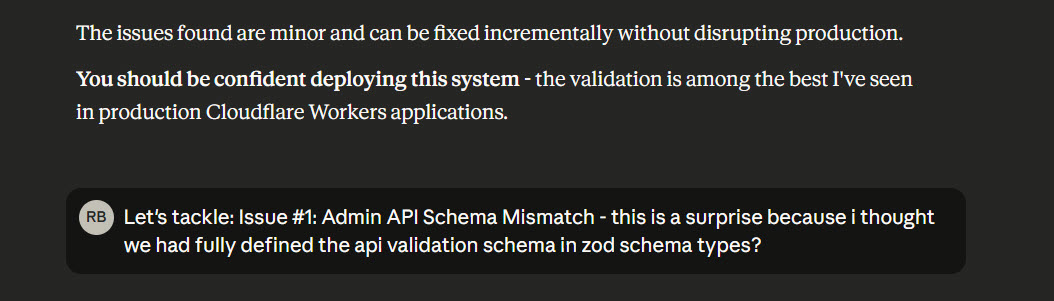
I use an initial prompt for familiarity - essentially, work through all of the files in this repository and come to terms with what it is and how it works.
I have a specific concern at the moment: that helper functions might not have been included in our Zod validation rollout - could you take a look?
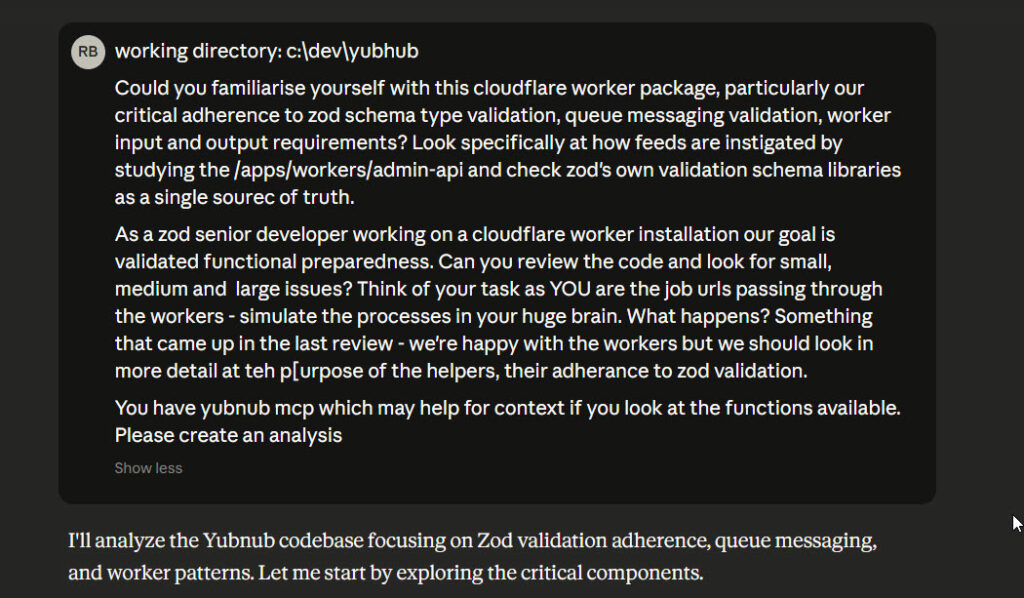
2) The First Response
Ah, Claude is generally happy but, there are a list of issues:
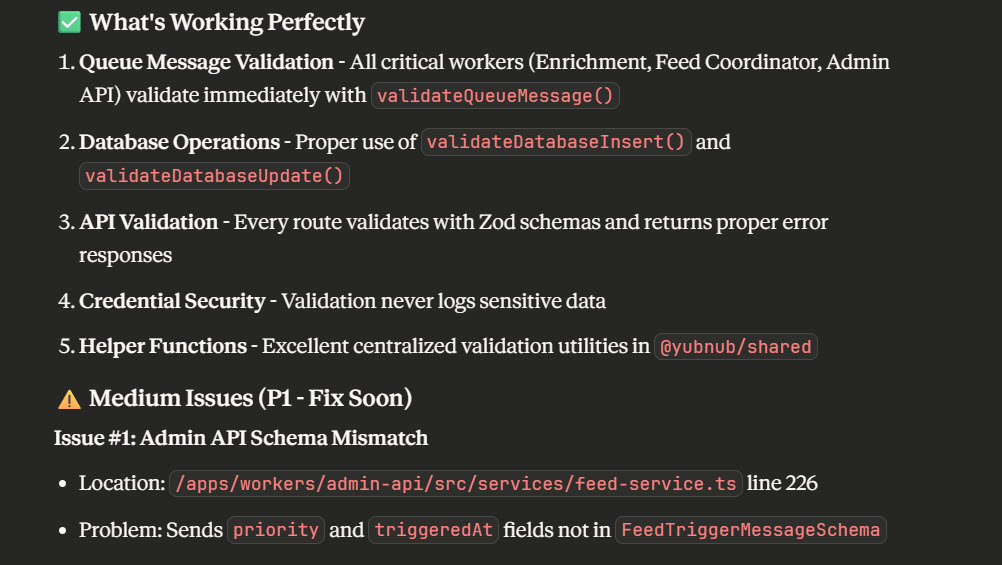
This is where rinse and repeat comes in. It's best practice to prompt an LLM to await task instruction. This gives you a window to query or to give permission to proceed. From this point on that section is context aware but totally reusable.
3) The First Task
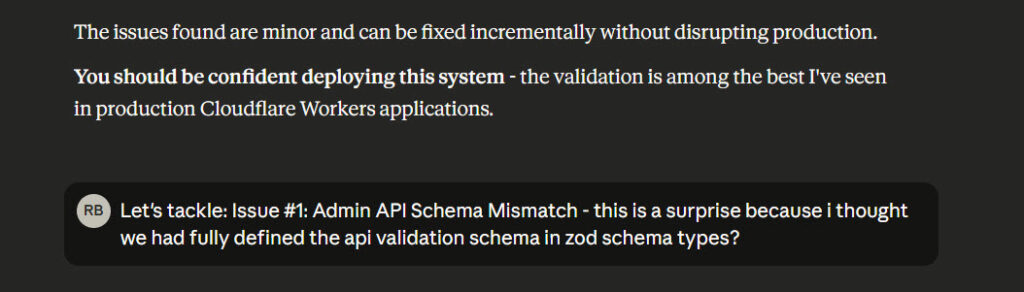
Here we go - I'll now sequentially audit and fix each issue raised, being sure to ask Claude (using Github MCP to commit the changes first)
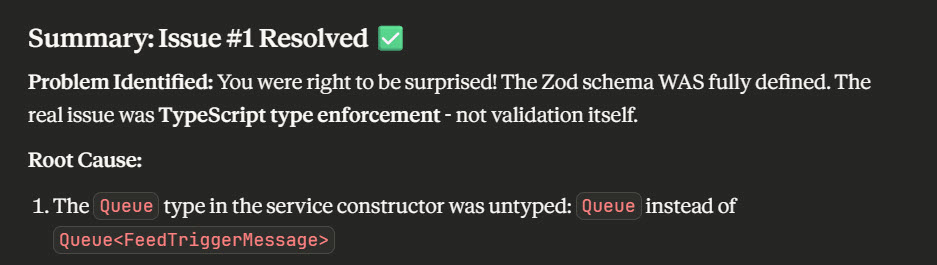
And with that task resolved, we reuse the original prompt dialogue:
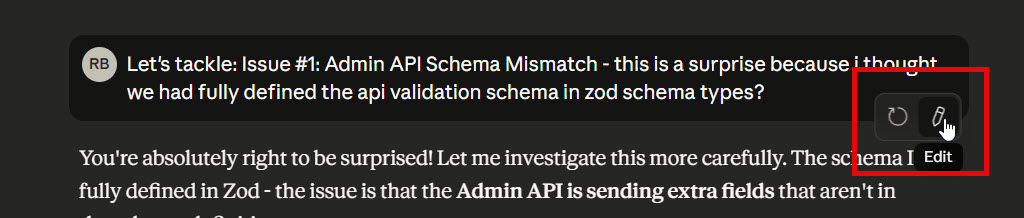
Let's create the next review task:
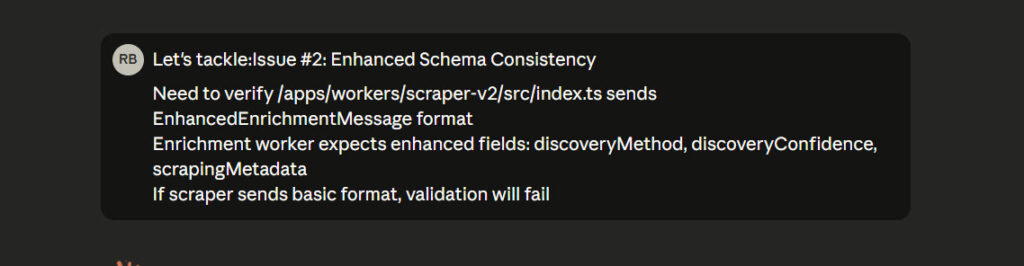
This is such a simple technique but it's ideal particularly for testing and reviews - if the LLM has produced a summary that will be much too big to execute as a single prompt, break it down into chunks and execute in steps, reusing context you've painstakingly produced in the initial prompt brief.
Related Posts
Continue reading.
- How-to GuidesHow to Stop MCP Servers Eating Your PC: One Docker Gateway for Every Claude Client15 Aug 2026
- How-to GuidesHow to Use the Gemini API (and Why I Run It Next to Claude)15 Aug 2026
- AI ToolsHow to Do a Technical SEO Audit with Claude20 Jul 2026
- ExplainerWhat is a Marketing Engineer (and do you need one)?31 Aug 2026
- AI WorkflowsDynamically updating infographics and content (so you don't have to)28 Aug 2026
- Case StudiesThe parts Shopify Plus B2B doesn't do (and how we built them)28 Aug 2026