

My daily work literally depends on the existence of MCP servers now, spread between Claude Desktop and Claude Code. Database queries, image generation, web scraping, file management, search console data, email. Much of my daily working world lives in a conversation window. I am convinced we are at the beginning of a radical shift in how people use computers to execute work. And I’m convinced that MCP (which I’ll explain in this post) is at the core of that future.
So, what is MCP (Model Context Protocol), why did the developer community go slightly mental for it, and how has it rewired the way I work?
The Point of No Return
I’d been using Claude for months before anyone brought up MCP around me. Tim Berglund puts the core problem better than I can: “that response is just words. But what if you want to do something?” One question, and it reframes everything you thought chat interfaces were for.
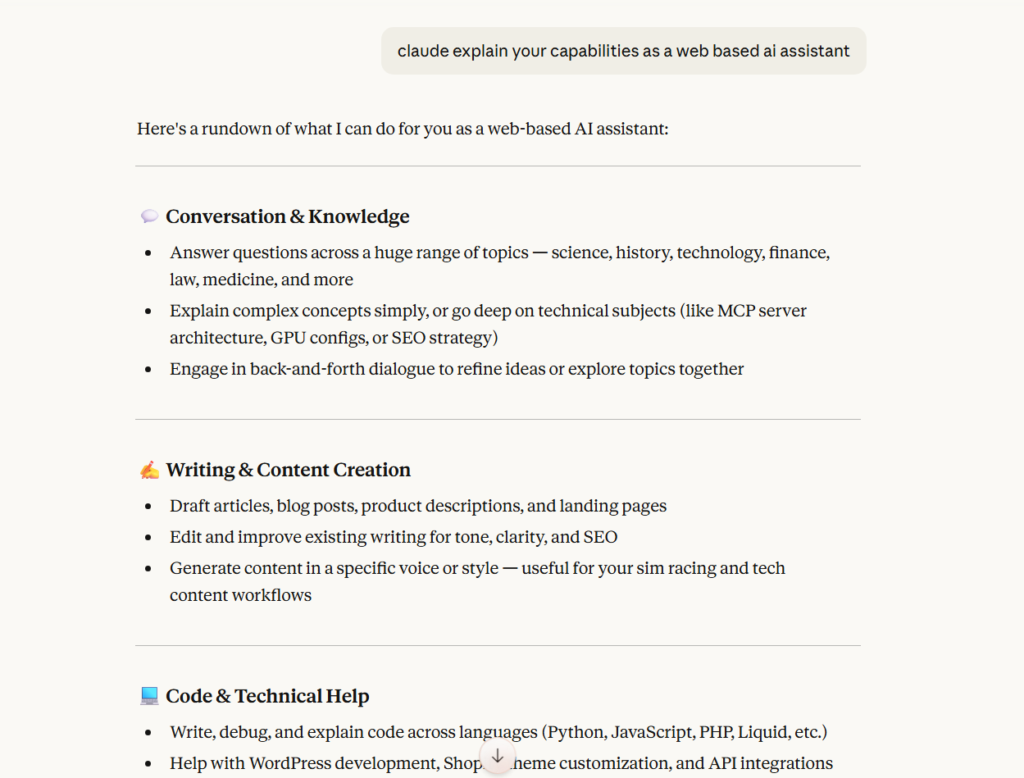
Before MCP, your AI conversation was words in, words out. You’d ask Claude something, get an answer, then tab over to Google and do the thing yourself. Open your database client, copy some data, paste it back into the chat – the kind of tedious shuttle run between apps that makes you wonder why you bothered asking the AI in the first place.
What changed? Claude queries my database now, generates charts from the results, pulls files off my hard drive, pushes commits to GitHub when I ask it to. Last Tuesday I watched it spot a ranking drop across three pages in my search console data and suggest content fixes – hadn’t opened a browser tab the entire time, which felt odd at first and then felt like the future.
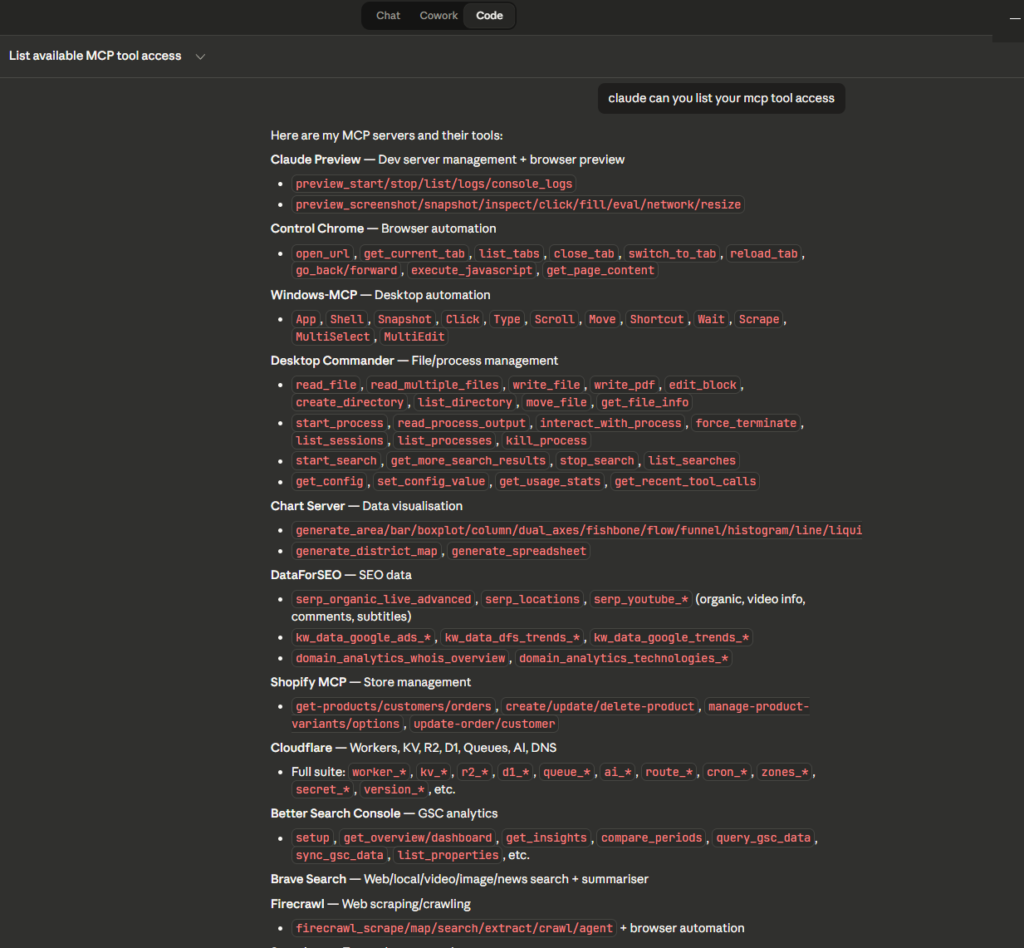
I believe in the “AI work surface” – while that sounds a bit pretentious, I can’t find a better word for it. The conversation window has become the place where applications can be run. It’s weird, exciting, and it’s also the most productive I’ve been in years.
What Is MCP, Really?
MCP is an acronym for Model Context Protocol. Anthropic built it, and, as of December 2025 it’s sitting under the Linux Foundation’s Agentic AI Foundation – the MCP SDK is properly open-source, not just “we published the code but good luck contributing.”
Everyone reaches for that USB-C comparison when they explain MCP. One standard plug, everything connects. Berglund was upfront about that: “comparing it to the USB-C of AI applications is probably not going to be helpful.” And in my opinion he’s quite right, it gets wobbly fast. I keep reaching for it anyway, though – annoying when a cliche is still the quickest way to explain something. Before USB-C you had a drawer full of old cables and none of them quite fit what you needed. Before MCP came along, every AI app needed its own custom glue code for every tool it wanted to talk to, and maintaining all that glue code – as one YouTube explainer described it – “becomes a nightmare to maintain.”
The technical name for what MCP fixes is the N×M problem. Say you’ve got 5 AI clients and 10 tools – without a standard protocol, that’s 50 separate integrations that someone has to build. And then maintain. And then debug when (if) they break. With MCP, you write one server for your tool, and Claude, ChatGPT, Gemini, VS Code, Cursor can all connect to it. Every major AI platform has added native MCP support at this point, because it’s a standard. The only difficult bit I have to deal with is Macs – there’s something about Winston logging that can break an MCP running on a Mac that a PC doesn’t mind. I’m not a Mac person.
MCP Architecture (Briefly)
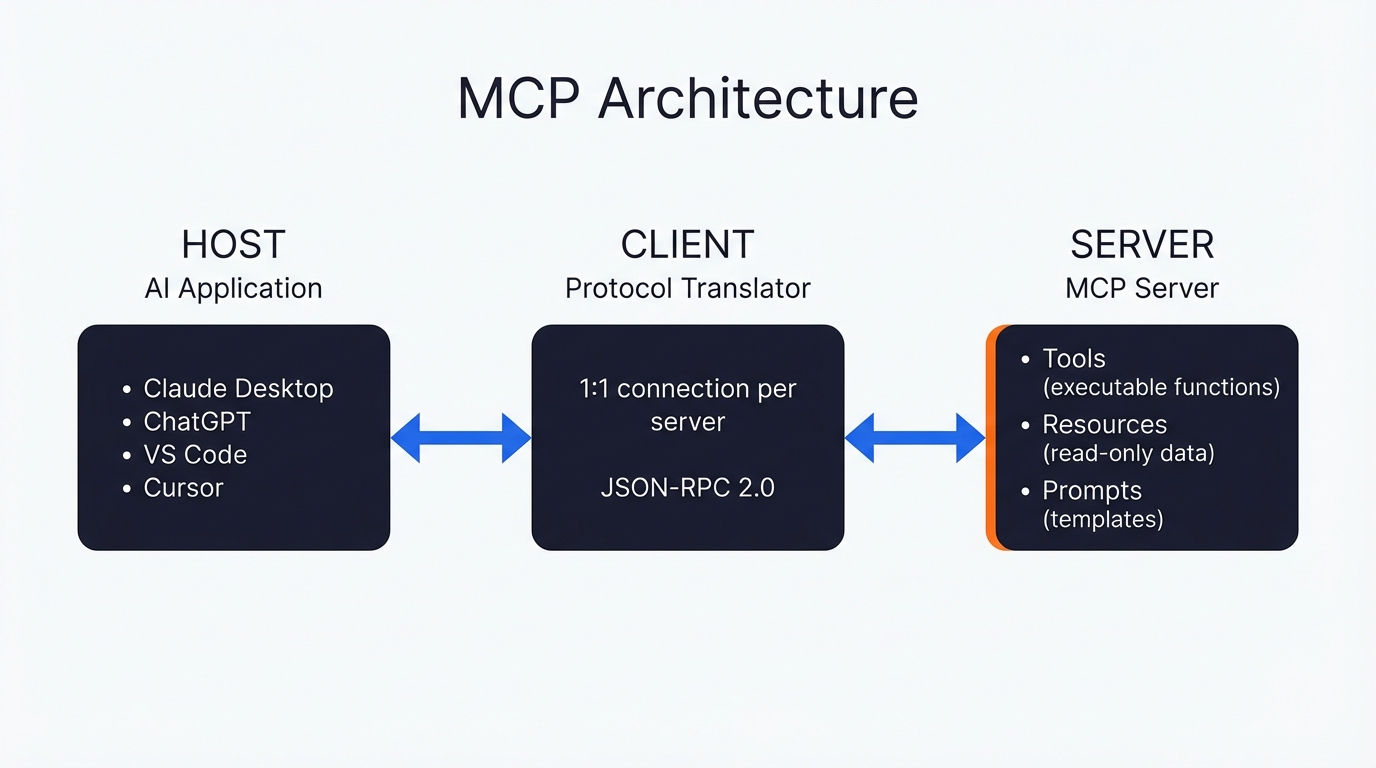
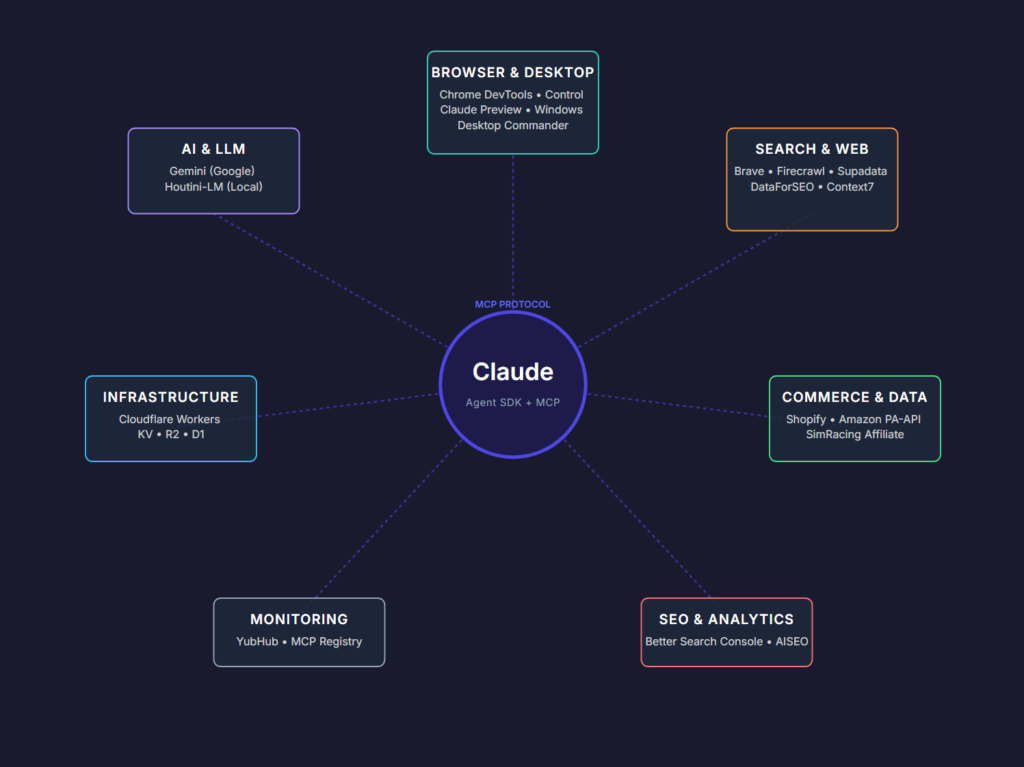
Nobody reads architecture sections for fun, so this will be quick and painless. Your AI application (Claude Desktop, Cursor, whatever) is the host. Inside the host, sits a client that handles the protocol conversation – one client per server, which becomes relevant later when I hit limitations. The server is whatever external thing you’re plugging in, wrapped up so the client knows how to talk to it.
It’s all JSON-RPC 2.0 underneath, for what it’s worth. Servers can expose three types of things, but only the first one matters for most of us:
- Tools are functions the AI can call – think POST requests if you’ve done web dev. Claude picks which tool to use on its own, using the tool description provided in the MCP. It’s so cool.
- Resources are read-only data. Your files, database rows, API payloads. Fireship compared these to GET requests, which is a decent enough shorthand.
- Prompts are reusable templates that show up in the host’s UI. You trigger these, not the AI.
So tools are the bit that matters in practice. I prompt Claude “generate me a network diagram” and it calls a tool on my Gemini MCP server (becuase my Gemini MCP server happens to use Nano Banana or Imagegen depending on the prompt. I ask about search rankings and it hits the Google Search Console MCP without me having to specify which server to use – Claude just figures it out from the tool descriptions, sends the parameters, gets the result back. Took me a while to trust that it would pick the right tool, but it does.
Why MCP Took Off
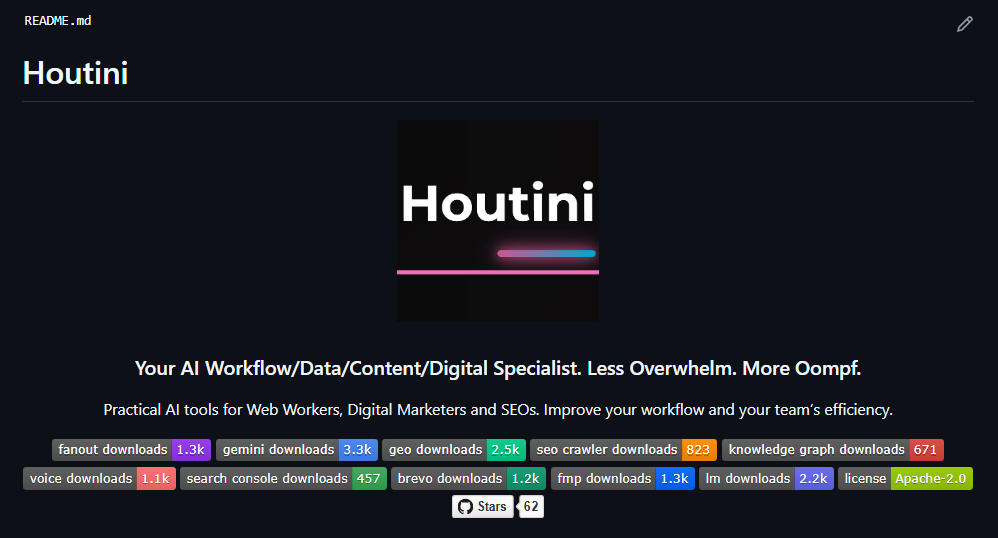
Fireship called this one: “it seems like every developer in the world is getting down with MCP right now.” There over 8 million server downloads, more than 5,800 active implementations listed on registries like Smithery.ai. In such a short time, that’s a landslide:
Why did this all proliferate so quickly though? Fireship had an answer for that too: “that sounds like dumb over engineering but having a protocol like this makes it a lot easier to Plug and Play.” I agree – I had my first MCP server running in Python with FastMCP in about twenty minutes. It’s easy and designed as much for non-technical people as it is the developers.
Claude had MCP first, obviously – Anthropic wrote the spec. Then ChatGPT bolted on what they call “ChatGPT Apps,” which are just MCP underneath. I’m not a ChatGPT person – I find working with it infuriating. Google brought it to Gemini across their API, SDK, and Vertex AI. And, VS Code baked it into Copilot Agent Mode. Cursor’s doing one-click MCP installs with OAuth now. For once everyone piled onto a standard! That’s great becuase you can just write your server once, and every major client talks to it.
MCPs as Apps (Not Just Tools)
Here’s the bit most explanations miss. People describe MCPs as “tools for AI” – and technically that’s accurate. But, it undersells what the better servers are doing by a country mile.
Take the Gemini MCP and Better Search Console I built. Thirteen separate tools – image generation, video generation, SVG creation, landing pages, chart design systems, deep research, image analysis. Calling that a “tool” is like calling Photoshop a brush. It’s closer to a full design studio that happens to live inside Claude, and I use it for everything from article diagrams to social images to annotating screenshots.
Desktop Commander gives me file management, process control, system-wide search. Brave Search MCP handles web, news, video, and image search across engines. The chart server does area, bar, line, pie, scatter, treemap.
I’ve been calling these “mcpapps” – and yes, I know that’s an ugly word, but “MCP servers that function as complete applications within your AI client” is worse. Point is, Claude Desktop has started feeling like an operating system to me. MCPs are what I install on it. The best MCPs for Claude Desktop aren’t bolting on little features – they’re turning the chat window into the place where actual work happens.
Getting Started
If you’re on Claude Desktop, there are two routes in and they suit different types of people.
Config file route – you’ll need to be comfortable editing JSON, which isn’t everyone’s cup of tea. You open claude_desktop_config.json, drop in a server entry, and restart. I wrote a step-by-step walkthrough for adding MCP servers to Claude Desktop with screenshots if you want the hand-holding version, but the gist looks like this:
{
  "mcpServers": {
    "server-name": {
      "command": "npx",
      "args": ["-y", "@modelcontextprotocol/server-filesystem", "/path/to/folder"]
    }
  }
}
Restart Claude Desktop after that and the tools show up. Took me about five minutes the first time, and that included googling where the config file lives on Windows.
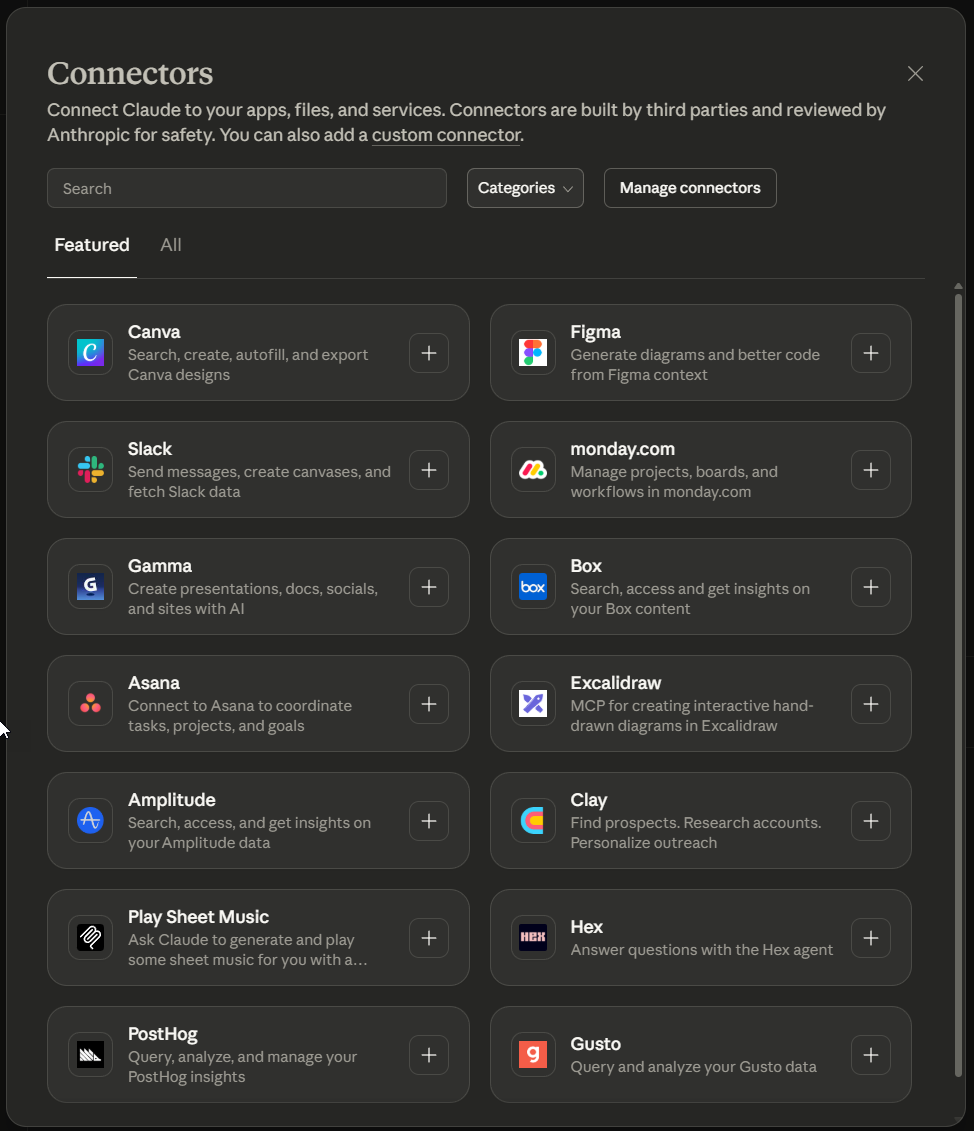
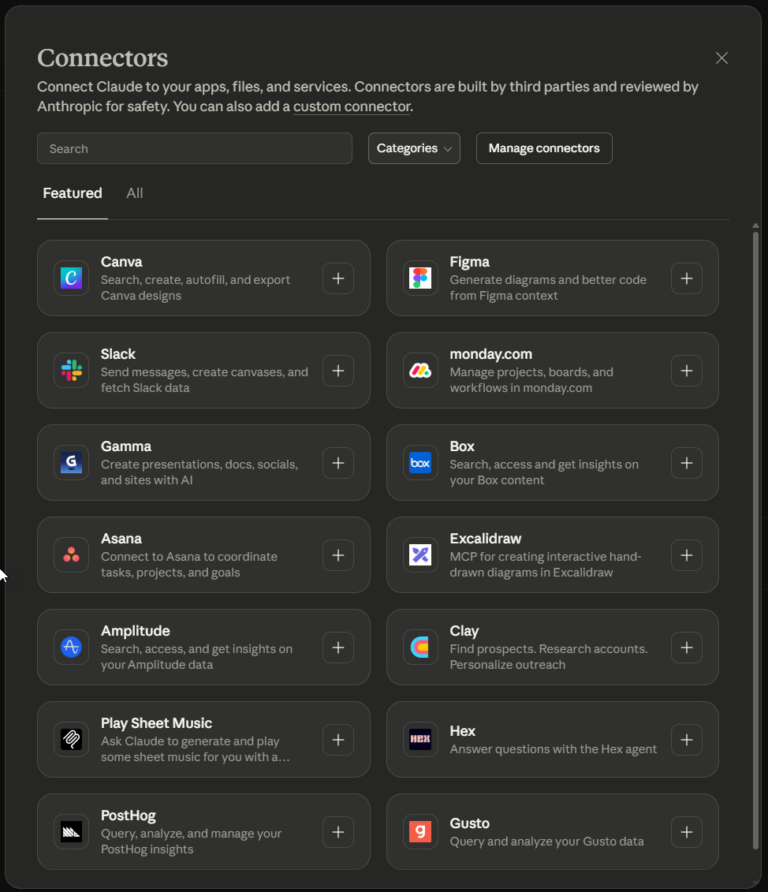
Connectors route – no config files, no terminal, no mess. Claude’s got built-in Connectors now at Settings → Connectors. Search for what you want, click Connect, go through the OAuth flow. It already covers Slack, GitHub, Google Drive, and a fair few others – not as many as the config route gives you, but the selection’s growing and if JSON files give you the fear, this is the way to go.
Current Limitations (Being Honest)
I use MCP daily and I’d struggle without it at this point, but codebasics was right: “we are in early days.” There are some rough edges you should know about before you commit.
Security
Servers run with whatever permissions you hand them, and the protocol itself doesn’t enforce boundaries – that’s on you. Point a file system MCP at your root directory and it can read everything on the drive, which I discovered the hard way when a filesystem MCP I’d installed “just to test” had quietly been given access to my entire home directory. My SSH keys, my .env files, the lot. These days I skim the server’s main source file before I install anything, no exceptions. On my own work I’ve integtaed Snyk which monitors the dependencies in my MCP servers for potential issues to be aware of. I bet that on the millions (?) of MCP servers out there, a tiny percentage are being maintained.
Curation
There’s no single registry that lists everything and I doubt there ever will be – you end up stumbling across servers on GitHub, npm, PyPI, someone’s blog post from three months ago. I found my favourite chart server through a Reddit comment, which tells you something about the state of discovery right now.
Quality
Some MCP servers feel like proper software – helpful error messages, sensible defaults, documentation written by someone who uses the thing. The good ones add schema validation, response caching, structured output formatting on top of the raw API and even think about data management and storage (my point about integrating SQLite with MCP went down well on Dev.to) The lazy ones just pipe your request through to an API endpoint and hand back whatever comes out.
Related Posts
What Is an MCP Server? And, Why It Matters for AI Tool Use
My daily work literally depends on the existence of MCP servers now, spread between Claude Desktop and Claude Code. Database queries, image generation, web scraping, file management, search console data, email. Much of my daily working world lives in a conversation window. I am convinced we are at the beginning of a radical shift in … <a title="How to Run Free AI Text Detection Locally with Python and an NVIDIA GPU" class="read-more" href="https://houtini.com/local-ai-text-detection-setup/" aria-label="Read more about How to Run Free AI Text Detection Locally with Python and an NVIDIA GPU">Read more</a>
How to Improve Your AI Prototype Designs with Skills, Prompts and Gemini
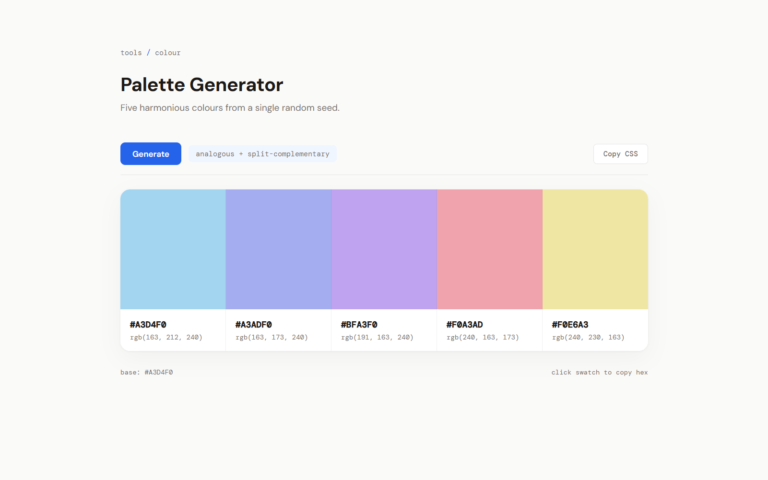
I build a lot of single-file HTML prototypes with Claude Code. They work, but they all end up looking the same. I tested three approaches to fix this – Claude Skills, manual prompt engineering, and Gemini MCP feedback.
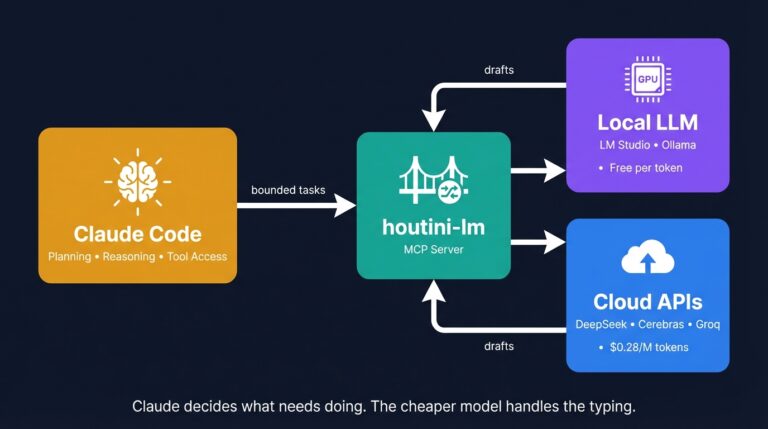
How to Cut Your Claude Code Bill by Offloading Work to Cheaper Models (with houtini-lm)
I built houtini-lm because I think there will be a time when your Anthropic bill will be getting a touch out of hand. In my experience, deals that seem a bit too good to be true do not last. Just this week I left Claude Code running a massive overnight refactor. I woke up, and, … <a title="How to Run Free AI Text Detection Locally with Python and an NVIDIA GPU" class="read-more" href="https://houtini.com/local-ai-text-detection-setup/" aria-label="Read more about How to Run Free AI Text Detection Locally with Python and an NVIDIA GPU">Read more</a>
Claude Code: The Complete Beginner’s Guide
I’ve been running Claude Code every day for the last few months. MCP servers, articles across three sites, Python scripts, content workflows that run from research straight through to WordPress upload. Nothing’s changed how I work this much since I first picked up MS Excel 20 years ago. What in today’s posts is most of … <a title="How to Run Free AI Text Detection Locally with Python and an NVIDIA GPU" class="read-more" href="https://houtini.com/local-ai-text-detection-setup/" aria-label="Read more about How to Run Free AI Text Detection Locally with Python and an NVIDIA GPU">Read more</a>
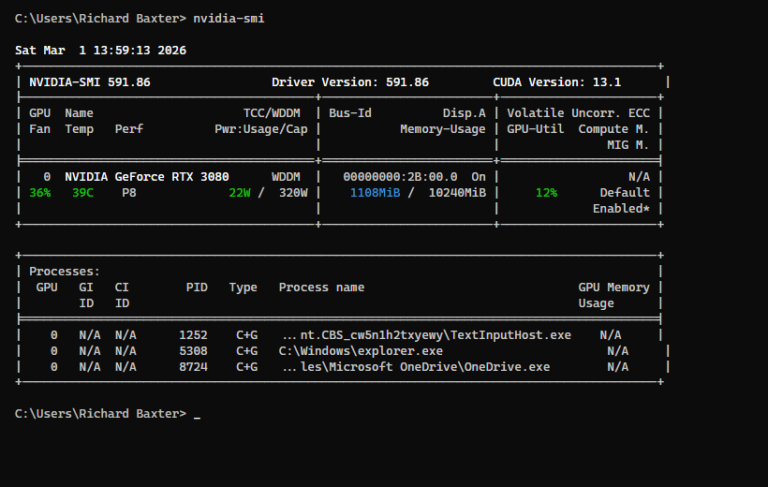
How to Run Free AI Text Detection Locally with Python and an NVIDIA GPU
I’ve been curious about AI content detection for a while. Not how to beat it – but how it works under the hood. Did you know “the best” model in the world is completely free, runs on any PC, and nobody seems to know about it? Everyone’s paying fifteen quid a month for Originality.ai when … <a title="How to Run Free AI Text Detection Locally with Python and an NVIDIA GPU" class="read-more" href="https://houtini.com/local-ai-text-detection-setup/" aria-label="Read more about How to Run Free AI Text Detection Locally with Python and an NVIDIA GPU">Read more</a>
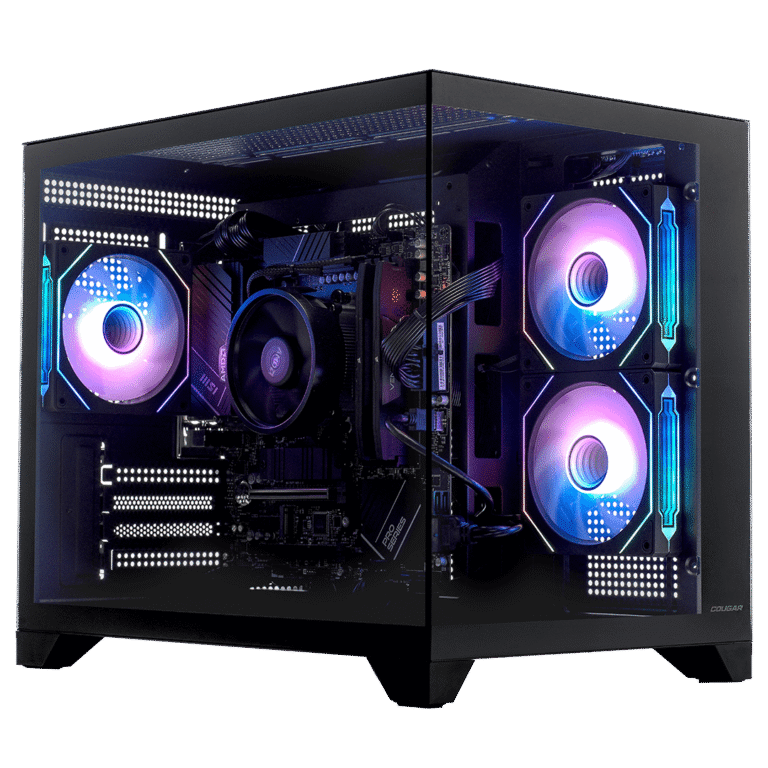
Best AI PCs for Running Local LLMs
VRAM decides everything when running local AI. Tested Corsair VENGEANCE builds from $2,999-$6,999, the RTX 5080 trap, and which GPU tier runs which models.