Generate a Tone of Voice Guide with Voice Analyser MCP
While AI will never replace human creativity, it can certainly help with productivity. Today I'm sharing my Voice Analyser MCP - an experimental tone of voice guideline generator that runs from a website's XML sitemap. The point of this…
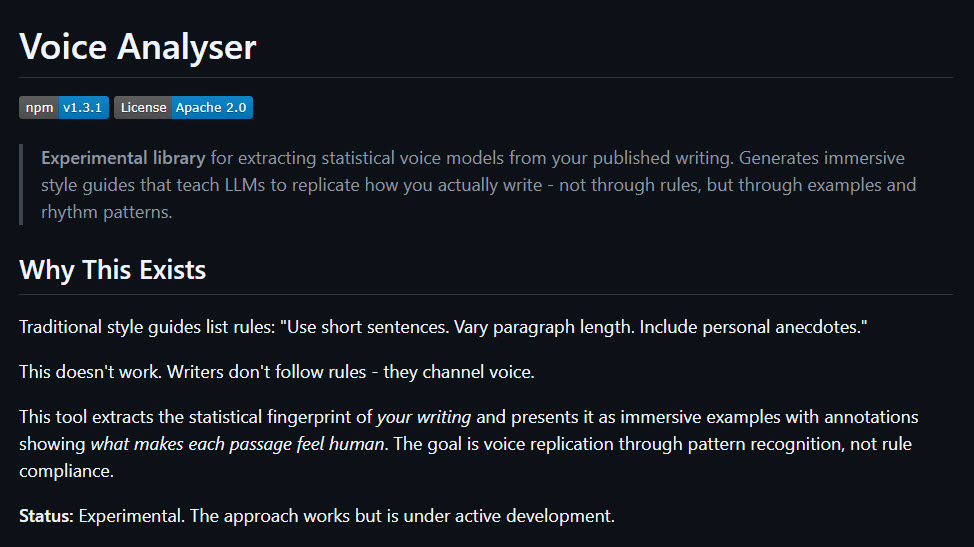
While AI will never replace human creativity, it can certainly help with productivity. Today I'm sharing my Voice Analyser MCP - an experimental tone of voice guideline generator that runs from a website's XML sitemap.
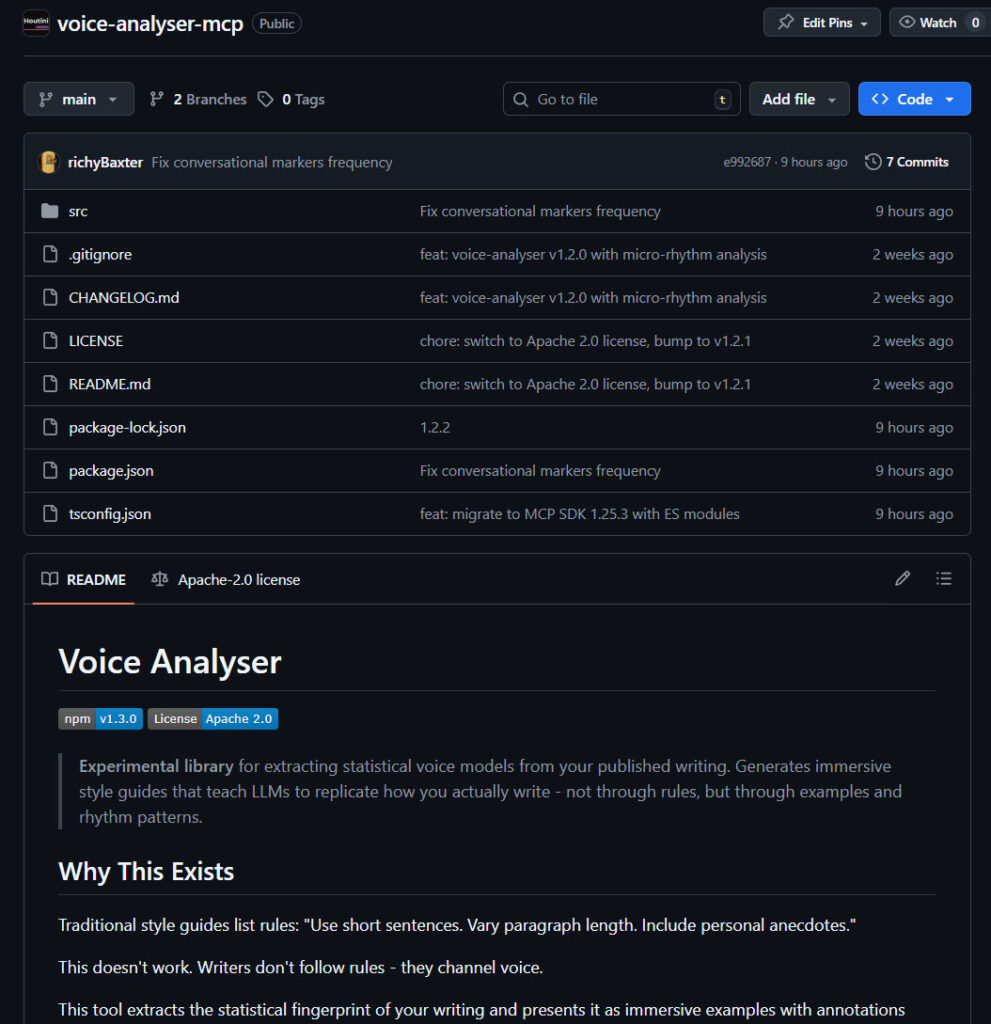
The point of this project was to understand how AI communicates and to learn more about the detectable patterns it uses when generating a response.
Voice Analyser is built on on the latest version of the Model Context Protocol specification. It exposes three tools through stdio transport: corpus collection from XML sitemaps, linguistic analysis, and style guide generation. When you trigger the MCP, the initial collection phase uses Cheerio to scrape article content from each URL in a sitemap file. It strips out navigation artifacts, converts the HTML to clean markdown, then stores everything locally with metadata.
Featuring proper rate limiting with delays between requests and handles sitemap XML parsing through fast-xml-parser, it seems quite reliable at extraction. All the data is saved as a corpus in the working directory you specify.
Processing: the MCP runs 14 separate statistical engines across your corpus before generating the output. If you'd like to review the methodology, take a look at the Github repo .
The Caveat
Now I'm no advocate of using AI generated content for search, *but* there are a plethora of use cases that a tool like this can help you with for automation, AI generated snippets (like a summary feature, for example...)
My favourite example is internal company documentation. You're building an agent that can generate financial reports. But the commentary sounds like ChatGPT. People can detect that and it sounds terrible.
If you have a corpus of work on the internet that you can say "I like this tone of voice, how does it work?" then the voice analysis in this MCP can analyse that corpus by fetching and saving your content on your machine. From this, it'll generate a tone of voice guide for you to include in your agent prompts during the content generation process.
How to Install
If you're familiar with MCP servers, then all you'll need is this code snippet below to run with NPX or clone the Github repo here .
Add this to your mcp config.json:
{
  "mcpServers": {
    "voice-analysis": {
      "command": "npx",
      "args": ["-y", "@houtini/voice-analyser@latest"]
    }
  }
}
And restart your AI assistant!
If you're not sure what to do, then read this article explaining how to install an MCP server , and make sure you have Desktop Commander for file IO.
Use Example
As I mentioned earlier, for written report commentaries and generally boilerplate work, the style guide output should do a good job of mimicking your tone of voice. It isn't perfect and the copy will need a review to tweak, but it's quite convincing out of the box. The output can't replace original, human prose but for boilerplate work, email, and AI assisted story telling, AI summaries - I think you'll like it.
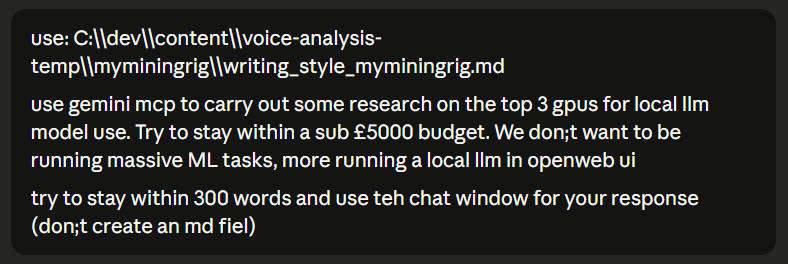
Prompt: (sorry for the typos)
Working:
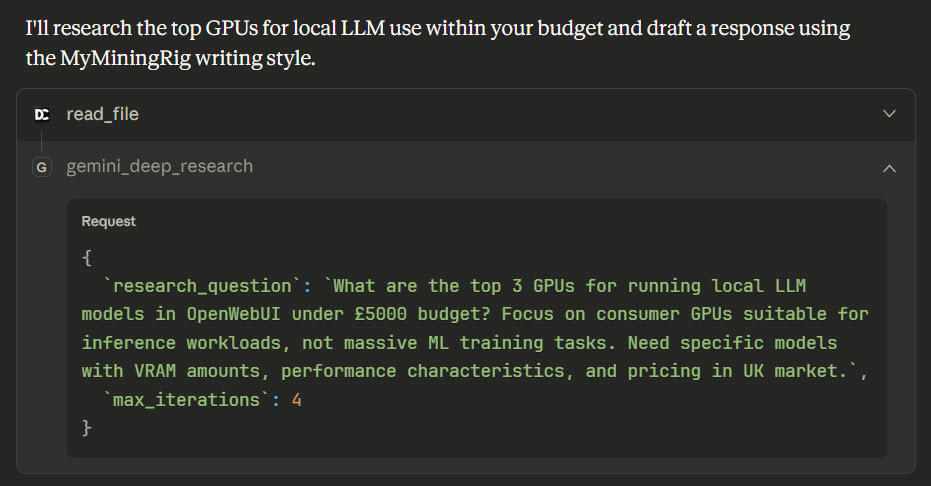
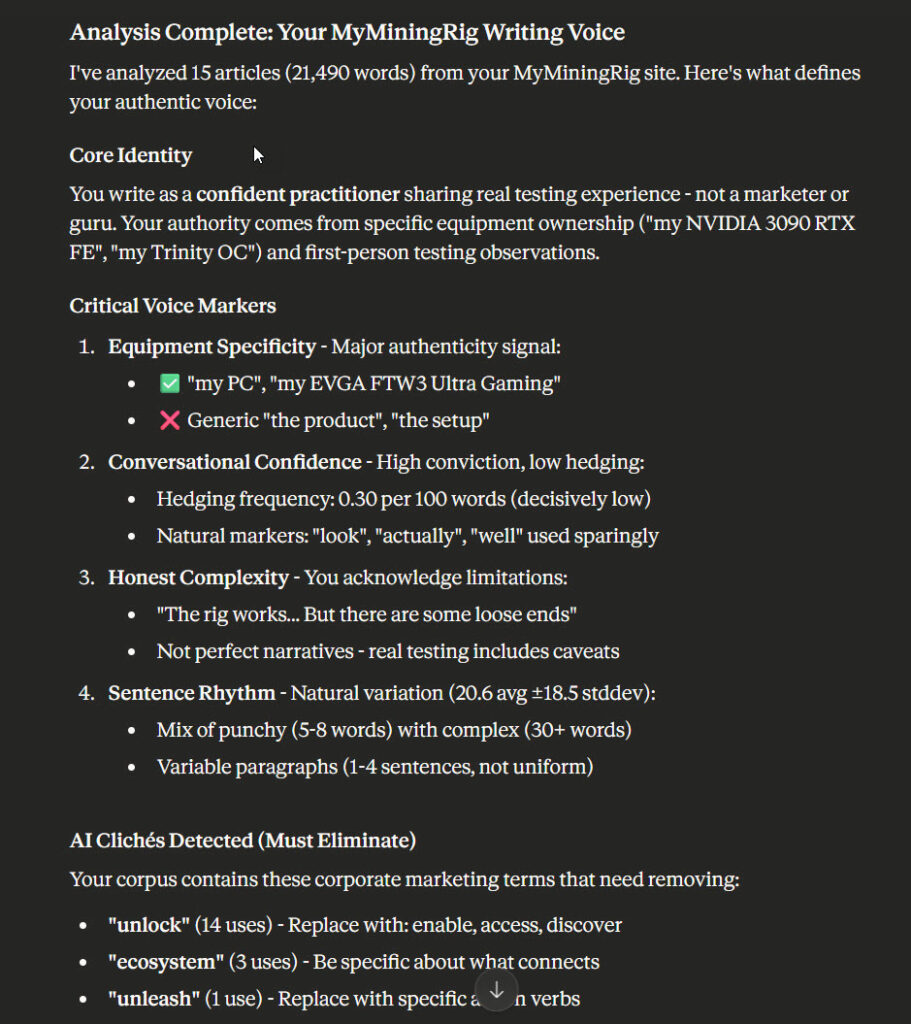
The output is reasonably compelling; and sounds like me. My writing style, which I'm not always proud of, contains vagueness here and there (the sort of thing my AI SEO analyser likes to weed out).
However, aside from the "Here's the thing, though" which needs some thought, it tracks:
It's not quite powerful enough to fool AI detection, but that wasn't the point of the exercise. Give it a test and see how much like you it can sound!
Related Posts
Continue reading.
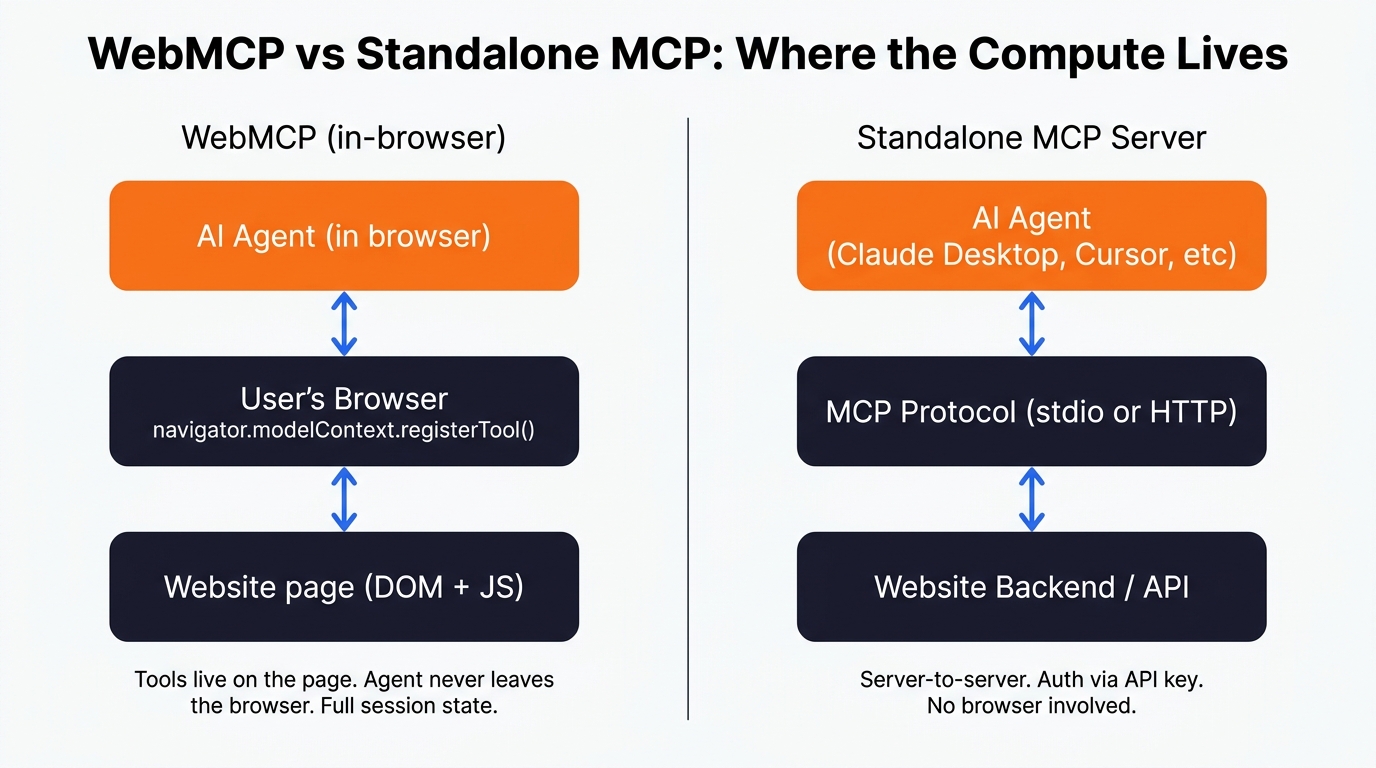
Agentic Interoperability for Website Owners: AI User Experience (AI UX)
I've been keeping a close eye on the emerging subject of "agentic interoperability" across all my recent build projects. In layman's terms, that's the ability for AI agents to do things for you on your behalf - particularly inside SaaS…
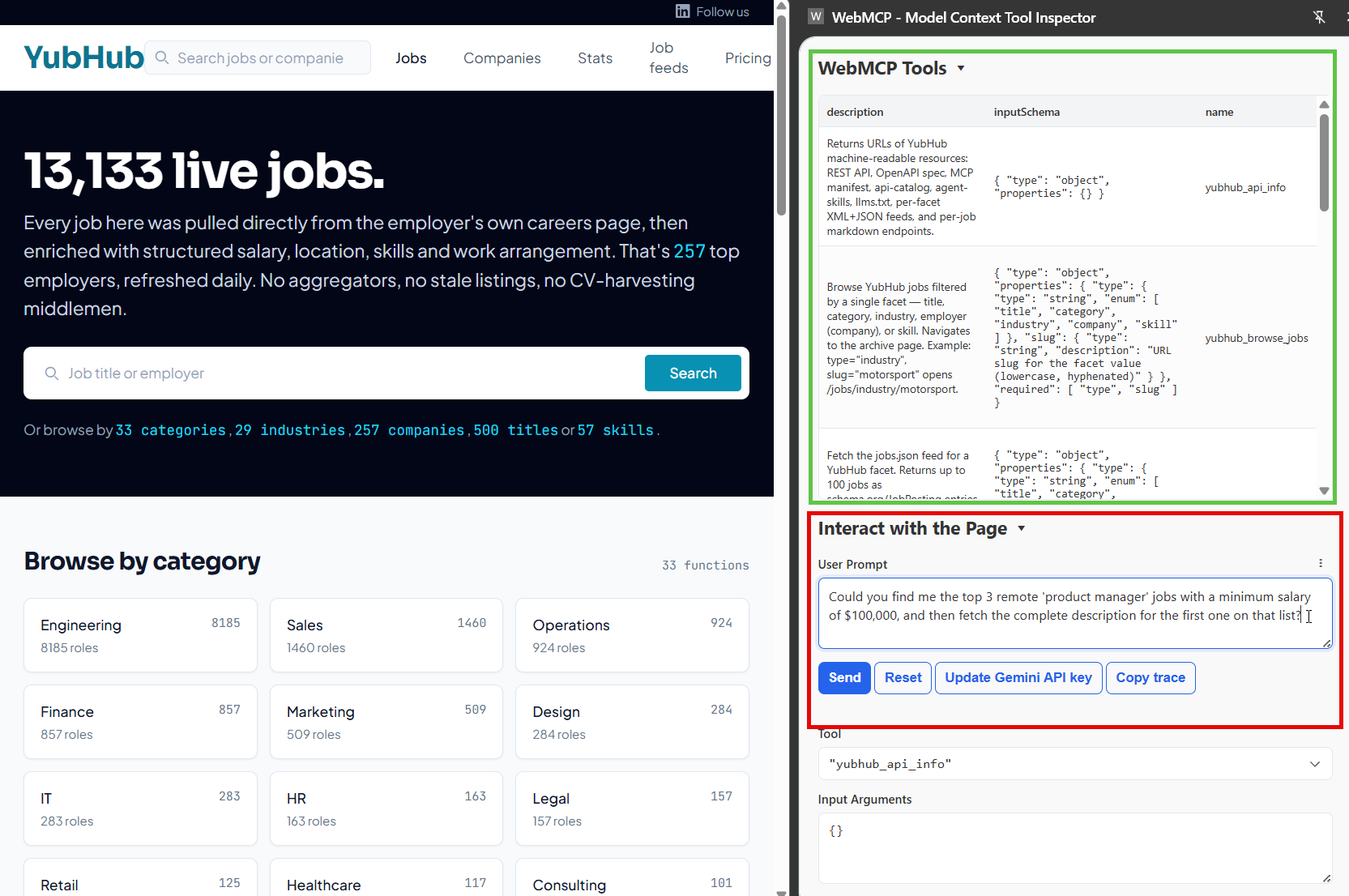
Implementing WebMCP on a Recruitment Website
Thinking about what, exactly, the future of a website "looks" like in the agentic era is a challenging proposition. It might be that in most cases, our future viewers/readers/customers can do everything, from their chatbot of preference…
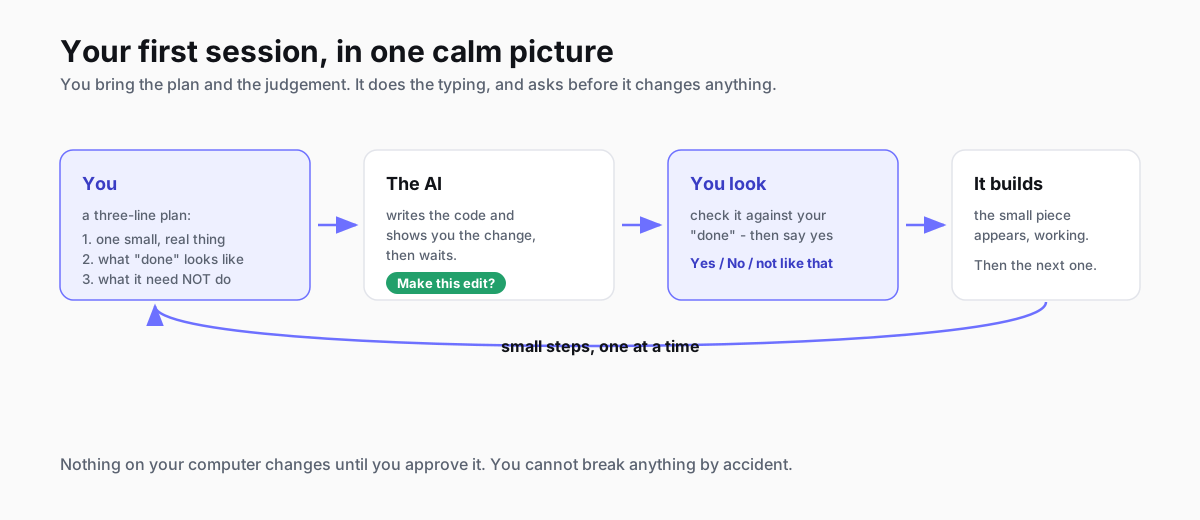
How to Plan and Begin Your First AI-Assisted Coding Session
You don't need to know how to code to build something with AI - but the calm ten minutes you spend planning before you start is what keeps your first session from spiralling. Here's the whole thing, gently: what the tools are in 2026, how to plan, and exactly what your first session looks like.
How to Write a PRD an AI Can Build From (with a template)
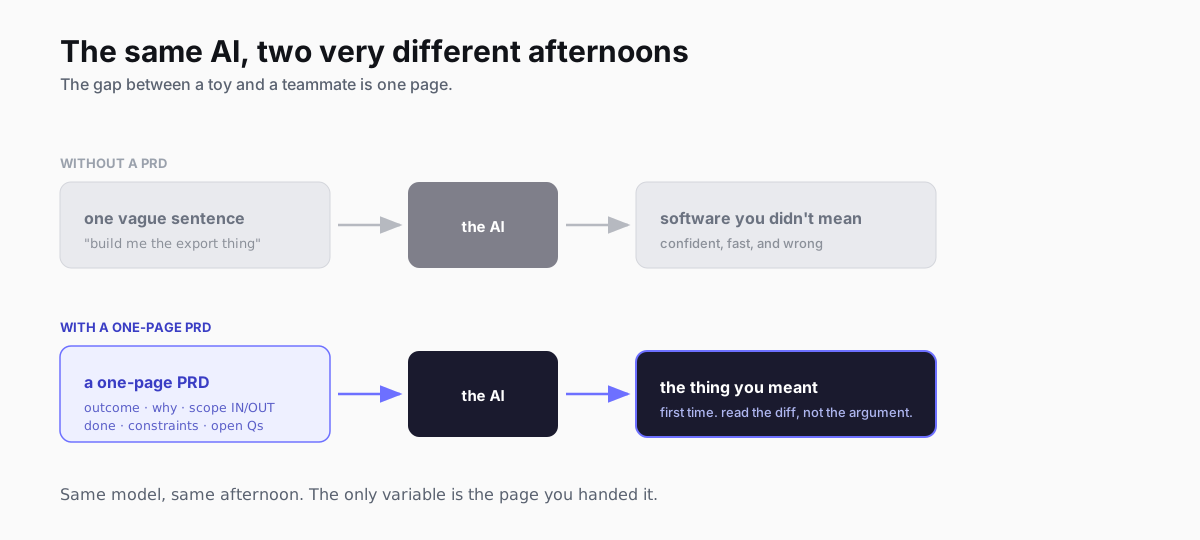
A PRD is the difference between an AI coding tool that guesses and one that builds the thing you meant. Here's what a PRD is, a copyable seven-part template, a worked example, and the two lines that do most of the work - written for the era where the thing reading your spec is an agent, not just your engineering team.
How I work with Claude Code: PRD to deploy
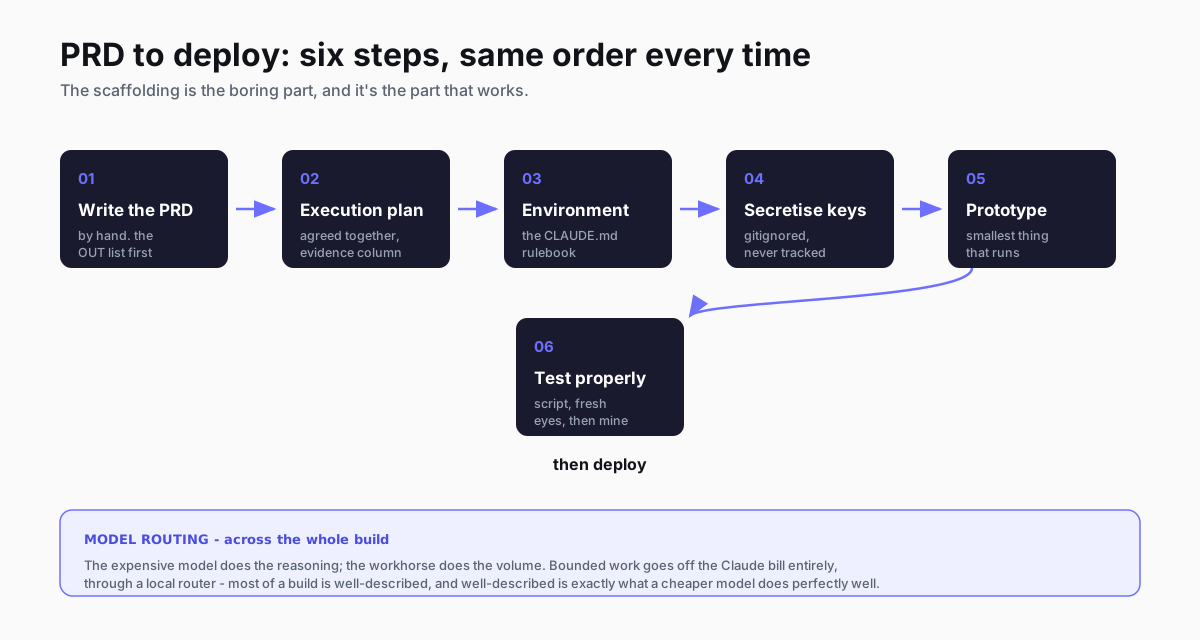
I write the PRD, we agree an execution plan, pick the environment, get the keys out of the way, prototype, then test. Six steps, same order every time. Here's the real workflow with the files from two things I've shipped, and which model I hand each job to.
The best local coding setup isn't one model: how I route across Claude, Kimi and my own rig
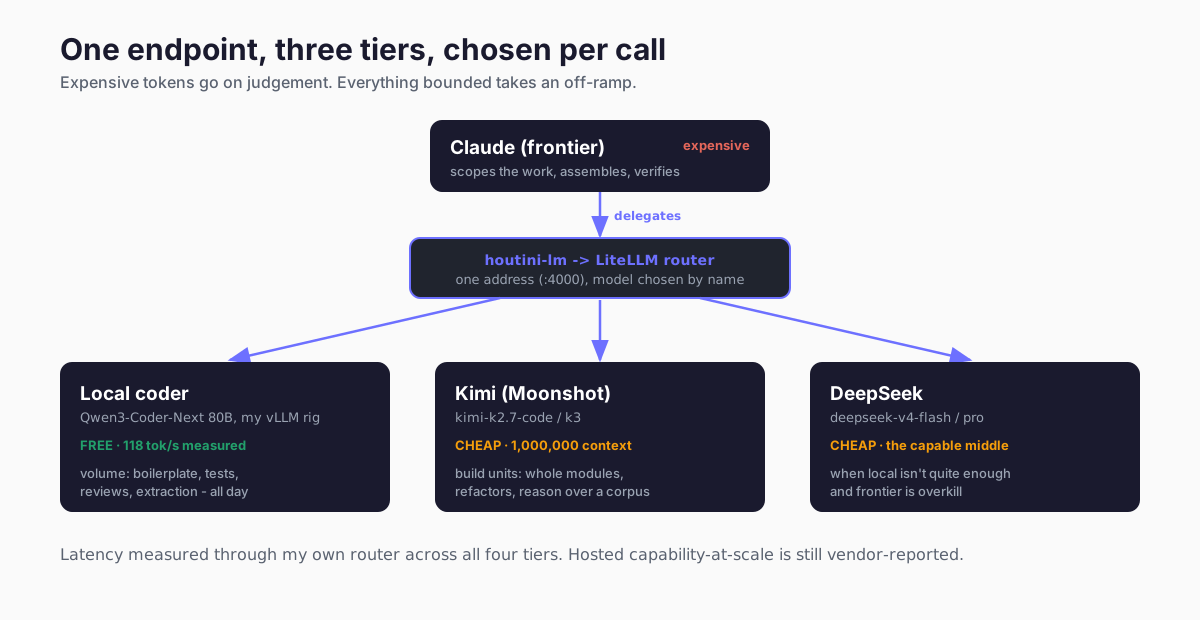
The question I get asked is which local model is best for coding. Wrong question. The setup that works routes three tiers - Claude reasons, Kimi builds, and a Qwen coder on my own rig does the volume for nothing. Here's the whole thing, wired up.