The Best MCPs for Content Marketing (Research, Publish, Measure)
Most front line content marketing workflow follows the same loop. Find something worth writing about, dig into what's already ranking on your site, update or write it, run it through SEO checks, shove it into WordPress, then wait to see if…
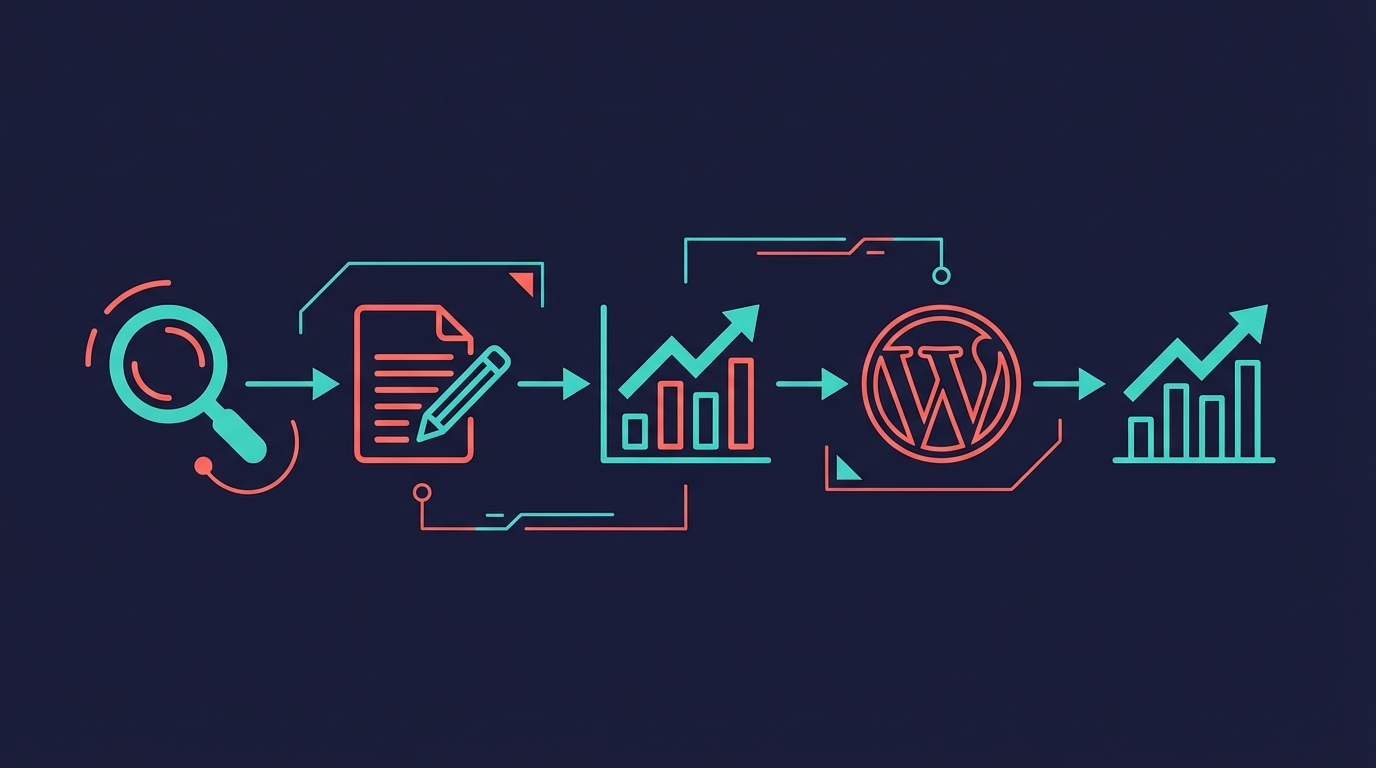
Most front line content marketing workflow follows the same loop. Find something worth writing about, dig into what's already ranking on your site, update or write it, run it through SEO checks, shove it into WordPress, then wait to see if anyone reads it. Just six months ago that loop was tedious tab-switching and copy-pasting. How things change!
For me, most of it runs through MCP servers connected to Claude. Not because I'm lazy (well, partly), but because content marketing has a mildly tedious middle layer between "good idea" and "published article." MCPs handle that middle layer very nicely.
This is the companion piece to my best MCPs for Claude Desktop guide. That one's the general-purpose toolkit. This article is the content marketing version, organised by the phase of work where each MCP earns its keep in my process.
Quick Navigation
Jump directly to what you're looking for:
Brave Search |
Firecrawl |
Google Trends MCP |
Supadata |
Context7 |
DataForSEO |
Better Search Console |
Gemini MCP |
WordPress MCPs |
Gmail |
Google Analytics MCP |
Plausible MCP |
Our In-House Pipeline |
The Content Marketing MCP Stack
Research and Topic Discovery
Before writing anything, I need to know whether a topic's worth the effort, who's already covered it, and what angle they've missed. This bit used to eat up a morning but I've got the base of the procedure down to maybe twenty minutes.
Brave Search
What it does: Provides real web search data to Claude. Ask a question and get your results with titles, descriptions, and URLs. No browser tabs required!
Brave Search is the first thing I reach for when starting a new piece. I'll type something like "what's currently ranking for [topic]?" and get back a structured list of titles, snippets, and URLs. No browser, no clicking through ten tabs. Claude picks through those results and tells me where the gaps are in what's already published.
You get 2,000 queries a month on the free plan, which is plenty for content research. And you dodge the noise of Google's increasingly ad-stuffed results pages, which is a nice bonus. I almost always pair it with Firecrawl so I can actually read the pages it surfaces.
GitHub: anthropics/brave-search-mcp - included in Claude Desktop's recommended servers.
Firecrawl
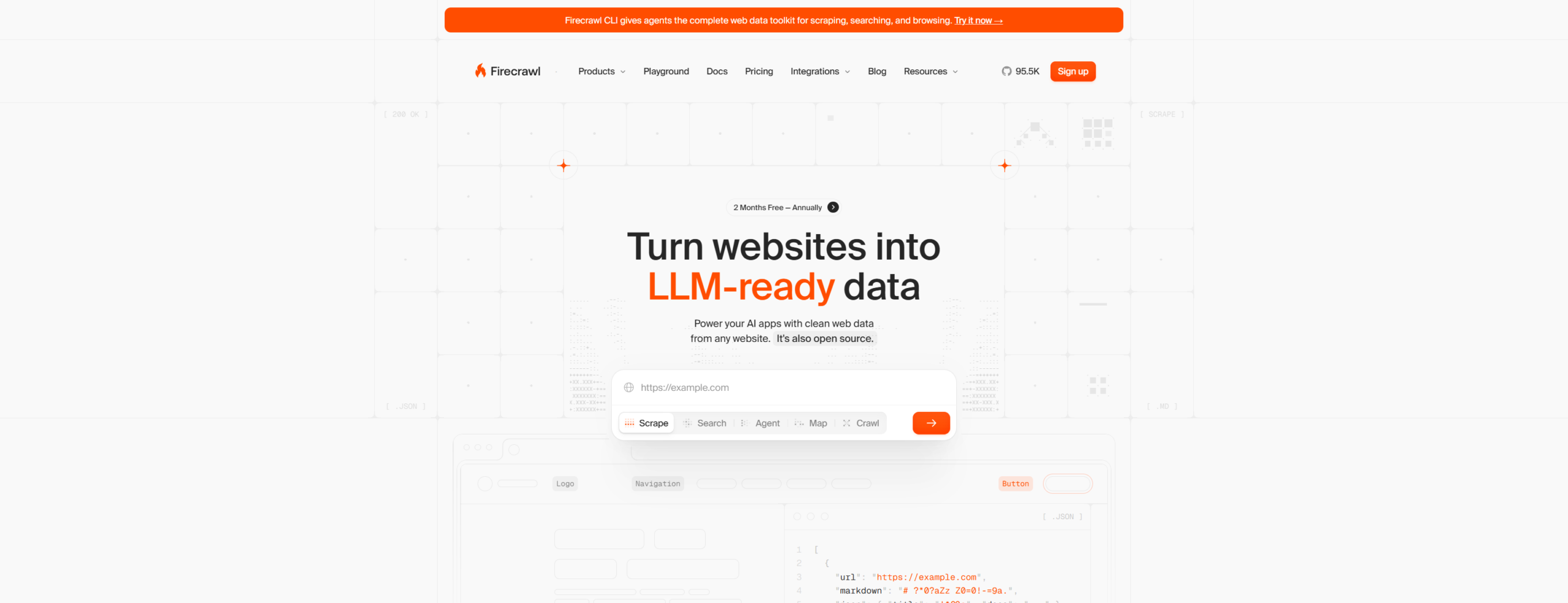
What it does: Scrapes any URL and returns clean markdown. Handles JavaScript-rendered pages, strips nav and footer cruft, and gives you just the main content.
I use Firecrawl frequently. The workflow is dead simple: Brave Search turns up a competing article, I point Firecrawl at the URL, and I get clean markdown back. Claude reads through it, pulls out the structure, and tells me what they covered versus what they skipped. That gap analysis is how I pick my angle for pretty much every article I write.
Beyond article scraping, it'll extract structured data from product pages, crawl documentation sites, and handle JavaScript-heavy pages that would normally need a real browser. The free tier gives you 500 scrapes a month, which would be hard to exhaust unless you were using it in your saas application.
GitHub: mendableai/firecrawl-mcp
Google Trends MCP
What it does: Pulls trending topics, related queries, and interest-over-time data from Google Trends via the RapidAPI scraper.
I only discovered this one recently. Before, I'd manually check Google Trends to validate whether a topic had momentum or was dying off. Now I can ask Claude "is interest in [topic] growing or declining?" and get actual trend data back.
It's not perfect. The RapidAPI dependency means you need a separate API key, and the data isn't as granular as the Trends interface itself. But for quick validation before committing to a 2,000-word article, it saves a solid 15 minutes of clicking around.
npm: @andrewlwn77/google-trends-mcp
Supadata
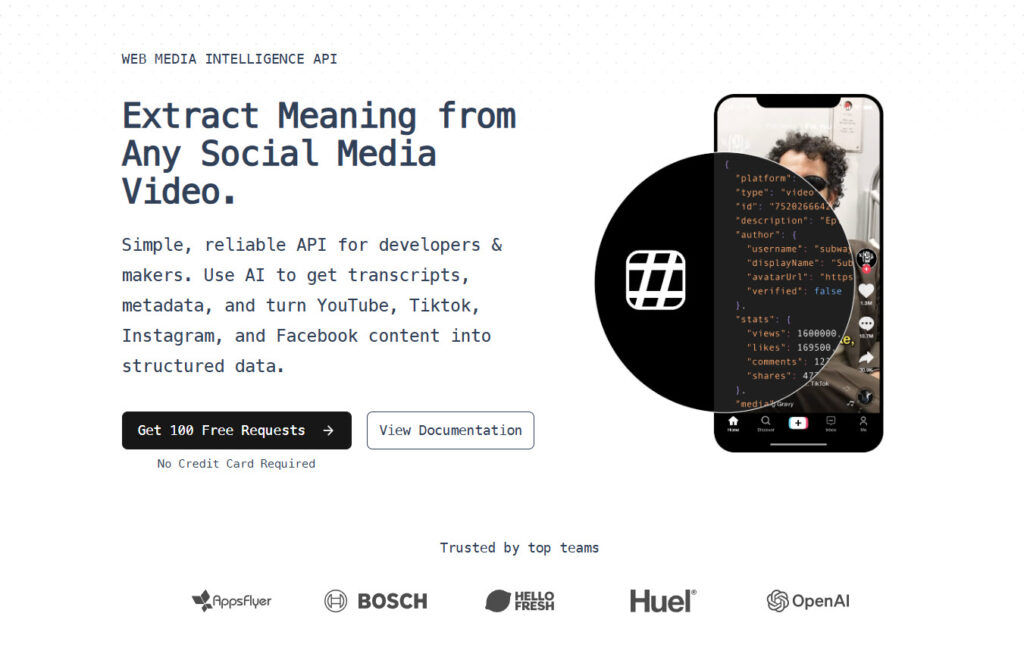
What it does: Extracts transcripts from YouTube videos. Feed it a URL, get the full text back.
So much of content marketing is repurposing what already exists. When I find a decent YouTube video on my topic, I'll pull the transcript through Supadata and treat it as research input. Not copying anything, obviously, but listening to how practitioners actually describe the thing, what words they reach for, what questions keep coming up.
It's brilliant for conference talks and product demos too. You get the full transcript as plain text, Claude can search it instantly, and you've saved yourself 45 minutes of watching a video at 2x speed while scribbling notes.
GitHub: nicholasgriffintn/supadata-mcp
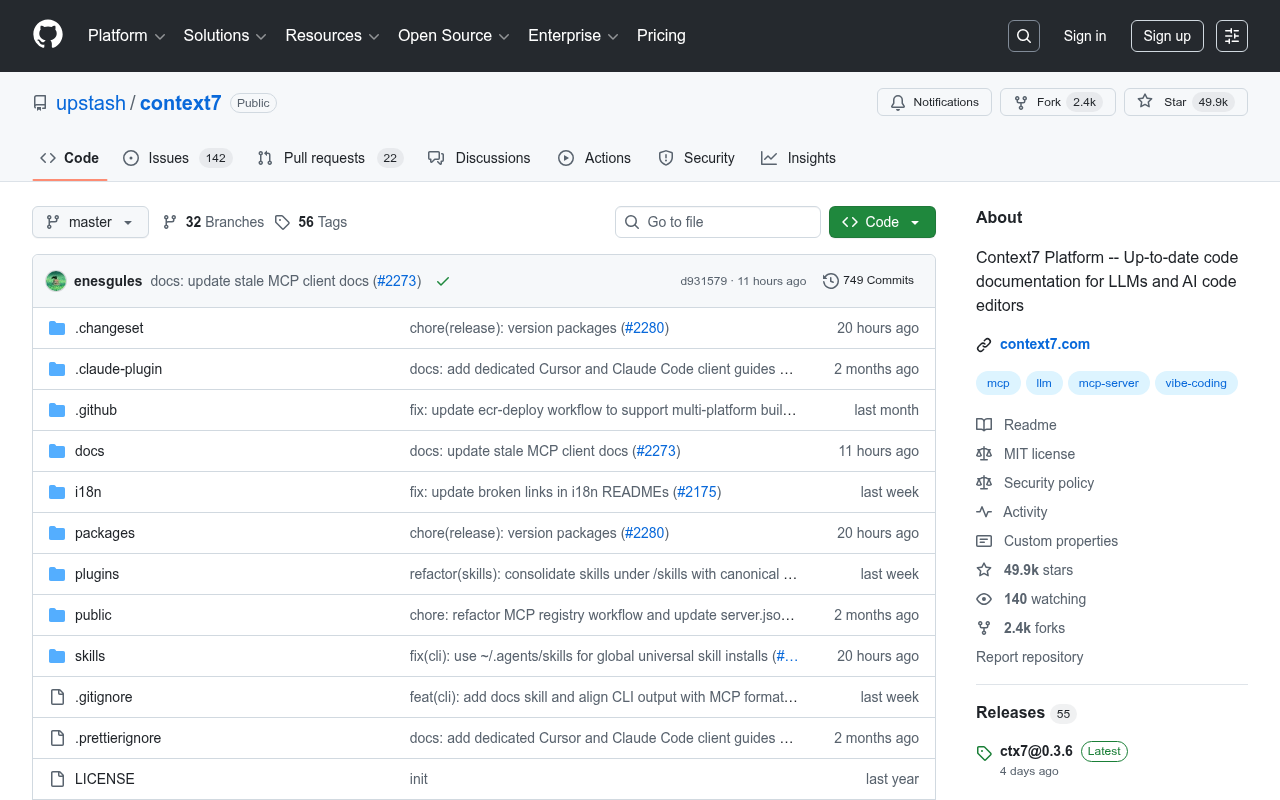
Context7
What it does: Looks up library and framework documentation. You give it a library name, it resolves the docs and lets you query them.
If you're writing technical content, this one's a lifesaver. I write about MCP servers and developer tools a lot, and I need accurate docs, not whatever Claude remembers from its 2024 training data. Context7 fetches the actual current documentation so I can get config options, API methods, and version numbers right without guessing.
It's got docs for thousands of libraries, and the query interface lets you ask pointed questions rather than wading through entire docs sites. Not something every content marketer needs, but if you cover anything technical, you'll wonder how you managed without it.
GitHub: upstash/context7
SEO and Keyword Intelligence
Research shows you what's out there. SEO tools show you what people are actually typing into Google, and whether you've got a realistic shot at ranking for it.
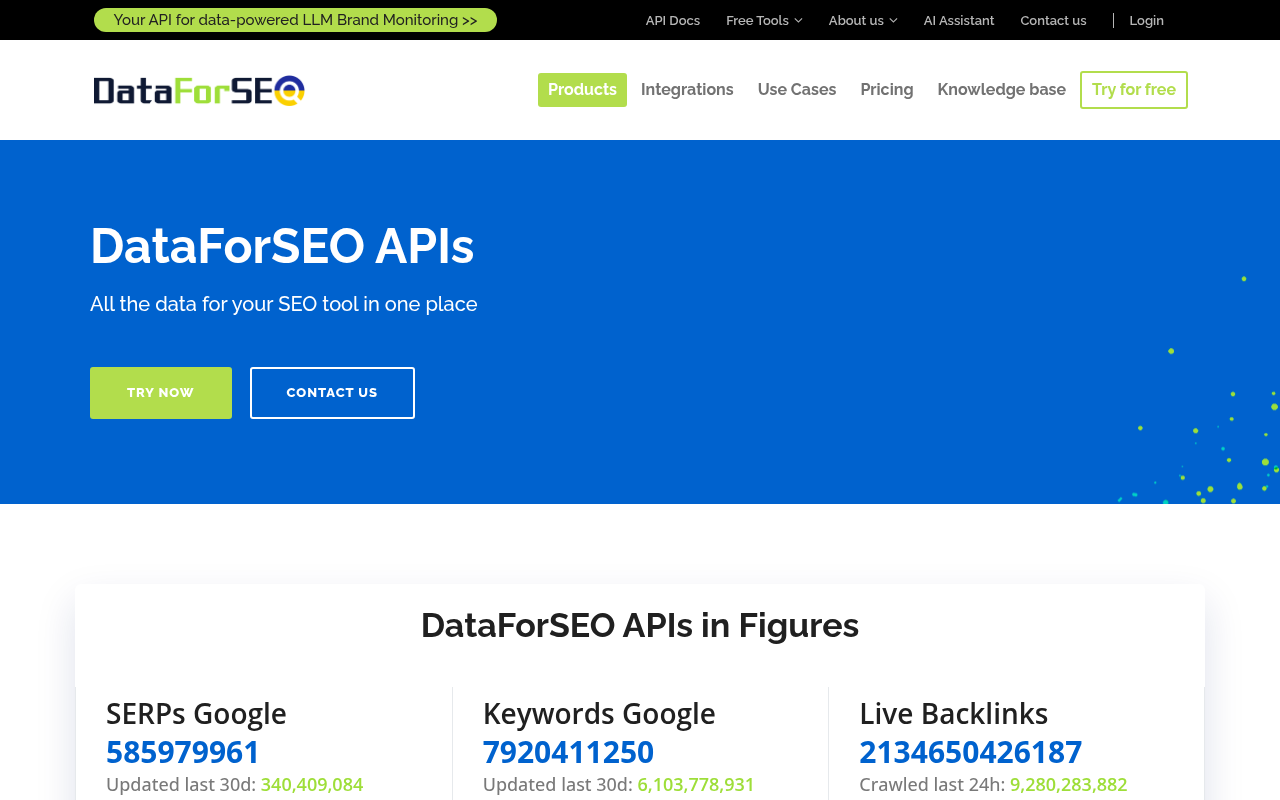
DataForSEO
What it does: Provides SERP analysis data, keyword search volumes, competitor rankings, and YouTube search data. It's basically an API version of Ahrefs or Semrush.
This is probably the heaviest hitter in my whole MCP setup and there are 3 things I use it for constantly: pulling the current SERP for my target keyword, finding related keywords with actual search volume numbers, and checking what YouTube videos exist on the topic before I commit to writing about it.
The SERP data is where it really earns its money. You don't just get the organic results, you get People Also Ask questions, video carousels, related searches. I weave the answers to PAA questions in my writing for best topic coverage. I also use the Wikidata API to assist with generating structured data prepared for my articles too.
DataForSEO charges per API call, and costs add up if you're running broad keyword research. But for targeted SERP analysis on specific keywords you're about to write about, it's dramatically faster than manually checking in a browser.
GitHub: dataforseo/mcp-server-typescript
Better Search Console
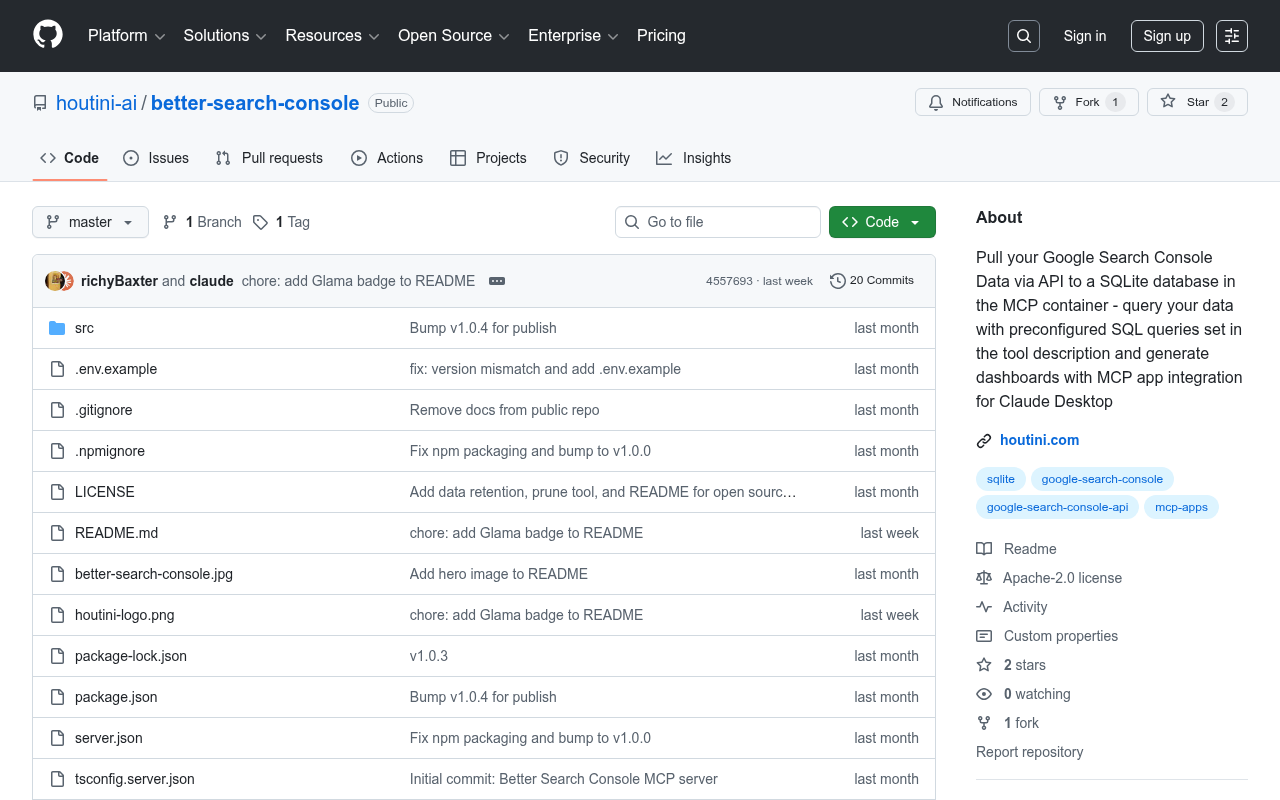
What it does: Connects to your Google Search Console data. Query performance by page, keyword, date range. Compare periods.
I built this one myself (it's part of the Houtini MCP collection ). The reason I built it rather than using an off-the-shelf GSC MCP is that I wanted specific things: period-over-period comparison, the ability to filter by regex, and automatic sync that keeps a local database so queries are instant rather than waiting for the GSC API.
For content marketing specifically, I use it to find which articles are declining in traffic (so I can update them), which keywords are close to page one (so I can optimise for them), and which new queries are appearing for my content (so I can create dedicated pages for them).
If you don't want to build your own, there are public GSC MCPs like AminForou/mcp-gsc that connect directly to the API.
npm: @houtini/better-search-console
Content Creation
The writing is mostly me and Claude working together directly. But there's one MCP that makes the creation phase a lot more capable than Claude is on its own.
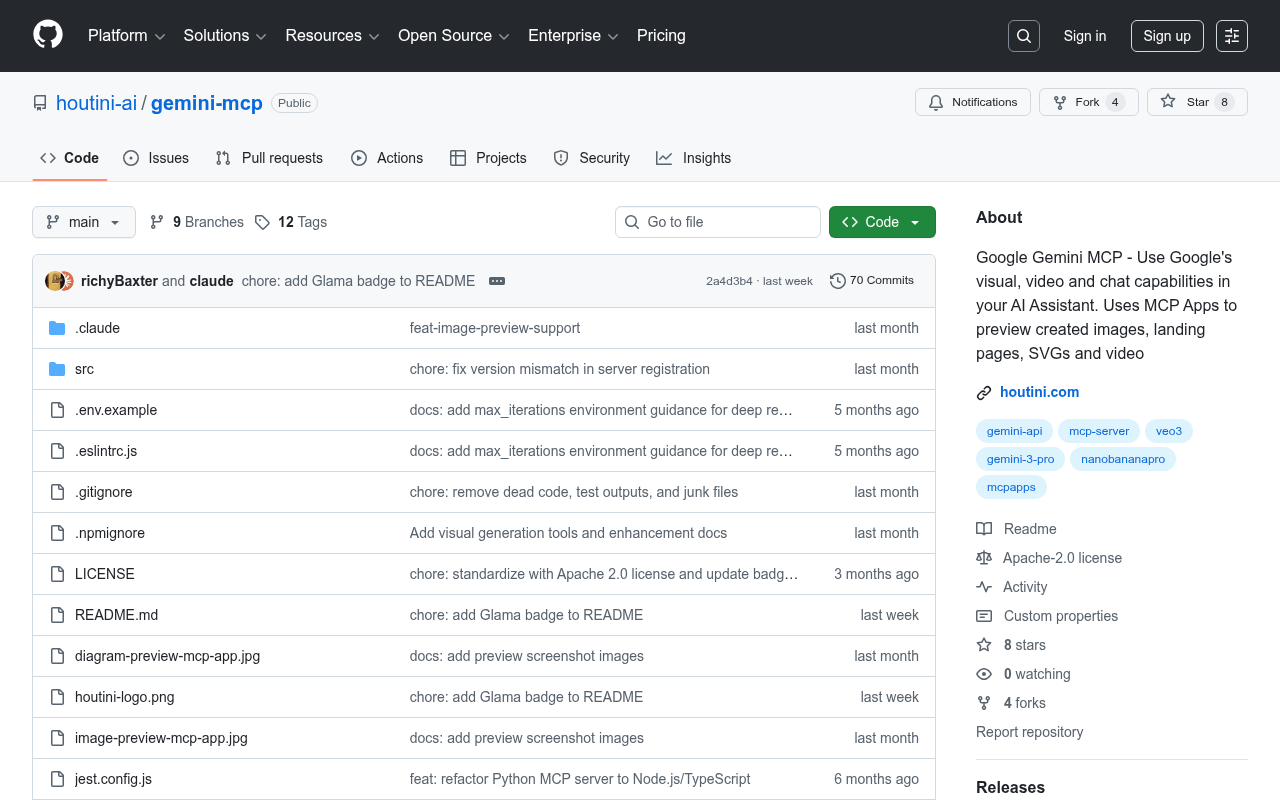
Gemini MCP
What it does: Chat with Google's Gemini models, generate images, run deep research queries, and verify facts with Google Search grounding.
If I had to pick one MCP from this entire list, it'd be this one (no bias I promise). It packs three very different capabilities into one server, and I've built it to suit my needs:
First, research with grounding. When you turn on Google Search grounding, Gemini's responses are backed by current web results. Ask it "what's the current state of [topic] in 2026?" and you get cited, recent information rather than stale training data. This is a powerful assist and workaround to an LLM's knowledge cutoff and it helps catch the odd hallucination.
Second, image generation. Every article needs images. Gemini generates them as PNG (not SVG, which WordPress blocks), which (with the right prompt) are good enough for blog headers, concept diagrams, and architecture visuals. I used it to generate the hero image for the Desktop MCP article and it took about 30 seconds.
Third, deep research. Gemini's deep research mode reads through 20-odd sources and pulls together a synthesised report. I lean on it when I'm writing about something I don't know well enough yet, which happens more often than I'd like to admit.
GitHub: houtini-ai/gemini-mcp
Publishing
Writing the article is one thing. Getting it into WordPress with the right formatting, categories, featured images, and meta data is where most content marketers lose time.
WordPress MCPs
What they do: Read, create, update, and manage WordPress posts, pages, media, categories, and tags through the REST API.
I've been watching this space since mid-2025, and there are now three options worth knowing about:
Automattic's official one (@automattic/mcp-wordpress-remote) comes from the WordPress.com team. Post CRUD, user management, site info, all through JWT auth. The "blessed" choice, basically.
The Respira WordPress MCP (@respira/wordpress-mcp-server) is wild. Over 100 tools, WooCommerce support, page builder integration for Elementor, Divi, and Bricks, plus a duplicate-before-edit safety net so you don't accidentally trash a live page. If you're running a complex WordPress setup with a shop, this is probably where I'd start looking.
For simpler setups, there are lighter alternatives on GitHub - docdyhr/mcp-wordpress handles the basics of post management and site health monitoring.
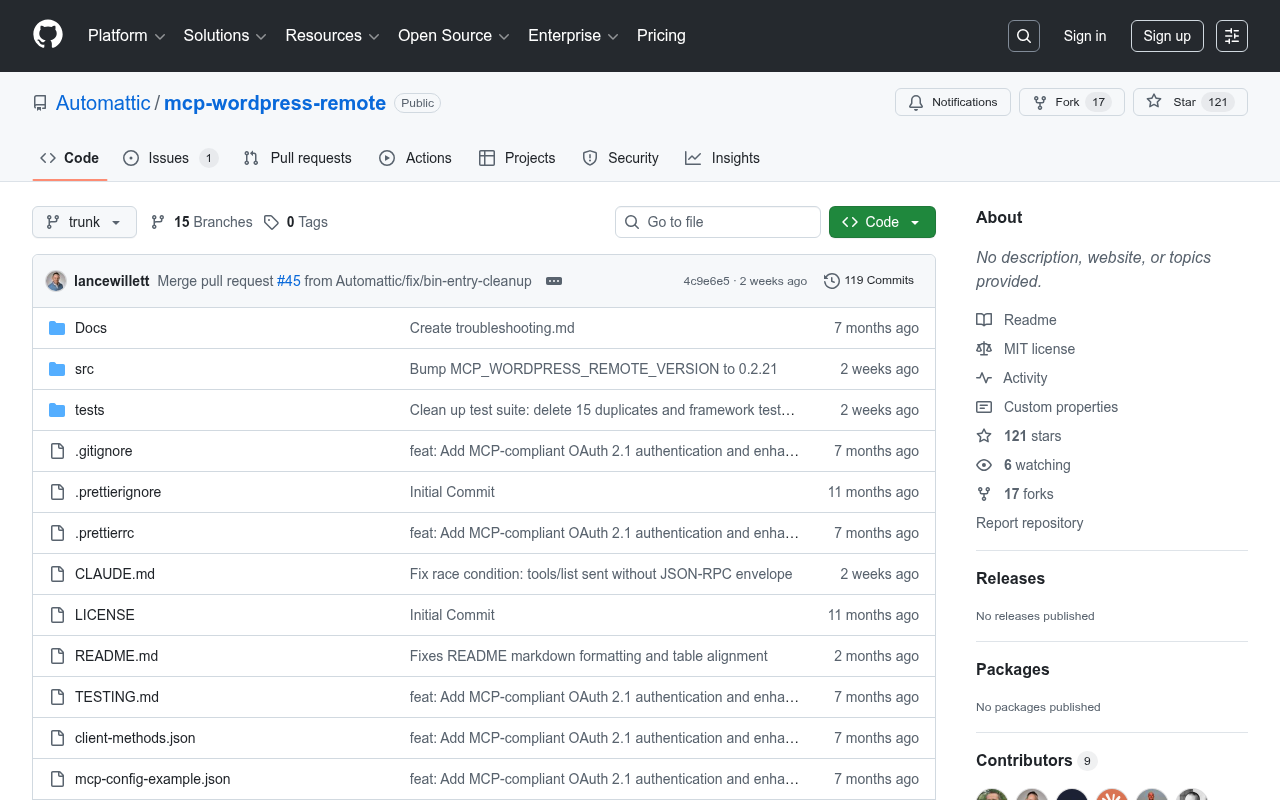
A note on what we do instead: In-house, I've scripted our own publishing pipeline rather than using an off-the-shelf WordPress MCP. Our workflow converts markdown drafts to WordPress Gutenberg JSON blocks, uploads images to the media library via the REST API, and publishes via a custom PHP script. The reason is control - I need specific block types, specific formatting rules, and integration with our AI detection tooling that no general-purpose MCP provides. But if you're not building a content production line, the public WordPress MCPs will get you 80% of the way there.
Distribution and Outreach
Publishing is only half the job. Getting eyeballs on content requires distribution.
Gmail
What it does: Search, read, and manage Gmail messages and threads. Download attachments. Compose and reply.
I mostly use this for outreach follow-ups. After publishing something that mentions someone's tool, I can draft a "hey, wrote about your project" email without leaving Claude. Takes about 30 seconds. No browser switch, no losing my train of thought.
The other thing it's handy for is scanning your inbox for opportunities you've been ignoring. Guest post invites, collab requests, PR pitches, they all pile up in Gmail and being able to search and summarise them without context-switching is useful.
GitHub: Part of Claude Desktop's official MCP ecosystem.
Analytics and Measurement
If you're not measuring what you publish, you're guessing. These two MCPs pull your traffic data straight into Claude so you can figure out what's actually working and what to write next.
Google Analytics MCP
What it does: Connects to GA4's reporting and admin APIs. Query sessions, events, user demographics, traffic sources by date range.
With the official GA MCP connected, you can just ask "which blog posts drove the most organic traffic last month?" and get numbers back. No more exporting CSVs from GA4's slightly maddening interface and pasting them in manually.
The query I run most often is traffic by landing page, filtered to organic. Dead simple, but it tells me exactly which articles are pulling their weight and which ones need work. Pair it with Better Search Console data and you can see both the search performance (impressions, clicks, position) and the on-site behaviour (bounce rate, time on page) for every article.
GitHub: googleanalytics/google-analytics-mcp
Plausible MCP
What it does: Connects to Plausible Analytics for privacy-friendly traffic data. Real-time stats, traffic breakdowns by source, device, and country.
If you use Plausible instead of GA4 (and plenty of content-focused sites do for privacy reasons - this site only uses Plausible.), this MCP brings the same capability. Query your traffic, break it down by source, and generate reports - all without leaving Claude.
Plausible's interface is a lot cleaner than GA4's, and if GDPR compliance matters to you (it probably should), the privacy-first approach is a real selling point.
GitHub: alexanderop/plausible-mcp
Our In-House Pipeline
So those are the individual tools. But after a few months of using these individually, I found myself wanting to connect them. Manually running each step was still faster than the old way, but it felt like I was leaving time on the table.
That's basically what we've built at Houtini. Our content pipeline chains these MCPs together with some custom scripts:
- Topic research - DataForSEO + Brave Search + Better Search Console to find opportunities
- Competitor analysis - Firecrawl scrapes the top 3 ranking articles, Claude identifies gaps backed with Gemini's opinion as an assist.
- Writing - Claude drafts the article following my tone of voice guide (derived from 42,000 words of published content)
- AI detection - I run a local DeBERTa model which scores every sentence for AI probability. Anything above 50% gets rewritten. I then edit the writing (as any creative should - AI can get you very close with the right tone of voice guidance but it is still AI).
- Image pipeline - Gemini MCP generates diagrams, Freeze CLI renders terminal screenshots, everything uploads to WordPress media library automatically
- Publishing - Custom markdown-to-Gutenberg converter, then REST API upload as draft for manual review
- Measurement - Better Search Console + GA4 track performance, flagging articles that need updates
You don't need to build your own MCPs for any of this. I use the public ones listed above for steps 1-3 and 5.
The Content Marketing MCP Stack
Here's how I'd group these if you're setting up from scratch:
Start here (essential):
- Brave Search - free tier, no setup friction
- Firecrawl - 500 free scrapes/month
- Gemini MCP - research, images, and fact-checking in one server
Add when you're serious about SEO:
- DataForSEO - keyword research and SERP analysis
- Better Search Console (or mcp-gsc) - track what's working
Add when you're publishing regularly:
- WordPress MCP - publish without leaving Claude
- Gmail - outreach and distribution
- Google Analytics or Plausible - measure and iterate
Add when you want trend intelligence:
- Google Trends MCP - validate topic momentum before committing
The ecosystem is still growing - it's very young and evolving all the time. The joy of all of this is there's no one right way to do any of it - the point is learning what the tools are and how they work so you can discover solutions that work best for you.
Related Articles
Continue reading.
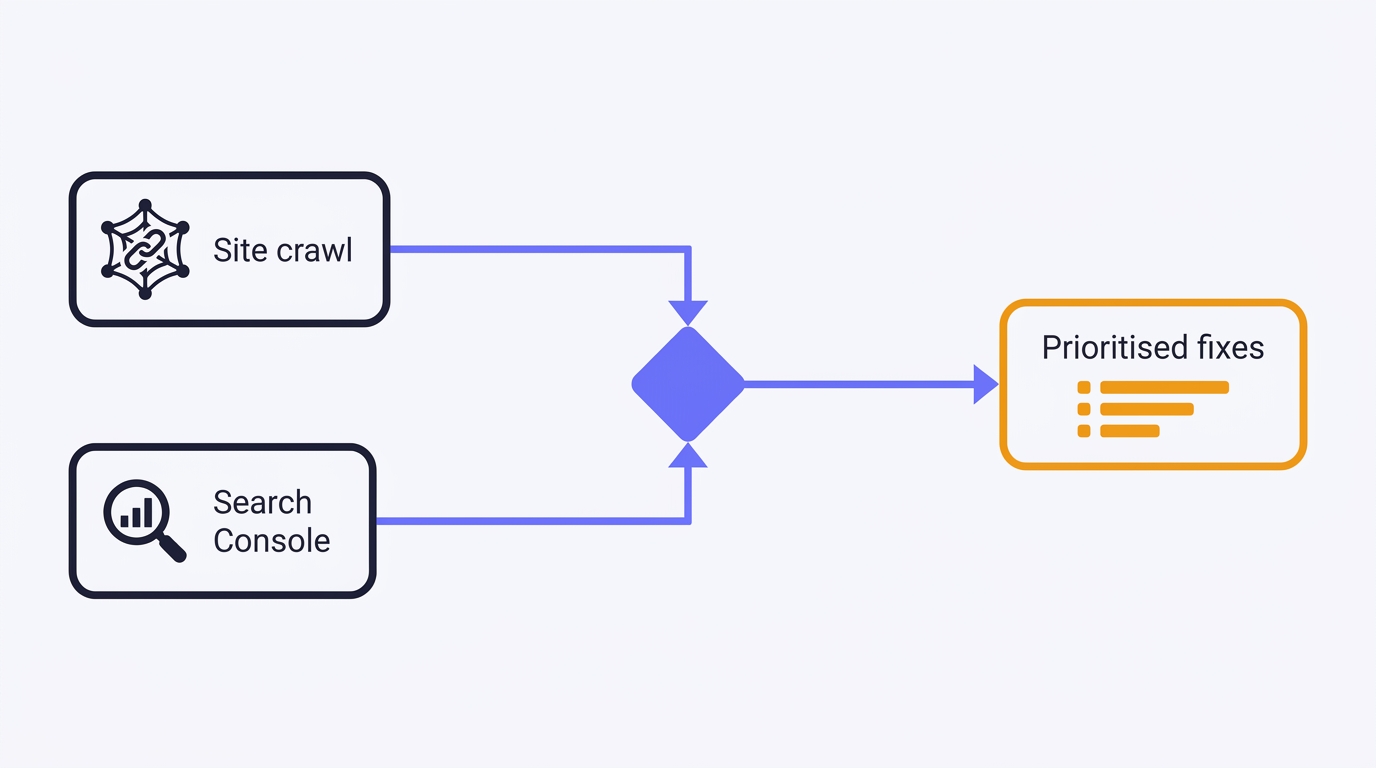
How to Do a Technical SEO Audit with Claude
A full technical SEO audit run by conversation in Claude Desktop: Search Console history and a first-party crawl merged into one prioritised, fix-writing report. The setup, the twelve prompts, the priority model, and the honest limits - walked through on a real site.
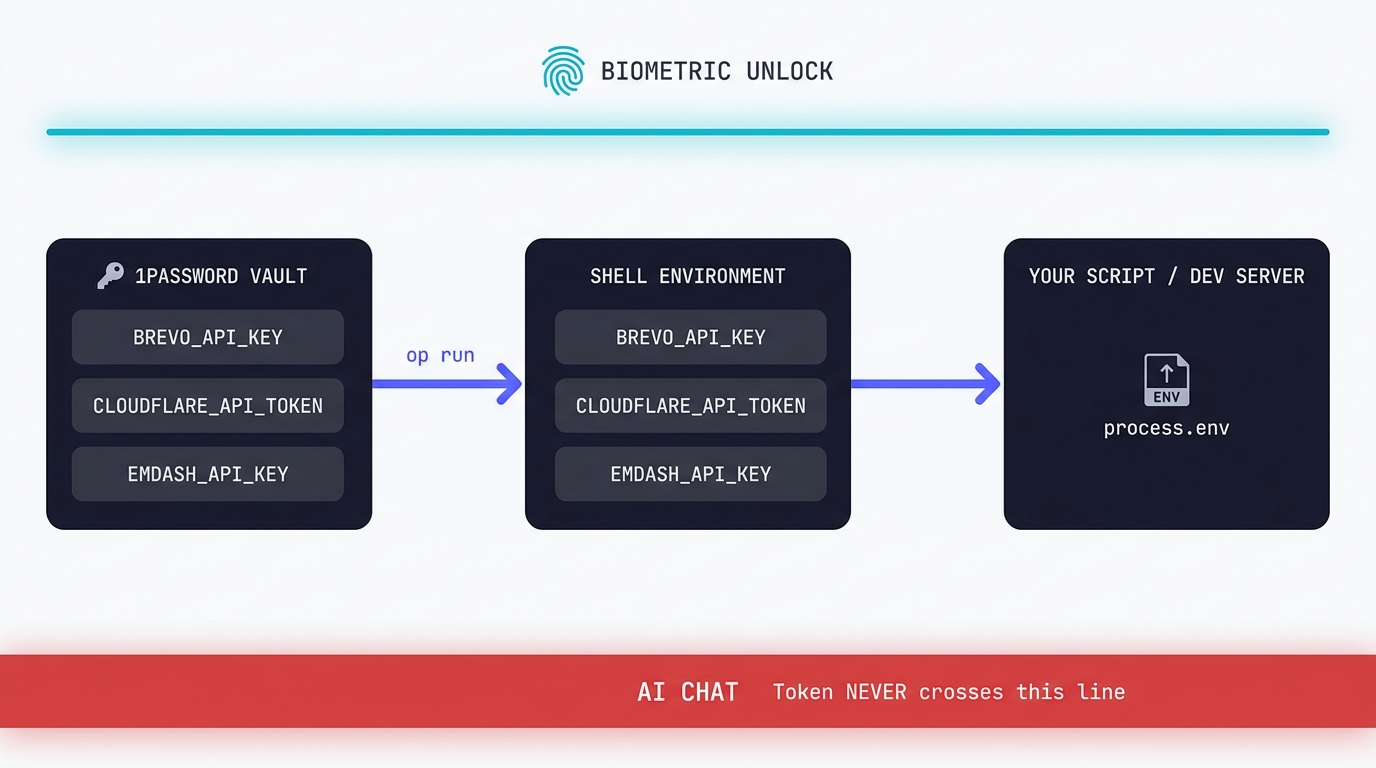
Claude Code API Key Security: A Guide to Token Hygiene
The simplest possible setup that keeps your production tokens out of AI chat windows. 1Password CLI, op run, and the conversational discipline that makes the rest of it work.
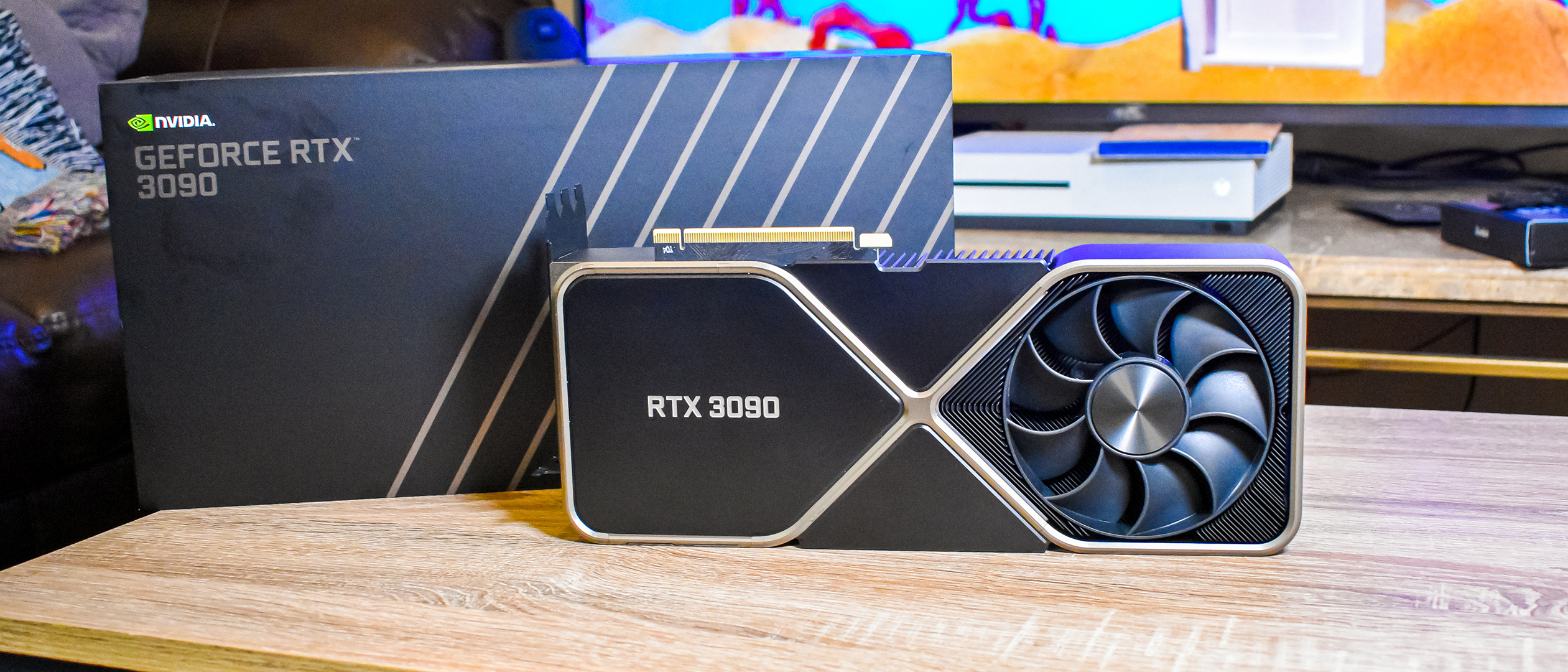
Swapping the Engine: How to Run Claude Code on Local Silicon for Zero Pennies
Claude Code's real power isn't the Anthropic model sitting behind it, it's the agentic : the file-system access, the tool use, the way it chains tasks together without you babysitting every step. I figured this out the expensive way. I ran…

A Beginner's Guide to Claude Computer Use
I've been letting Claude control my mouse and keyboard on and off to test this feature for a little while, and the honest answer is that it's simultaneously the most impressive and most frustrating AI feature I've used. It can navigate…
A Beginner's Guide to AI Mini PCs - Do You Need a DGX Spark?
I've been running a local LLM on a variety of bootstrapped bit of hardward, water-cooled 3090's and an LLM server I call hopper full of older Ada spec GPUs. When NVIDIA, Corsair, et al. all started shipping these tiny purpose-built AI…
Using a Local LLM to Audit Your Codebase - What Qwen3 Coder Next Catches (and Misses)
I ran a local copy of Qwen3 Coder Next on a machine under my desk. It pinned down a race condition in my production code that I'd missed. It also told me, with complete confidence, that crypto.randomUUID() doesn't work in Cloudflare…