

Featured image: Docling analysing 200+ pdfs and converting to simple markdown
How does anyone keep track of business expenses for UK self-assessment?
For me, this started because I run multiple projects – SimRacingCockpit, this site (Houtini), and various consulting work. Last tax year, I spent ages manually clicking through Gmail, downloading 307 PDFs one by one. Stripe invoices from Semrush and Ahrefs. Digital consulting receipts from suppliers. Scanned equipment invoices from Amazon. Every single one needed downloading, ready to analyse. (Yes I could get a bookkeeper).
This year, instead of just hiring a bookeeper, I built a Python script that does it in minutes.
Github: https://github.com/richyBaxter/automate-tax-receipts
Finding Docling
After wasting a day on PyPDF2, I researched actual OCR solutions. The landscape is:
- Tesseract OCR: Free, open-source, 85-95% accuracy with proper image preprocessing
- Google Cloud Vision: $1.50 per 1,000 pages after free tier, 98.7% accuracy on clean invoices
- AWS Textract: Variable pricing depending on API used (AnalyzeExpense for invoices), contact AWS for specific rates
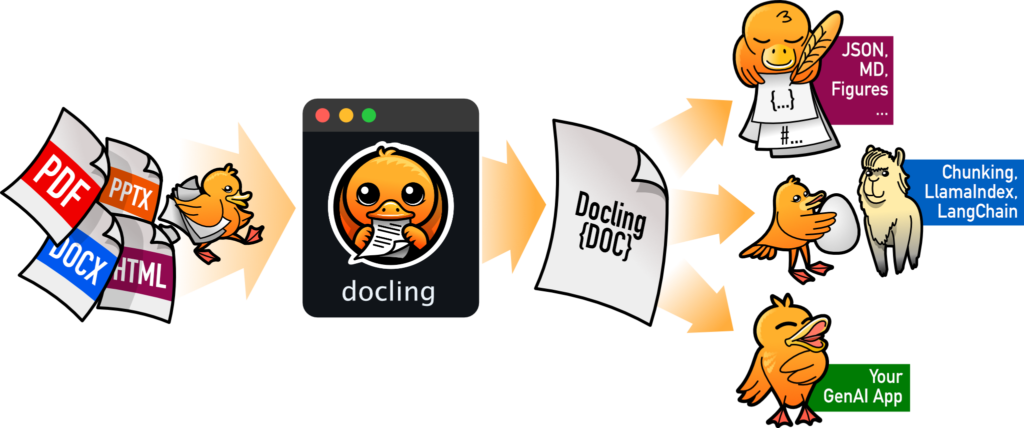
- IBM Docling: Free, open-source, understands document structure
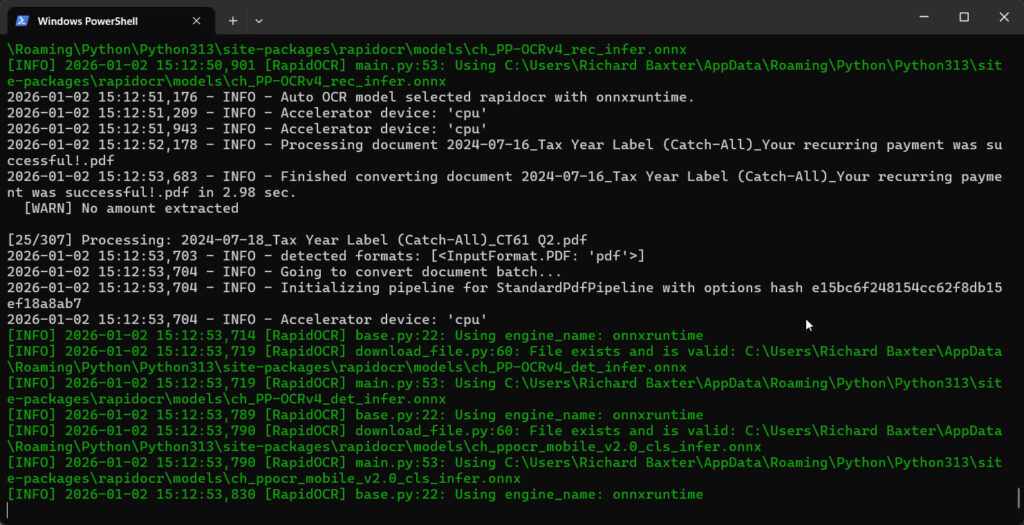
I went with Docling. It’s free (important for a once-yearly task), uses actual OCR models rather than simple text extraction, and understands document structure (headers, tables, line items). only the installation had a few dependencies – it needs onnxruntime for the ML models:
pip install docling onnxruntime
Hardware reality check: On my RTX 3090, processing 307 PDFs took about 4 minutes. On CPU-only it was slower (hours) but just as relieable. Not terrible, but the GPU acceleration is really good.
The Gmail API Solution
Gmail’s API is a little cumbersome to get setup. Google Console (unless you live and breat h Google Console, feels like an app you have to learn from scratch everytime you go near it. Thank God for Gemini.
In short: Google’s OAuth flow requires creating a project in Cloud Console, enabling the Gmail API, downloading credentials, then running through a browser-based authorization that generates a token. The first time through this took me a bit of clicking around but I’m reasonably certain I could do it again with less help the next time.
Once authenticated, the download invoice loop is straightforward:
from googleapiclient.discovery import build

service = build('gmail', 'v1', credentials=creds)
results = service.users().messages().list(
    userId='me',
    q='has:attachment after:2024/04/05 before:2025/04/06'
).execute()

for msg in results.get('messages', []):
    # Get full message with attachments
    message = service.users().messages().get(
        userId='me',
        id=msg['id']
    ).execute()

    # Download attachments
    for part in message['payload'].get('parts', []):
        if part['filename']:
            attachment = service.users().messages().attachments().get(
                userId='me',
                messageId=msg['id'],
                id=part['body']['attachmentId']
            ).execute()

            # Save with YYYY-MM-DD prefix for sorting
            date = extract_date_from_email(message)
            filename = f"{date}_{part['filename']}"
            save_attachment(attachment, filename)
The filename pattern is important. I prefix everything with YYYY-MM-DD_ so they sort chronologically in the folder. When my accountant needs “all April receipts”, I can just sort by filename rather than hunting through metadata.
Rate limiting is real but reasonable. Gmail allows 250 quota units per second for reading messages, and each attachment download costs 5 units. For 307 attachments, I stayed well under the limit.
Docling Integration
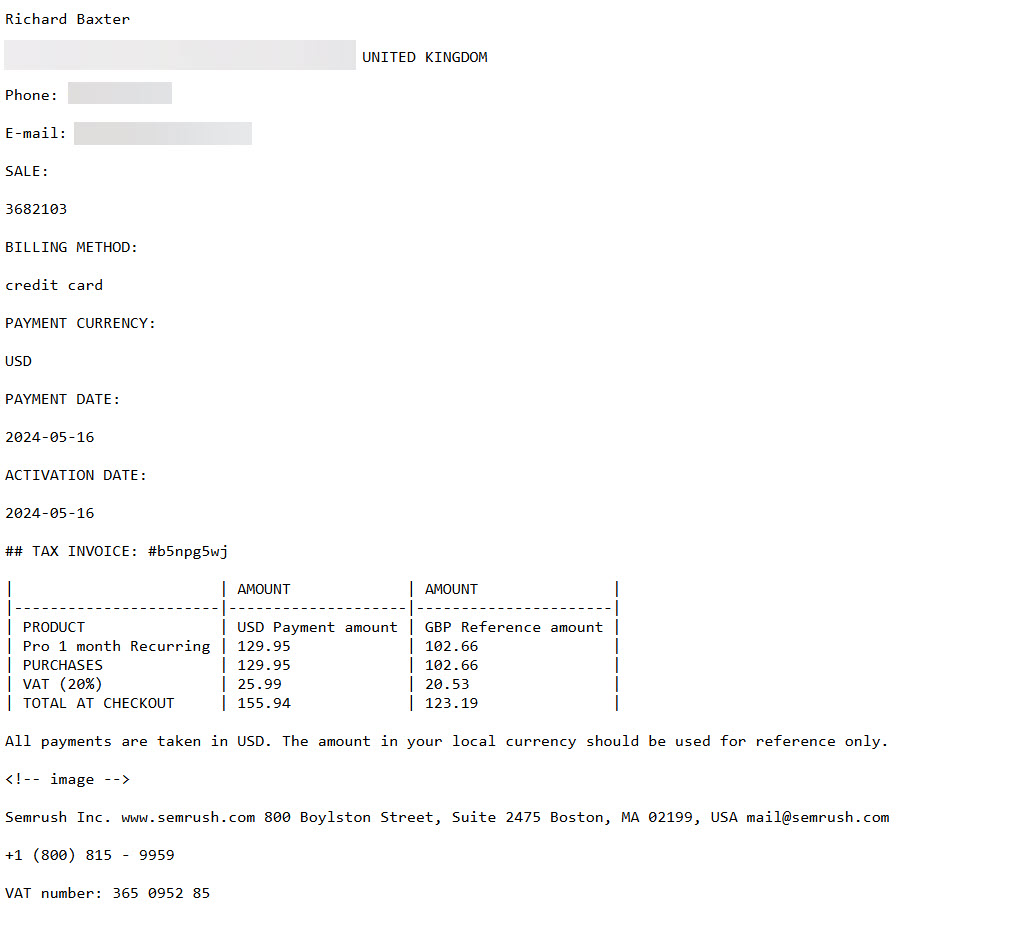
After downloading, each PDF goes through Docling’s OCR. The amount extraction logic uses multiple regex patterns because invoice formats are pretty inconsistent (except for teh money bit, obviously).
from docling.document_converter import DocumentConverter

converter = DocumentConverter()
result = converter.convert("invoice.pdf")
markdown_text = result.document.export_to_markdown()

# Amount extraction patterns (confidence levels)
patterns = {
    'high': [
        r'Total[:\s]+£?([\d,]+\.\d{2})',
        r'Amount Due[:\s]+£?([\d,]+\.\d{2})',
    ],
    'low': [
        r'£([\d,]+\.\d{2})',  # Any £ amount
        r'(\d+\.\d{2})\s*GBP',  # Any decimal with GBP
    ]
}
Success rate across 307 invoices: 89% (274 extracted correctly). The 11% that failed were mostly:
- Mixed currency invoices (USD amounts alongside GBP)
- Very poor quality scans with noise
- Handwritten amounts on scanned receipts (Docling is good but not magic)
For the failed ones, I added them to a manual review list. Still faster than clicking through 307 attachments manually.
For teh successful ones, we’d go from some PDF to this:
Putting It Together
Right, so I ended up with two separate Python scripts rather than anything fancy.
Script one handles the Gmail download (download_gmail_attachments.py). It authenticates through Google’s OAuth flow – which is genuinely annoying the first time – then searches for any email with an attachment in the tax year date range. Downloads everything with a YYYY-MM-DD filename prefix so I can sort chronologically later. Takes about 2 minutes for 307 receipts.
Script two processes the OCR (process_receipts_ocr.py). Reads through all the PDFs, runs Docling on each one, uses regex patterns to extract amounts, then generates a CSV summary for my accountant. The 11% that failed get flagged for manual review – mostly mixed currency invoices or truly terrible scans. That’s 4 minutes on my RTX 3090, plus another 30 seconds to generate the CSV.
Total time: 7 minutes. Compared to the 3 evenings I spent last year manually clicking through Gmail (roughly 7 hours), this was absolutely worth building.
The nice thing about keeping them separate is the Gmail downloader works standalone if you just need the attachments without OCR. I’ve actually used it for other projects where I just needed to bulk-download files from specific senders.
Nice Productivity Hack with AI
The time saving is nice (7 hours down to 7 minutes), but what I think makes this worthwhile is the repeatability. Next tax year, I can run the same script with updated dates. Year after that, same again. If my accountant changes what they need, I tweak the CSV output format once and I’m done. Thanks to Claude!
I’ve put both scripts on GitHub with setup instructions. The Gmail bit is pretty standard OAuth + API calls. The Docling integration took more work getting the regex patterns right, but they handle most invoice formats I’ve encountered.
If you’re handling similar volumes of business receipts for UK self-assessment or your US Tax Return), feel free to use either or both. I’d genuinely be interested to hear what approach you’re taking – are you still clicking through Gmail one by one, or have you found something that works better?
Related Posts
Using a Local LLM to Audit Your Codebase – What Qwen3 Coder Next Catches (and Misses)
I run a local copy of Qwen3 Coder Next on a machine under my desk. It pinned down a race condition in my production code that I’d missed. It also told me, with complete confidence, that crypto.randomUUID() doesn’t work in Cloudflare Workers. It does. That tension – real bugs mixed with confident nonsense – is … <a title="Yet Another Memory MCP? That’s Not the Memory You’re Looking For" class="read-more" href="https://houtini.com/metacog-vs-memory-mcps/" aria-label="Read more about Yet Another Memory MCP? That’s Not the Memory You’re Looking For">Read more</a>
How to Make SVGs with Claude and Gemini MCP
SVG is having a moment. Over 63% of websites use it, developers are obsessed with keeping files lean and human-readable, and the community has turned against bloated AI-generated “node soup” that looks fine but falls apart the moment you try to edit it. The @houtini/gemini-mcp generate_svg tool takes a different approach – Gemini writes the … <a title="Yet Another Memory MCP? That’s Not the Memory You’re Looking For" class="read-more" href="https://houtini.com/metacog-vs-memory-mcps/" aria-label="Read more about Yet Another Memory MCP? That’s Not the Memory You’re Looking For">Read more</a>

How to Make Images with Claude and (our) Gemini MCP
My latest version of @houtini/gemini-mcp (Gemini MCP) now generates images, video, SVG and html mockups in the Claude Desktop UI with the latest version of MCP apps. But – in case you missed, you can generate images, svgs and video from claude. Just with a Google AI studio API key. Here’s how: Quick Navigation Jump … <a title="Yet Another Memory MCP? That’s Not the Memory You’re Looking For" class="read-more" href="https://houtini.com/metacog-vs-memory-mcps/" aria-label="Read more about Yet Another Memory MCP? That’s Not the Memory You’re Looking For">Read more</a>
Yet Another Memory MCP? That’s Not the Memory You’re Looking For
I was considering building my own memory system for Claude Code after some early, failed affairs with memory MCPs. In therapy we’re encouraged to think about how we think. A discussion about metacognition in a completely unrelated world sparked an idea in my working one. The Claude Code ecosystem is flooded with memory solutions. Claude-Mem, … <a title="Yet Another Memory MCP? That’s Not the Memory You’re Looking For" class="read-more" href="https://houtini.com/metacog-vs-memory-mcps/" aria-label="Read more about Yet Another Memory MCP? That’s Not the Memory You’re Looking For">Read more</a>
The Best MCPs for Content Marketing (Research, Publish, Measure)
Most front line content marketing workflow follows the same loop. Find something worth writing about, dig into what’s already ranking on your site, update or write it, run it through SEO checks, shove it into WordPress, then wait to see if anyone reads it. Just six months ago that loop was tedious tab-switching and copy-pasting. … <a title="Yet Another Memory MCP? That’s Not the Memory You’re Looking For" class="read-more" href="https://houtini.com/metacog-vs-memory-mcps/" aria-label="Read more about Yet Another Memory MCP? That’s Not the Memory You’re Looking For">Read more</a>
How to Set Up LM Studio: Running AI Models on Your Own Hardware
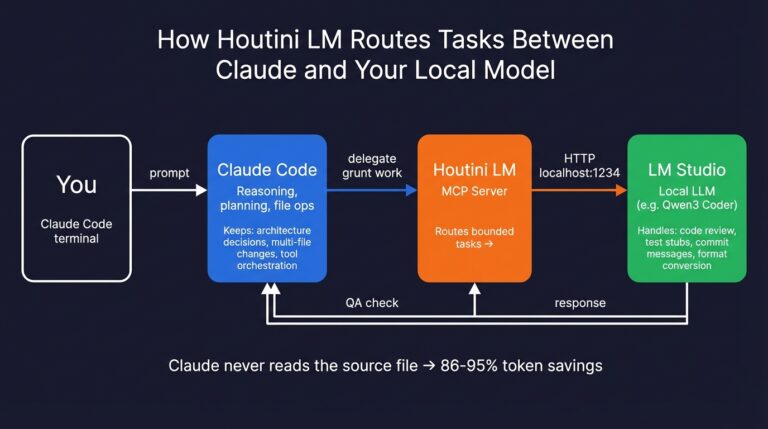
How does anyone end up running their own AI models locally? For me, it started because of a deep interest in GPUs and powerful computers. I’ve got a machine on my network called “hopper” with six NVIDIA GPUs and 256GB of RAM, and I’d been using it for various tasks already, so the idea of … <a title="Yet Another Memory MCP? That’s Not the Memory You’re Looking For" class="read-more" href="https://houtini.com/metacog-vs-memory-mcps/" aria-label="Read more about Yet Another Memory MCP? That’s Not the Memory You’re Looking For">Read more</a>