

For almost all of us, the concept of adding an MCP to your AI assistant is completely new. This is ok, if you’re reading this, I think you’ve come to the right place. I’m going to quickly and simply explain how to add an MCP server to Claude Desktop.
Open Claude Desktop
Your first port of call is to open Claude Desktop and navigate to Settings > Developer
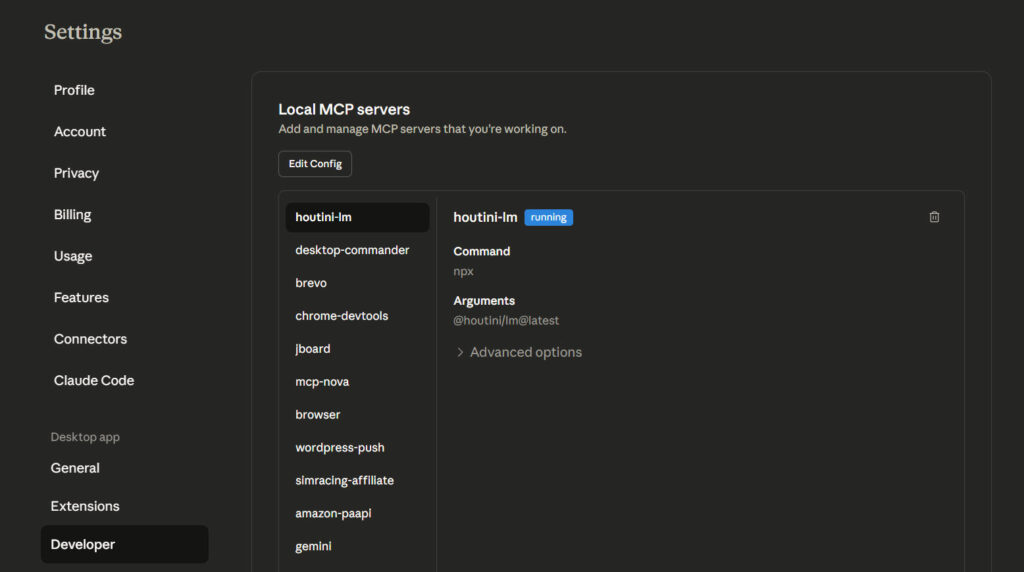
To add an mcp server, click “Edit Config”.
This will open the Claude AppData directory on your machine. Here’s what that looks like:
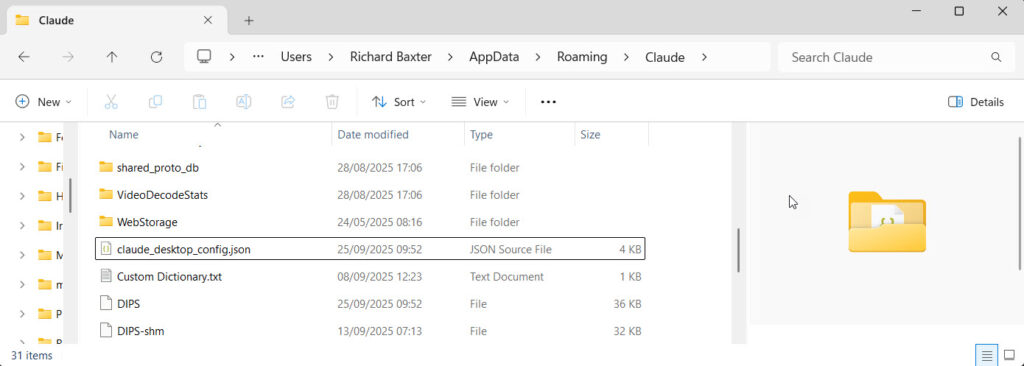
Open claude_desktop_config.json
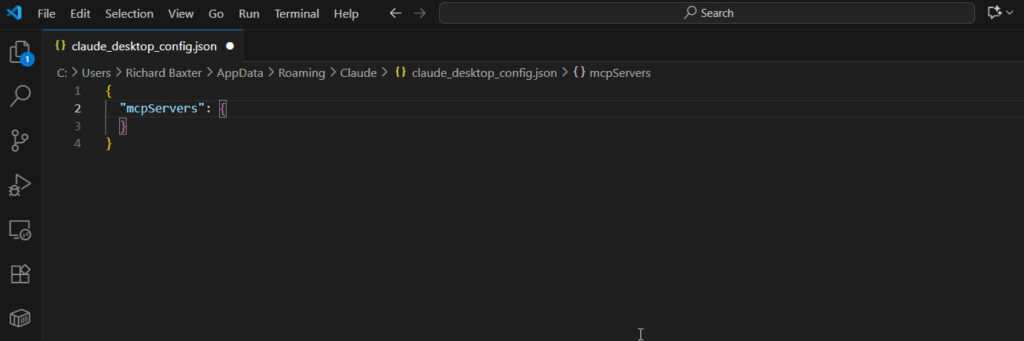
As I happen to be writing about Chrome’s new dev tools MCP, let’s add their MCP server reference:
{
  "mcpServers": {
    "chrome-devtools": {
      "command": "npx",
      "args": ["chrome-devtools-mcp@latest"]
    }
  }
}
When you’re done, your Claude config file will look like this:
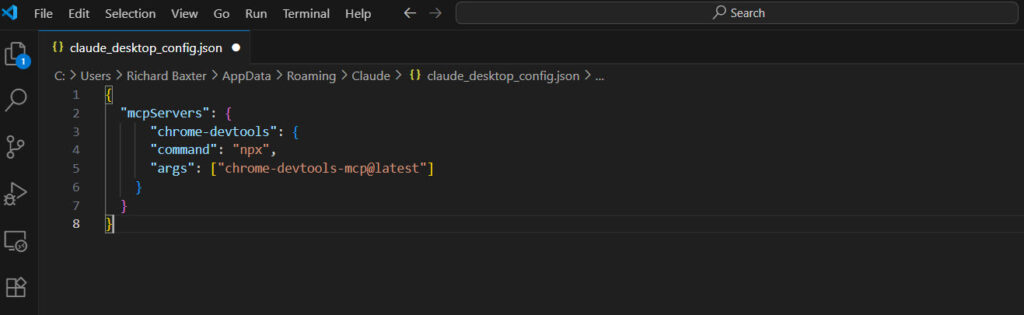
Save your config file, and close Claude.
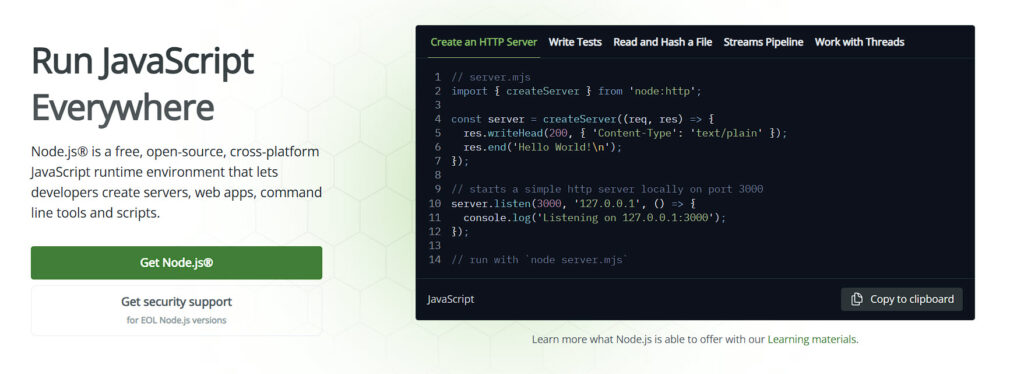
Install Node.js
Most of not all of the MCP servers are Node based. It’s a Javascript “runtime” that allows you to run Node packages. You might have spotted that we’re about to run the @latest version of the Chrome Devtools MCP from their NPM (Node Package Manager) repository.
To make this happen, all you need to do is install Node.js:
You may have notices that Claude’s config file executes the npx command. This is very useful becuase it means that on startup, the comamnd will check if the MCP package is installed. If it isn’t, the package will be downloaded and installed directly from the npm repository.
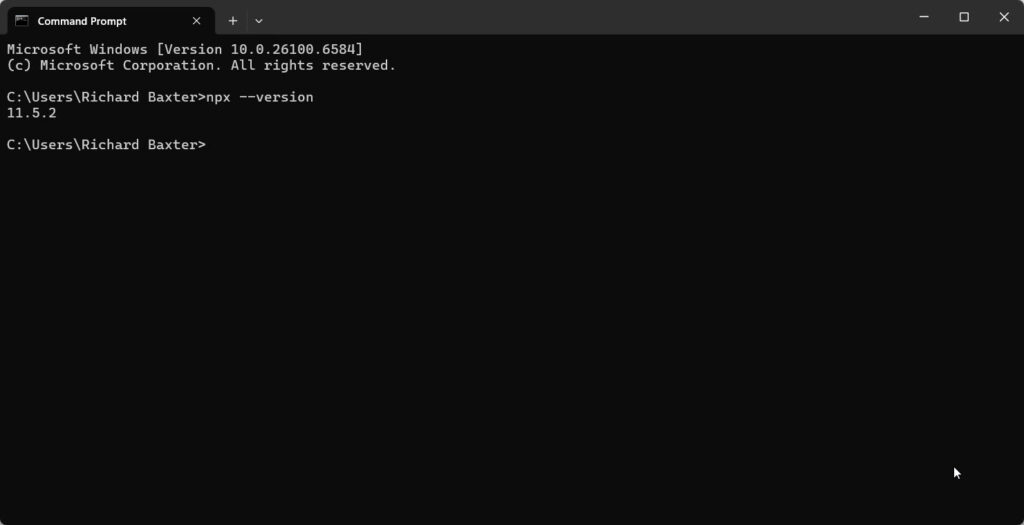
It’s easier than you think – to check that everything installed correctly open CMD and run:
node --version
npm --version
npx --version
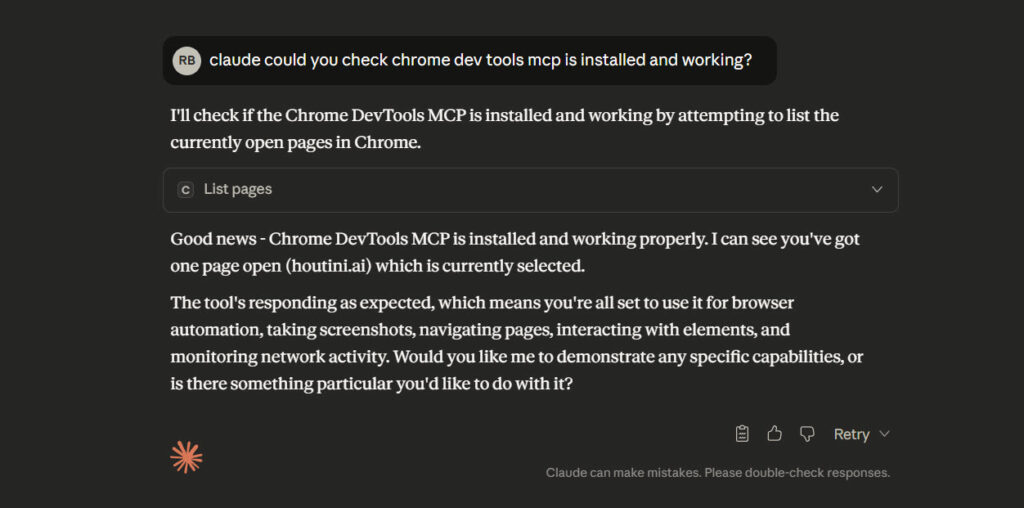
When you’re done, open Claude and give it a test:
And that’s how to install your first MCP server!
Related Posts
Claude Code: The Complete Beginner’s Guide
I’ve been running Claude Code every day for the last few months. MCP servers, articles across three sites, Python scripts, content workflows that run from research straight through to WordPress upload. Nothing’s changed how I work this much since I first picked up MS Excel 20 years ago. What in today’s posts is most of … <a title="How to Add an MCP Server to Claude Desktop" class="read-more" href="https://houtini.com/how-to-add-an-mcp-server-to-claude-desktop/" aria-label="Read more about How to Add an MCP Server to Claude Desktop">Read more</a>
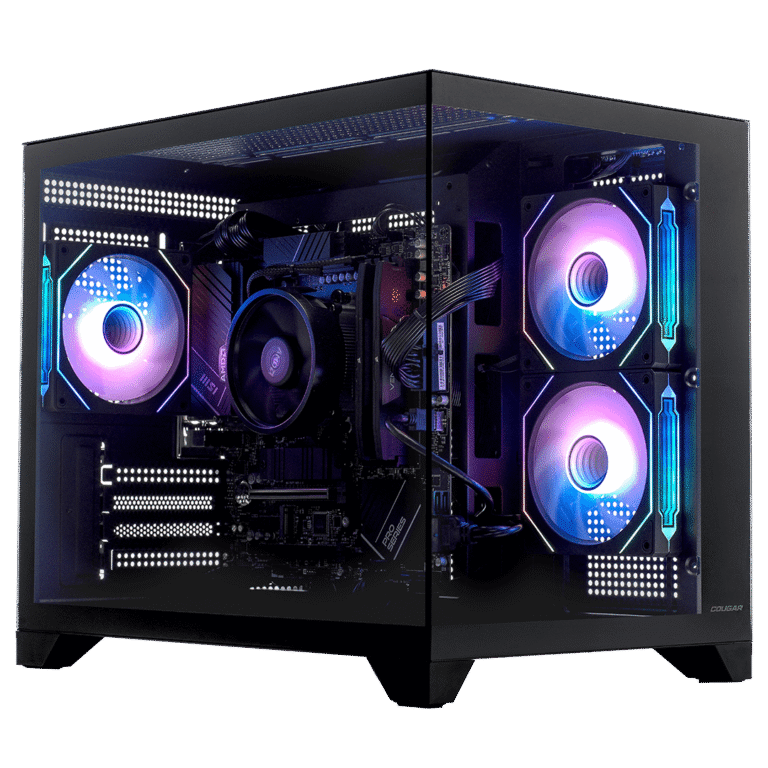
Best AI PCs for Running Local LLMs
VRAM decides everything when running local AI. Tested Corsair VENGEANCE builds from $2,999-$6,999, the RTX 5080 trap, and which GPU tier runs which models.
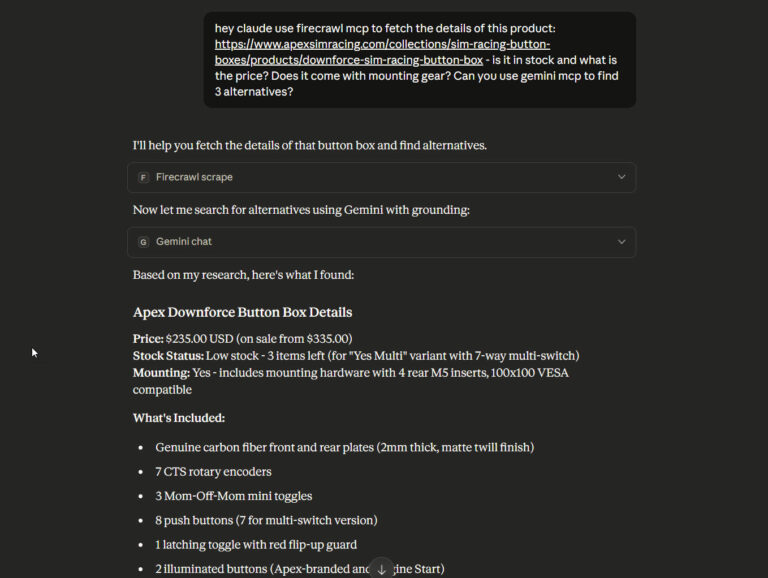
How to Use Firecrawl in Claude Desktop
I’ve spent the past few months building Yubhub (launch coming soon), a job aggregator that feeds our Motorsport jobs site, fluidjobs.com. The scraper needs to pull job listings from career sites across Formula 1, automotive engineering, and racing teams. Mercedes F1, FIA, Audi, McLaren – all JavaScript-heavy React sites that traditional scrapers are very difficult … <a title="How to Add an MCP Server to Claude Desktop" class="read-more" href="https://houtini.com/how-to-add-an-mcp-server-to-claude-desktop/" aria-label="Read more about How to Add an MCP Server to Claude Desktop">Read more</a>
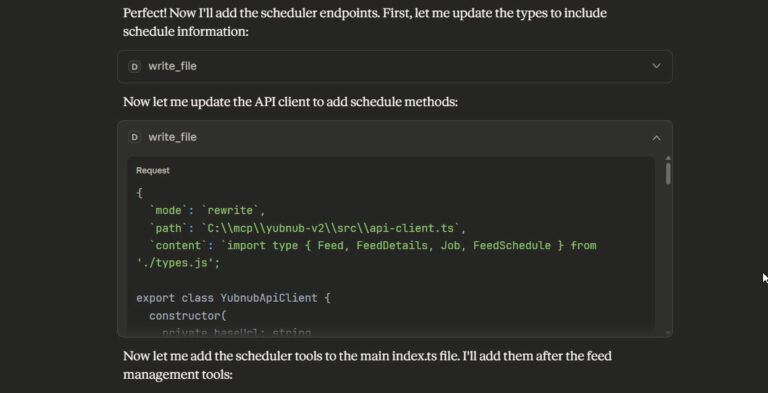
Claude Desktop Makes a Brilliant Coding Assistant – Here’s How to Set It Up
Everyone says if you want AI coding help, you use Cursor. Or Cline. Or GitHub Copilot. Basically anything that hooks into your IDE with inline autocomplete and tab-completion magic. Claude Desktop? That’s for chat, not code. I respectfully disagree; there’s a productivity sweet spot where you can use Claude Desktop very successfully for light coding, … <a title="How to Add an MCP Server to Claude Desktop" class="read-more" href="https://houtini.com/how-to-add-an-mcp-server-to-claude-desktop/" aria-label="Read more about How to Add an MCP Server to Claude Desktop">Read more</a>