

I’ve been watching AI search traffic for the past year, and it’s become impossible to ignore. Not because traditional Google is dead – it’s not – but because ChatGPT referrals jumped from 14,500 visits per month in early 2024 to over 120,000 per month by May according to the Previsible AI Traffic Report.
The problem? You’ve no idea whether these AI engines are actually citing your content, and if they are, whether they’re representing it accurately.
Google’s global search market share fell below 90% in late 2024 for the first time since 2015, hovering around 88% through most of 2024. Meanwhile, 58% of marketers report declining clicks and web traffic from traditional search, specifically attributing traffic declines to Google’s AI Overviews launch in May.
That’s where GEO Analyser comes in. It’s an open source, free, self-hosted tool that analyses your content specifically for AI search engine optimisation. The clever bit? v2.0 runs entirely on your laptop – no Cloudflare Workers, no external services, no deployment complexity.
Just add one config block to Claude Desktop and start analysing!
What Changed in v2.0
GEO Analyser v2.0 is a complete architectural reimagining (fair enough – v1.x setup was too complex). I’ve eliminated external service dependencies and rebuilt the tool to run entirely locally, powered by Claude Sonnet 4.5. Also, I noticed a small handful of individuals lifted the original cloudlfare worker and deployed single page apps with ads on. No citation – not cool. Those people are now on their own as their code is now unsupported. Sorry, not sorry.
Anywa- I’ve simplief things. The result? Setup drops from 7 steps to 2! Analysis quality improves with better semantic understanding (becuase I’ve imporved it based on learnings from the Query Fan Out Analyser). And you’re no longer dependent on external infrastructure.
Key Changes:
- No Cloudflare Workers deployment needed
- No Jina API key required (the new version has its own scraper and htmlcleaner)
- Better semantic analysis (Sonnet 4.5)
- Text analysis mode (paste content directly)
- Cleaner content extraction
- Simpler configuration
One API key. One config block. Better results.
I know what I’m doing, take me to the repo
What is the GEO Analyser?
GEO Analyser is an MCP server that evaluates content for AI search engine optimisation using methodology based on MIT research. It analyses URLs or pasted text to identify what makes content more likely to be cited by AI systems like ChatGPT, Perplexity, and Google’s AI Overviews.
AI engines don’t just look at keywords – they extract semantic triples (subject-predicate-object relationships), identify named entities, and evaluate content structure. Traditional SEO metrics barely correlate with AI citation rates.
In my opinion, there are a set range of parameters you can work to that improves your findability in AI search, without screwing up the article and making it sound weird.
Why This Matters
I’ve been tracking the shift in how people search for information – to be perfectly frank, I’m finding myself using legacy Google search less and less, opting for deep research with Gemini (check out my MCP for Gemini with search grounding).
Look at this result for “all inclusive holidays November 2025”:

I’ve never heard of Mercury Holidays – maybe they’re huge – but something tells me this wouldn’t be a difficult SEO play to beat. That 40% improvement in citation rates with GEO isn’t just a number, it’s a massive opportunity! It represents the difference between being invisible to AI search engines and your site becoming the primary source.
I’ve seen blog posts with excellent traditional SEO that never get cited by AI engines because the information isn’t structured for extraction. Horrendous waste of good content.
How It Works (The Cool Bit)
v2.0 Architecture:
Claude Desktop (MCP)
    ↓
GEO Analyzer (local)
    ├─ Content Fetcher (cheerio)
    ├─ Pattern Analyzer (MIT research)
    ├─ Semantic Analyzer (Sonnet 4.5)
    └─ Report Formatter
The analysis happens in three layers:
1. Pattern Analysis (MIT Research-Based)
This layer evaluates structural patterns that correlate with AI citation rates:
- Sentence length: 15-20 words optimal (too short = choppy, too long = complex)
- Claim density: 4+ claims per 100 words target
- Date markers: Temporal specificity (“January 2025” vs “recently”)
- Entity diversity: Named people, organisations, products
- Structure analysis: Headers, lists, clear organisation
These metrics come from MIT research (PDF URL: https://arxiv.org/pdf/2311.09735) on what AI models extract most reliably. I think this pattern layer is what makes the tool powerful rather than just another content analyser.
2. Semantic Analysis (Sonnet 4.5)
Claude analyses the content to extract:
- Semantic triples: Subject-predicate-object relationships
- Named entities: PERSON, ORG, PRODUCT, LOCATION
- Entity relationships: How entities connect
- Diversity metrics: Breadth of coverage
This was Workers AI (Llama 3.3) in v1.x. Sonnet 4.5 provides significantly better accuracy in entity recognition and triple extraction so, the difference is night and day when you’re working with technical content (which I do constantly).
3. GEO Scoring (0-10 Scale)
The system combines both analyses into a single score:
- 0-3: Poor AI extractability (generic content, no structure)
- 4-6: Moderate extractability (some good elements)
- 7-8: Good extractability (well-structured, specific)
- 9-10: Excellent extractability (AI citation likely)
Plus actionable recommendations for improvement ranked by priority.
What You Need to Get Started
Requirements:
- Claude Desktop installed
- Anthropic API key (you already have one I’m sure)
- npx/npm (comes with Node.js)
That’s it. No Cloudflare account, no Wrangler CLI, no Worker deployment, no Jina API key. Seriously – I’m done with complex deployment processes for otherwise simple, free mcp tools. I still use Claoudflare Workers on big projects, though.
Step-by-Step Setup
Step 1: Add to Claude Desktop Config
Open your Claude Desktop config:
- Mac:
~/Library/Application Support/Claude/claude_desktop_config.json - Windows:
%APPDATA%\Claude\claude_desktop_config.json
Add this block to your config (I use this exact setup on my main machine):
{
  "mcpServers": {
    "geo-analyzer": {
      "command": "npx",
      "args": ["-y", "@houtini/geo-analyzer@latest"],
      "env": {
        "ANTHROPIC_API_KEY": "sk-ant-your-key-here"
      }
    }
  }
}
Replace sk-ant-your-key-here with your actual Anthropic API key.
Step 2: Restart Claude Desktop
Close and reopen Claude Desktop. The GEO Analyzer tools will now be available.
That’s it. Start analysing immediately.
Using It in Your Workflow
Analyse a Published URL
Analyze https://yoursite.com/article for "content marketing"The query parameter provides context for relevance scoring (optional but helpful in my testing).
Analyse Pasted Text (New in v2.0)
Analyze this text for "SEO optimisation":

[Paste your content here - minimum 500 characters]
Perfect for draft content before publishing. I use this constantly when writing articles to check GEO scores before they go live.
Output Formats
Detailed (default):
- Full pattern analysis
- Complete semantic triples
- Entity breakdown
- Actionable recommendations
Summary:
- GEO score
- Top 3 priorities
- Quick wins
Specify with: analyze_url with output_format=summary
Example Analysis Output
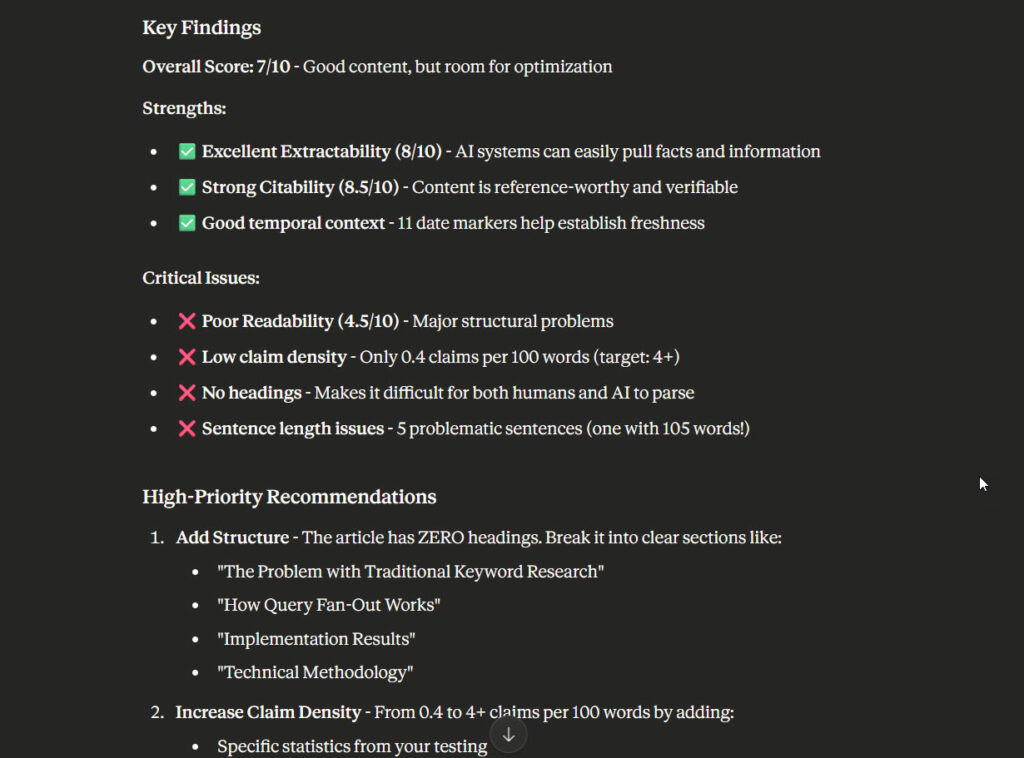
GEO Score: 6.2/10

PATTERN ANALYSIS:
- Sentence length: 18.3 avg (✓ optimal 15-20)
- Claim density: 2.1 per 100 words (✗ target 4+)
- Date markers: 3 found (✓ good temporal specificity)
- Entity diversity: 0.42 (✓ good variety)

SEMANTIC ANALYSIS:
- Triples extracted: 47
- Named entities: 12 (8 PERSON, 3 ORG, 1 PRODUCT)
- Entity relationships: Strong connections

RECOMMENDATIONS:
1. HIGH: Increase claim density (add 15+ specific claims)
2. MEDIUM: Add more product/tool mentions
3. LOW: Improve header structure (2-3 levels)
When I run my articles through this, I target 8+ scores before publishing (for professional work anyway).
Who This Is For
Content creators optimising for AI search visibility
SEO professionals adapting to AI-first search
Marketing teams measuring AI extractability
Developers building content analysis pipelines
If you’re publishing content and want to know if AI engines can extract value from it, this tool provides that insight. I built it because I needed this for my own content workflow (and couldn’t find anything importnat that did the job properly).
Related Posts
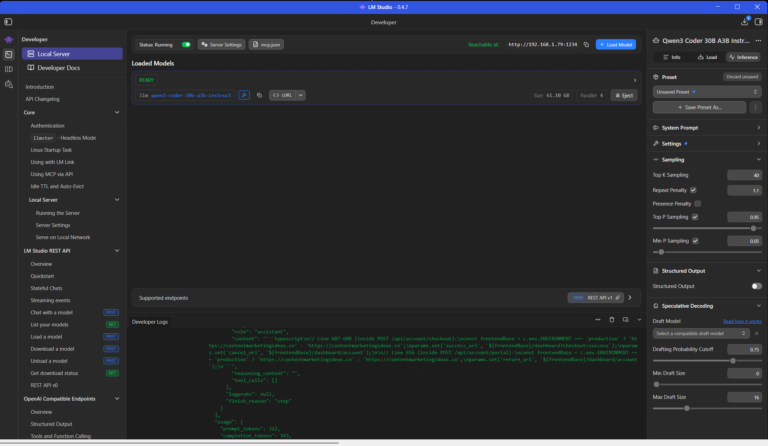
Using a Local LLM to Audit Your Codebase – What Qwen3 Coder Next Catches (and Misses)
I run a local copy of Qwen3 Coder Next on a machine under my desk. It pinned down a race condition in my production code that I’d missed. It also told me, with complete confidence, that crypto.randomUUID() doesn’t work in Cloudflare Workers. It does. That tension – real bugs mixed with confident nonsense – is … <a title="GEO Analyser: Analyse Your Content for Generative Engine Optimisation" class="read-more" href="https://houtini.com/geo-analyser-analyse-your-content-for-generative-engine-optimisation/" aria-label="Read more about GEO Analyser: Analyse Your Content for Generative Engine Optimisation">Read more</a>
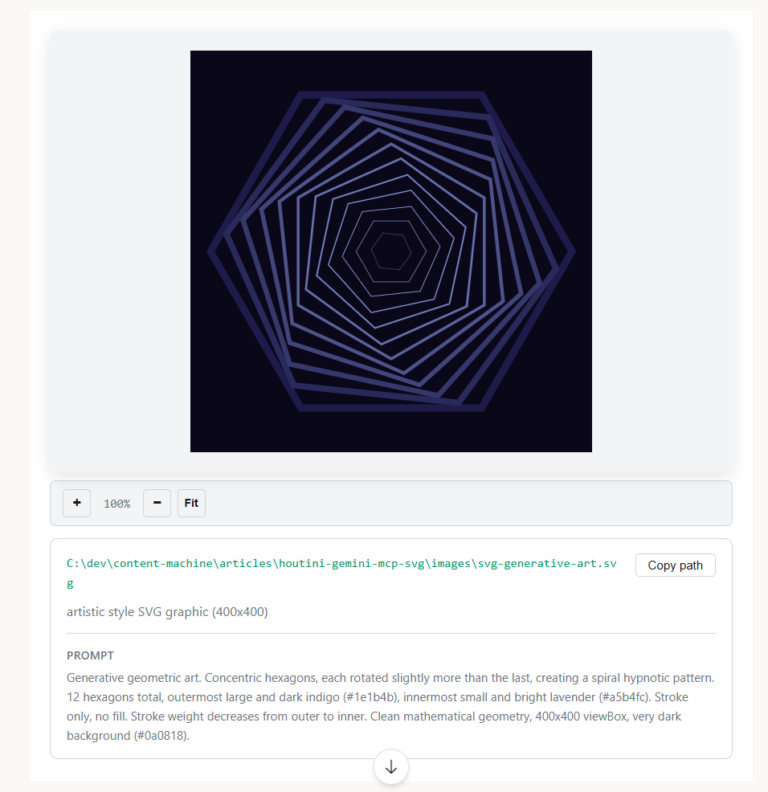
How to Make SVGs with Claude and Gemini MCP
SVG is having a moment. Over 63% of websites use it, developers are obsessed with keeping files lean and human-readable, and the community has turned against bloated AI-generated “node soup” that looks fine but falls apart the moment you try to edit it. The @houtini/gemini-mcp generate_svg tool takes a different approach – Gemini writes the … <a title="GEO Analyser: Analyse Your Content for Generative Engine Optimisation" class="read-more" href="https://houtini.com/geo-analyser-analyse-your-content-for-generative-engine-optimisation/" aria-label="Read more about GEO Analyser: Analyse Your Content for Generative Engine Optimisation">Read more</a>
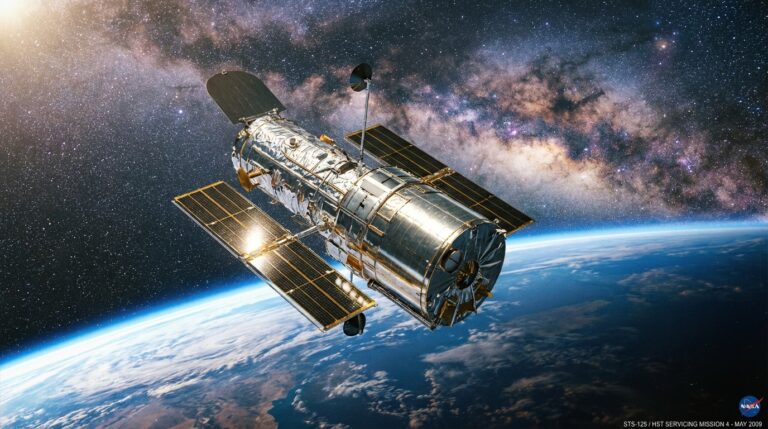
How to Make Images with Claude and (our) Gemini MCP
My latest version of @houtini/gemini-mcp (Gemini MCP) now generates images, video, SVG and html mockups in the Claude Desktop UI with the latest version of MCP apps. But – in case you missed, you can generate images, svgs and video from claude. Just with a Google AI studio API key. Here’s how: Quick Navigation Jump … <a title="GEO Analyser: Analyse Your Content for Generative Engine Optimisation" class="read-more" href="https://houtini.com/geo-analyser-analyse-your-content-for-generative-engine-optimisation/" aria-label="Read more about GEO Analyser: Analyse Your Content for Generative Engine Optimisation">Read more</a>

Yet Another Memory MCP? That’s Not the Memory You’re Looking For
I was considering building my own memory system for Claude Code after some early, failed affairs with memory MCPs. In therapy we’re encouraged to think about how we think. A discussion about metacognition in a completely unrelated world sparked an idea in my working one. The Claude Code ecosystem is flooded with memory solutions. Claude-Mem, … <a title="GEO Analyser: Analyse Your Content for Generative Engine Optimisation" class="read-more" href="https://houtini.com/geo-analyser-analyse-your-content-for-generative-engine-optimisation/" aria-label="Read more about GEO Analyser: Analyse Your Content for Generative Engine Optimisation">Read more</a>

The Best MCPs for Content Marketing (Research, Publish, Measure)
Most front line content marketing workflow follows the same loop. Find something worth writing about, dig into what’s already ranking on your site, update or write it, run it through SEO checks, shove it into WordPress, then wait to see if anyone reads it. Just six months ago that loop was tedious tab-switching and copy-pasting. … <a title="GEO Analyser: Analyse Your Content for Generative Engine Optimisation" class="read-more" href="https://houtini.com/geo-analyser-analyse-your-content-for-generative-engine-optimisation/" aria-label="Read more about GEO Analyser: Analyse Your Content for Generative Engine Optimisation">Read more</a>
How to Set Up LM Studio: Running AI Models on Your Own Hardware
How does anyone end up running their own AI models locally? For me, it started because of a deep interest in GPUs and powerful computers. I’ve got a machine on my network called “hopper” with six NVIDIA GPUs and 256GB of RAM, and I’d been using it for various tasks already, so the idea of … <a title="GEO Analyser: Analyse Your Content for Generative Engine Optimisation" class="read-more" href="https://houtini.com/geo-analyser-analyse-your-content-for-generative-engine-optimisation/" aria-label="Read more about GEO Analyser: Analyse Your Content for Generative Engine Optimisation">Read more</a>