

Have you found yourself becoming a heavy AI user? For Claude Desktop, what hardware matters, what doesn’t, and where do Anthropic’s official specs look a bit optimistic?
Official Requirements
Anthropic doesn’t publish detailed system requirements for Claude Desktop. The download page just gives you a button and trusts you to figure it out. I’ve pieced together the real numbers from their docs, months of daily use, and a fair bit of community troubleshooting:
Windows: 10 or 11, 64-bit only. The app ships as an MSIX package (a modern Windows installer format – basically a sandboxed app that installs cleanly and uninstalls cleanly). Some corporate machines block MSIX installs by policy, which catches people out. Anthropic does have a standalone .exe installer buried somewhere, but good luck finding it.
macOS: You’ll need 12 Monterey at minimum – Intel and Apple Silicon both work fine, though M-series chips handle the Electron shell with less effort. My M2 MacBook renders conversations faster than my Windows box does.
Linux: No official desktop app. You can use claude.ai in a browser, or run Claude Code in the terminal if you’re a developer.
Windows vs macOS
Functionally? Identical. Same interface, same models, same MCP support. The differences are all in the install experience and where things end up on disk.
On Windows, the MSIX thing tripped me up. I went looking in “Add or Remove Programs” like you’d expect – couldn’t find Claude anywhere. Turns out MSIX apps get their own section called Windows Apps, and nobody ever checks there. Claude Desktop also installs to %LOCALAPPDATA%\Programs\Claude\ which threw me when I was trying to find the config file. The config file? %APPDATA%\Claude\claude_desktop_config.json – took me ages to track that down.
On macOS, much less drama. Standard .dmg, drag to Applications, done. Config at ~/Library/Application Support/Claude/claude_desktop_config.json. Apple Silicon users get the native ARM build automatically – and I’ve clocked roughly 200-300ms faster response rendering on my M2 versus the Windows box. Probably Electron being happier on ARM rather than anything Claude-specific.
What System Requirements Matter
Most “system requirements” articles skip the key detail: Claude Desktop is basically a fancy web browser. All the AI runs on Anthropic’s GPUs in a data centre – your machine just ships text back and forth. That’s it. No local inference, no model weights, nothing heavy.
So there are four things to take into account, really:
- App startup time – how fast the Electron shell loads
- Conversation rendering – scrolling through long threads with code blocks and images
- MCP server performance – if you’re running local tools alongside Claude (this is the big one)
- Concurrent usage – having Claude Desktop open alongside your other apps
A five-year-old laptop can run Claude Desktop fine for basic chat. The requirements only get interesting when you start adding MCP servers and running complex workflows.
RAM
Claude Desktop itself chews through about 300-500MB of RAM – the Electron shell, the renderer, cached conversation history. On a machine with 8GB of RAM, that’s manageable but you’ll feel it if you’ve also got Chrome open with 40 tabs (as we all do).
MCP servers blow the budget wide open though. Each one spins up its own Node.js process. My 10 MCP servers and they collectively use another 800MB-1.2GB. On my 64GB workstation that’s invisible. On an 8GB laptop, I’d be swapping to disk constantly.
My recommendation:
- 4GB RAM – Claude Desktop will run but you’ll be miserable. Every tab switch will lag.
- 8GB RAM – Fine for Claude Desktop alone, tight if you add MCP servers.
- 16GB RAM – Comfortable for Claude Desktop plus a handful of MCP servers.
- 32GB+ – What I’d recommend if you’re running Claude Desktop as part of a proper AI workflow with multiple MCP servers, IDE, browser, and whatever else.
MCP Servers Change Everything
If you’re just using Claude Desktop for chat – asking questions, getting answers – the hardware requirements are trivial. Any modern computer handles it.
MCP servers are the reason Claude Desktop’s worth installing in the first place – and they’re where the specs conversation actually gets interesting. I’ve written about Desktop Commander which gives Claude filesystem and terminal access, and Gemini MCP which adds Google’s AI as a research tool. Every single one of those is its own Node.js process eating RAM and CPU.
Node.js v18+ is a prerequisite – without it, nothing works. Each server grabs somewhere between 50 and 150MB of RAM (my Desktop Commander instance sits around 80MB, Gemini MCP closer to 120MB). CPU and disk barely register. The servers that call external APIs add network latency on top, but that’s about it.
Minimum vs Comfortable
Minimum is survivable. Claude Desktop opens, conversations work, responses stream in. But alt-tab to Chrome and back? You’ll wait.
Comfortable means you don’t think about it. Claude Desktop, MCP servers, your IDE, Chrome, Spotify – all running without competition for resources.
GPU? Doesn’t matter at all. Zero. Claude’s AI runs on Anthropic’s hardware, not yours – your GPU just sits there doing nothing. If you want to run local AI models alongside Claude Desktop (using something like LM Studio), that’s a different conversation entirely – and I’d point you at our best PCs for local AI guide for that.
Common Mistakes
1. Assuming you need a powerful PC
None of the AI runs on your machine – it’s all cloud. Reddit threads pop up constantly – “do I need an RTX 4090 for Claude?” – and the answer is always no. Not even close. A Chromebook could probably handle it – 4GB of RAM is enough – if Google ever let you install Electron apps on ChromeOS. The compute happens on Anthropic’s servers.
2. Not having Node.js installed before adding MCP servers
You install Claude Desktop, you read about MCP servers, you try to add one, and it fails silently. No error, just… nothing happens. You need Node.js v18+ on the machine first – grab it from nodejs.org. Run node --version in a terminal to check. If you get nothing, install Node from nodejs.org before touching MCP config.
3. Running too many MCP servers on 8GB RAM
Each MCP server is a process. Five servers at 100-150MB each, plus Claude Desktop at 400MB, plus Chrome at 2GB, plus your OS at 3GB – that’s your 8GB gone. Symptoms: Claude Desktop freezes mid-response, MCP tools time out, your laptop fan sounds like a helicopter. Only fix: kill a few servers or throw more RAM at it.
4. Confusing Claude Desktop with local AI
Claude Desktop sends your prompts to Anthropic’s API. It needs internet. Your GPU? Irrelevant. If you want offline, private, local AI – that’s LM Studio or Ollama, and those have very different (much higher) system requirements. I actually run both side by side through MCP – that’s what houtini-lm does for me.
5. Ignoring the MSIX issue on Windows
Loads of corporate Windows machines have group policies that silently block MSIX installs. You’ll get a vague error or the installer just won’t run. Get your IT team to whitelist the Anthropic publisher certificate. Honestly, this trips up more people than any hardware problem does.
If you’re reading this to decide whether your machine can run Claude Desktop – it almost certainly can. Basically: don’t overthink the hardware. Budget for RAM if you’re going deep with MCP servers or even Local LLM, just forget about the GPU entirely.
My Claude Desktop beginner’s guide covers the full setup if you want to get going.
Related Articles
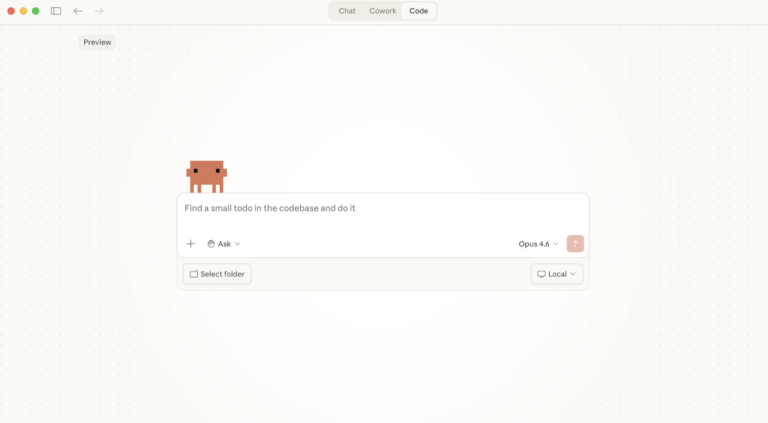
Claude Desktop System Requirements: Windows & macOS
Have you found yourself becoming a heavy AI user? For Claude Desktop, what hardware matters, what doesn’t, and where do Anthropic’s official specs look a bit optimistic? In this article: Official Requirements | Windows vs macOS | What Actually Matters | RAM | MCP Servers | Minimum vs Comfortable | Mistakes Official Requirements Anthropic doesn’t … <a title="Claude Desktop System Requirements: Windows & macOS" class="read-more" href="https://houtini.com/claude-desktop-system-requirements/" aria-label="Read more about Claude Desktop System Requirements: Windows & macOS">Read more</a>
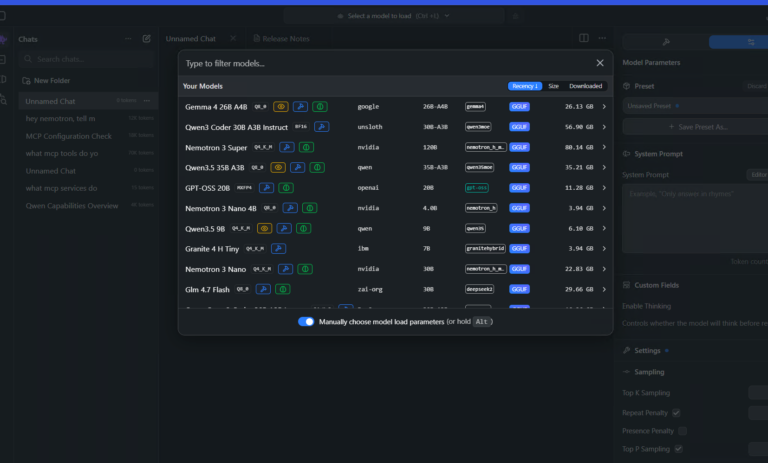
Best GPUs for Running Local LLMs: Buyer’s Guide 2026
I’ve been running various LLMs on my own hardware for a while now and, without fail, the question I see asked the most (especially on Reddit) is “what GPU should I buy?” The rules for buying a GPU for AI are nothing like the rules for buying one for gaming – CUDA cores barely matter, … <a title="Claude Desktop System Requirements: Windows & macOS" class="read-more" href="https://houtini.com/claude-desktop-system-requirements/" aria-label="Read more about Claude Desktop System Requirements: Windows & macOS">Read more</a>

A Beginner’s Guide to Claude Computer Use
I’ve been letting Claude control my mouse and keyboard on and off to test this feature for a little while, and the honest answer is that it’s simultaneously the most impressive and most frustrating AI feature I’ve used. It can navigate software it’s never seen before just by looking at the screen – but it … <a title="Claude Desktop System Requirements: Windows & macOS" class="read-more" href="https://houtini.com/claude-desktop-system-requirements/" aria-label="Read more about Claude Desktop System Requirements: Windows & macOS">Read more</a>
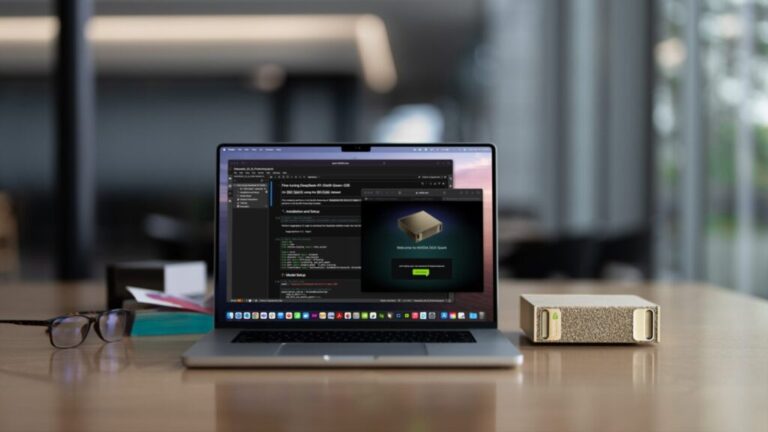
A Beginner’s Guide to AI Mini PCs – Do You Need a DGX Spark?
I’ve been running a local LLM on a variety of bootstrapped bit of hardward, water-cooled 3090’s and an LLM server I call hopper full of older Ada spec GPUs. When NVIDIA, Corsair, et al. all started shipping these tiny purpose-built AI boxes – the DGX Spark, the AI Workstation 300, the Framework Desktop – I … <a title="Claude Desktop System Requirements: Windows & macOS" class="read-more" href="https://houtini.com/claude-desktop-system-requirements/" aria-label="Read more about Claude Desktop System Requirements: Windows & macOS">Read more</a>
Content Marketing Ideas: What It Is, How I Built It, and Why I Use It Every Day
Content Marketing Ideas is the tool I’ve built to relcaim the massive amount of time I have to spend monitoring my sources for announcementsm ,ew products, release – whatever. The Problem with Content Research in 2026 Most front line content marketing workflow follows the same loop. You read a lot, you notice patterns, you get … <a title="Claude Desktop System Requirements: Windows & macOS" class="read-more" href="https://houtini.com/claude-desktop-system-requirements/" aria-label="Read more about Claude Desktop System Requirements: Windows & macOS">Read more</a>

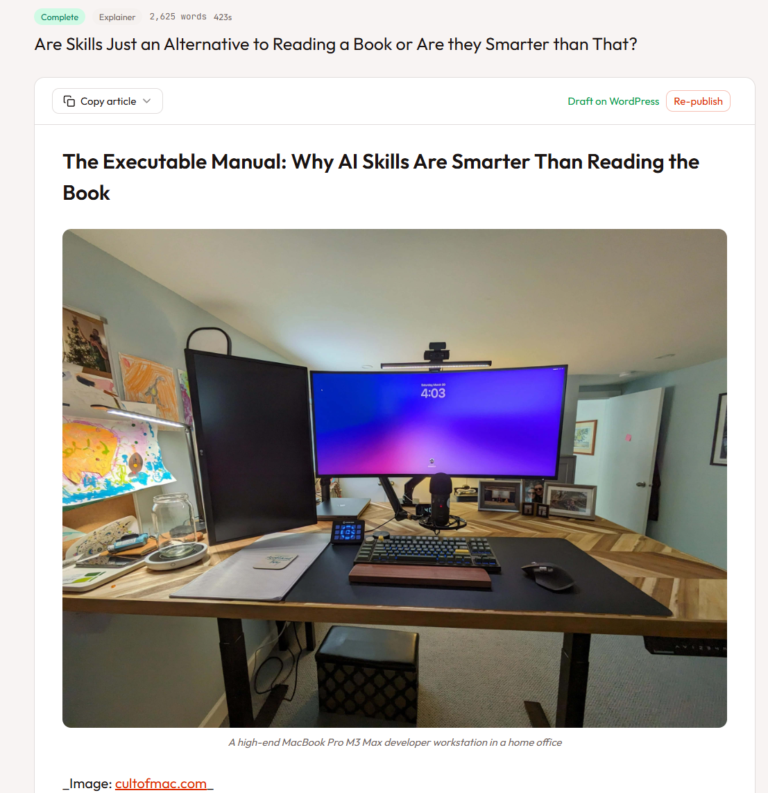
Are Claude Skills Just an Alternative to Reading a Book or is there more than that?
I’ve too long treating skills like magic incantations of a topic that really, I don’t fully understand. I strated out not really thinking about skills or embracing them. I still don’t, fully, becuase most of what I do is command line, terminal, etc etc – I’m on top of computer use! BUT – I have … <a title="Claude Desktop System Requirements: Windows & macOS" class="read-more" href="https://houtini.com/claude-desktop-system-requirements/" aria-label="Read more about Claude Desktop System Requirements: Windows & macOS">Read more</a>