

Skip to content
Houtini.
Contact
Free, open-source · MIT

Useful tools to make your AI workday a bit easier.

We've built a selection of open source, free tools to get you started. Built for data analysts, marketers, content teams, ops managers, and the engineers who want the kit to read. These are tools we use on a daily basis. They're all free, and if you'd like something a little more personalised, get in touch about our custom development work.

First time? Start here ~5 minutes

What's an MCP, and how do I plug one in?

An MCP is a small piece of code that gives your AI assistant hands and eyes: access to tools and data it doesn't have on its own. Things like Search Console, your brand voice, image generation, live job data.

You add one to Claude Desktop with three lines of config and a restart. Once it's there, you ask Claude to use it in plain English. No coding required.

Our pick to start

Gemini MCP

The one I use every day. Grounded current search, image generation, SVG diagrams, video. Calls Google's Gemini from inside Claude so you stop tab-switching between AI tools. Free tier covers normal use; you'll need a Gemini API key from Google AI Studio (two minutes).

Three steps · Claude Desktop on macOS / Windows
  1. 1

    Open your Claude Desktop config file.

    In Claude Desktop, go to Settings → Developer → Edit Config. Or open it directly:

    macOS ~/Library/Application Support/Claude/claude_desktop_config.json
    Windows %APPDATA%\Claude\claude_desktop_config.json
  2. 2

    Add the server to mcpServers.

    Get a Gemini API key from Google AI Studio, then paste this block. If mcpServers already exists, add the gemini entry inside it.

    {
      "mcpServers": {
        "gemini": {
          "command": "npx",
          "args": ["@houtini/gemini-mcp"],
          "env": {
            "GEMINI_API_KEY": "your-api-key-here"
          }
        }
      }
    }
  3. 3

    Restart Claude Desktop. Ask it to use the tool.

    In a new chat, try one of these:

    "Use Gemini to search Google for the latest news on agentic AI and summarise the three biggest stories this week."

    Or ask it for a diagram: "Generate an SVG diagram showing how an MCP server connects to Claude." Claude calls Gemini, the result renders inline in the chat. The tools list at the bottom of the message box shows what it can do.

On Claude Code, ChatGPT or Cursor instead? The same pattern applies. Find the equivalent mcpServers entry in your client's settings. The npm package and command stay the same.

11 MCPs · open source · MIT · @houtini on npm
AI & Developer Tools

MCP servers for AI model access, local inference, and content quality.

Offload the heavy reading and bulk analysis to a local LLM, on hardware you own. No quota burn.

Wires a local Qwen Coder Next instance (120k context) into the Claude workflow. Use it for log triage, voice extraction, batch summarisation - anything where the work is bounded and you'd rather not pay per token.

Local LLM 120k context Bounded tasks Cost control
Read the install guide

Stop AI-tells leaking into your long-form. Extract a writer's structural rules from their corpus and hold them while drafting.

Analyses writing samples and produces a structured tone-of-voice rule-set the LLM keeps in working memory. The difference between Claude-imitating-the-author and the actual author.

Tone of voice Corpus analysis Editorial Drafting
Read the install guide

Get grounded results, analyse images, generate diagrams or even videos from inside Claude with our Gemini MCP.

Cross-model handoff from Claude to Google Gemini. Image analysis and generation, deep research with grounding, video generation. Useful when Claude needs an extra pair of eyes or a different model's strength inside the same agent loop.

Image gen Grounded research Cross-model Video
Read the install guide
Data & Marketing APIs

MCP servers for jobs intelligence, financial data, and email actions.

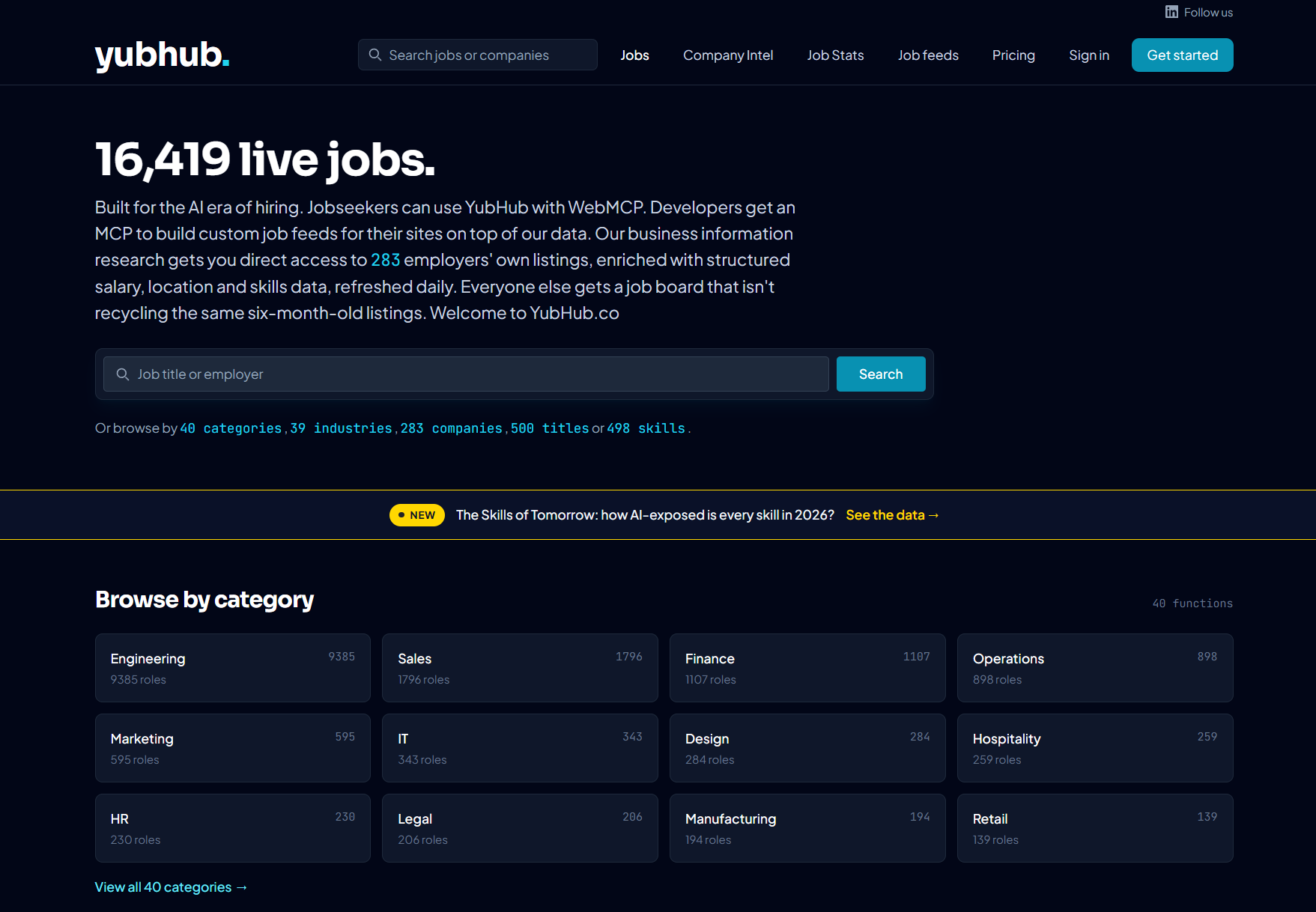
Live AI-jobs market intelligence in your agent loop. 16k+ enriched roles, structured for Claude to read.

The MCP server behind yubhub.co's job feed. Query trending titles, hiring companies, salary deltas - all returned as structured JSON an agent can reason over. Free public API.

Jobs Market intelligence Trending titles Public API
Read the install guide

Company fundamentals, statements and ratios from inside an agent. Built for finance and investor-research workflows.

Financial Modeling Prep API surfaced as MCP tools. Useful for finance content, investor briefs, and any agent that needs to reason over real company data instead of training-time approximations.

Financial data Fundamentals Statements Research
Read the install guide

Send and analyse transactional + marketing email through Brevo, from inside an agent. The agent doesn't just suggest, it acts.

Brevo's email API exposed for agentic use. Useful when an agent needs to action a customer touchpoint - confirmation, invitation, recovery flow - rather than draft one for a human to send later.

Email Transactional Marketing Agent actions
Read the install guide
If any of this could help

If any of this could help with something you're working on, let's talk.

The kit on this page is what we use ourselves. On a client engagement we install the same patterns, wired to your data, with documentation your team owns afterwards.

Talk to us → How we work 11 repos · MIT · @houtini on npm