

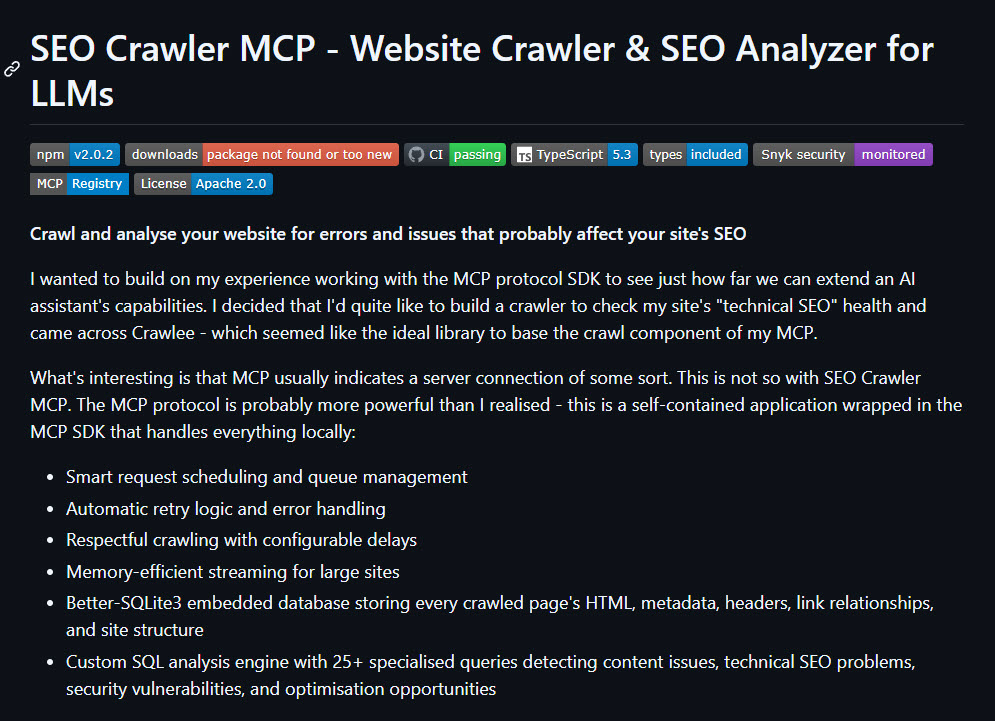
I wanted to build on my experience working with the MCP protocol SDK to see just how far we can extend an AI assistant’s capabilities. I decided that I’d quite like to build a crawler to check my site’s “technical SEO” health and came across Crawlee – which seemed like the ideal library to base the crawl component of my MCP.
As things stand at the moment, I feel like MCP tool use adoption is reserved for the few “advanced” consumers of AI Assistants. If you’re a coder, you’ll know what MCPs are. If you’re just beginning to learn then maybe you’re less familiar.
There’s a sweet spot in the middle somewhere (I hope). Technically inclined people are adopting a bit of automation, or they’re researching ways to execute jobs that might have otherwise taken days of manual work. They may be testing Cursor, Claude Code or Claude Desktop. This article, and mode of thinking is for you.
I know what I’m doing – show me the repo: https://github.com/houtini-ai/seo-crawler-mcp
Back when I was an agency SEO, I’d have myriad procedures, mostly involving Microsoft Excel and web apps and some desktop apps. In the early days, Xenu’s Link Sleuth and later, Screamingfrog.
I don’t think the number of people manually moving data from tool to app has changed in the years since. We’re all stuck in the “this is how I work, I’ll work like this forever” loop.
I don’t like this type of thinking, what I do like is exploring the alternatives.
By now, you know about Claude Desktop and how to set it up to interact with the real world. If you don’t, read my setup guide here. Having an AI assistant set up, with an interest in exploring MCP servers is a pre-requisite to this user guide.
SEO Crawler MCP
Surely you can’t crawl a website in a desktop app like Claude? No, even if that was possible you’d chew up the context window.
But what if you took the MCP protocol and used that as a wrapper for Crawlee, httpcrawler, some extraction rules written by an SEO and piped it all into a little SQL database in Node?
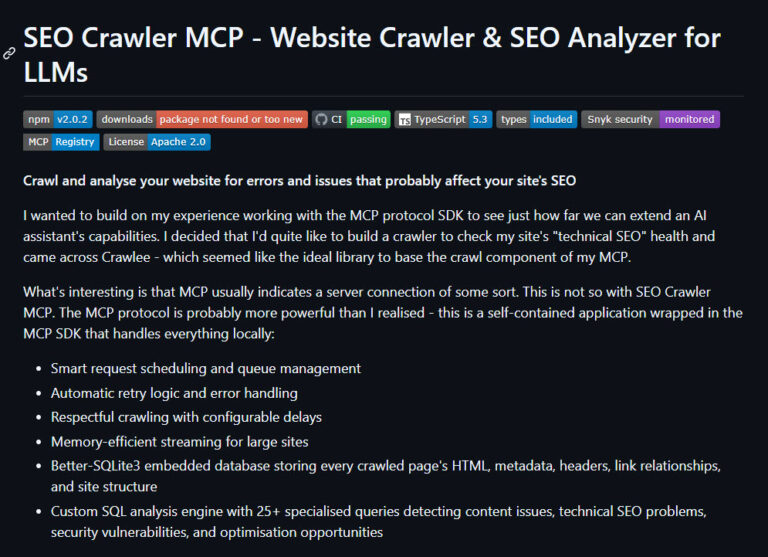
“MCP” usually indicates a server connection of some sort. This is not so with Crawlee MCP. The MCP protocol is probably more powerful than I realised – this is a self-contained application wrapped in the MCP SDK that handles everything locally:
How to Install
Just add this to your config.json:
{
  "mcpServers": {
    "seo-crawler-mcp": {
      "command": "npx",
      "args": ["-y", "@houtini/seo-crawler-mcp"],
      "env": {
        "OUTPUT_DIR": "C:\\seo-audits"
      }
    }
  }
}
Nice and easy – there are options to install locally explained in the repository too.
Running SEO Crawler from Command Line
Assuming you’ve installed Node on your PC you can run a much larger crawl from command:
node c:\mcp\seo-crawler-mcp\build\cli.js crawl https://example.com --max-pages=2000 --depth=5 --user-agent=googlebot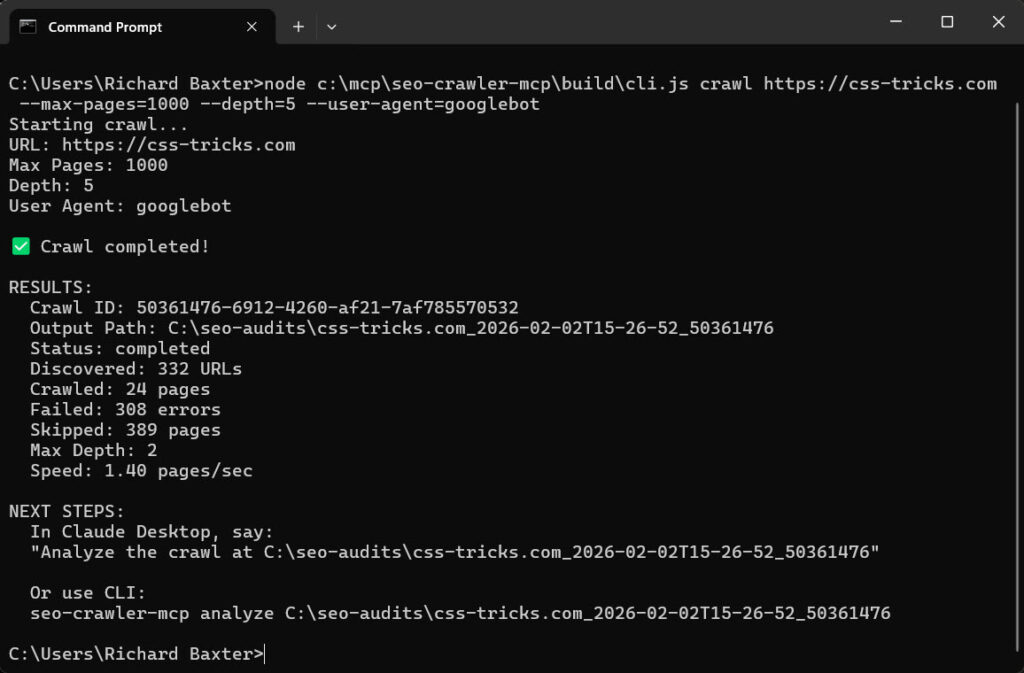
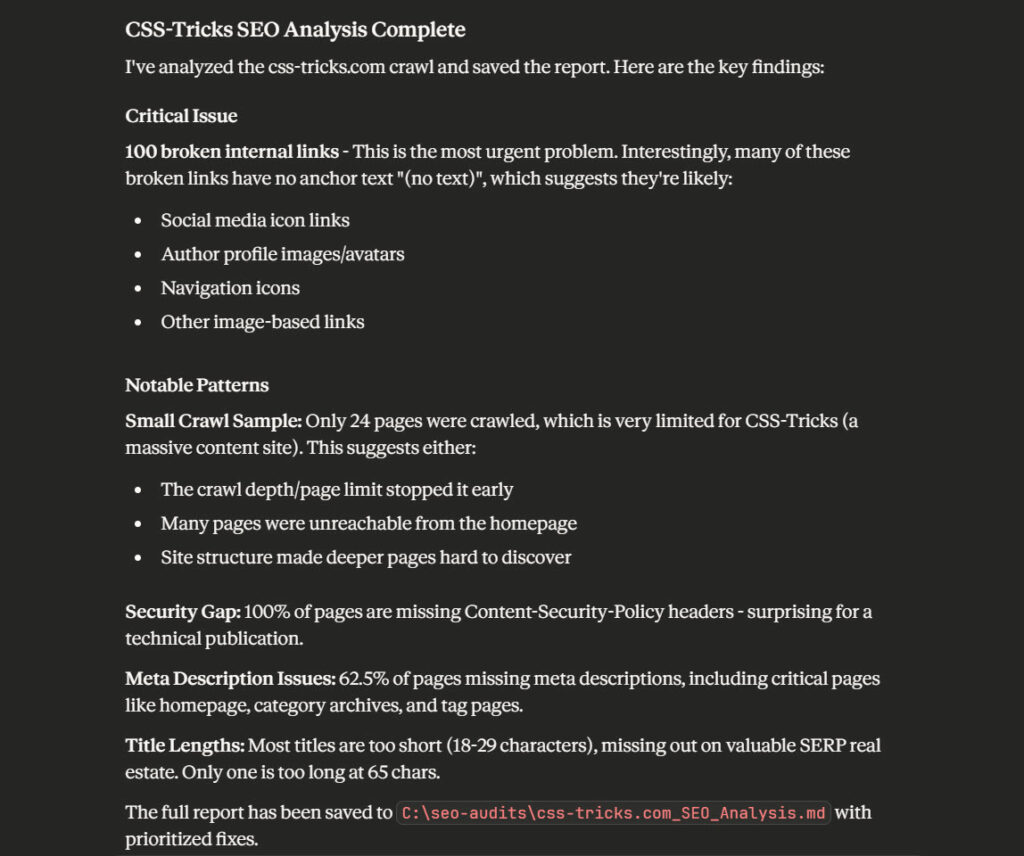
If you return to your AI Assistant you can ask it to analyse the output. As this output is stored in the SQLite database, it won;t kill your context window.
Contributing
I’d love to hear from contributors, the repo can be found here.
Bugs/Issues
It’s tested, but now this is published they’ll be feedback. Don’t be at all surprised by flurries of updates to the repo and npm package in the next few days! As I type this I’m pushing a fix to mop up some false positives around broken link detection. It’s new, feedback is so helpful!
Work with Me
Working at my home office after almost a year of research and sleepless nights is getting dull. If you have an app idea or you want to exchange notes get in touch. I’m very keen to hear from potential co-founders, people who want something building to streamline their work – it’d be ace to hear from you.
Related Posts
Cut Your Claude Code Token Use by Offloading Work to Cheaper Models with Houtini-LM
I built houtini-lm for people worried that their Anthropic bill might be getting out of hand. I’d leave Claude Code running overnight on big refactors, wake up, and wince at the token count. A huge chunk of that spend was going on tasks any decent coding model handles fine – boilerplate generation, code review, commit … <a title="Building a Free, Open Source SEO Crawler for LLM Consumption" class="read-more" href="https://houtini.com/building-a-free-open-source-seo-crawler-for-llm-consumption/" aria-label="Read more about Building a Free, Open Source SEO Crawler for LLM Consumption">Read more</a>
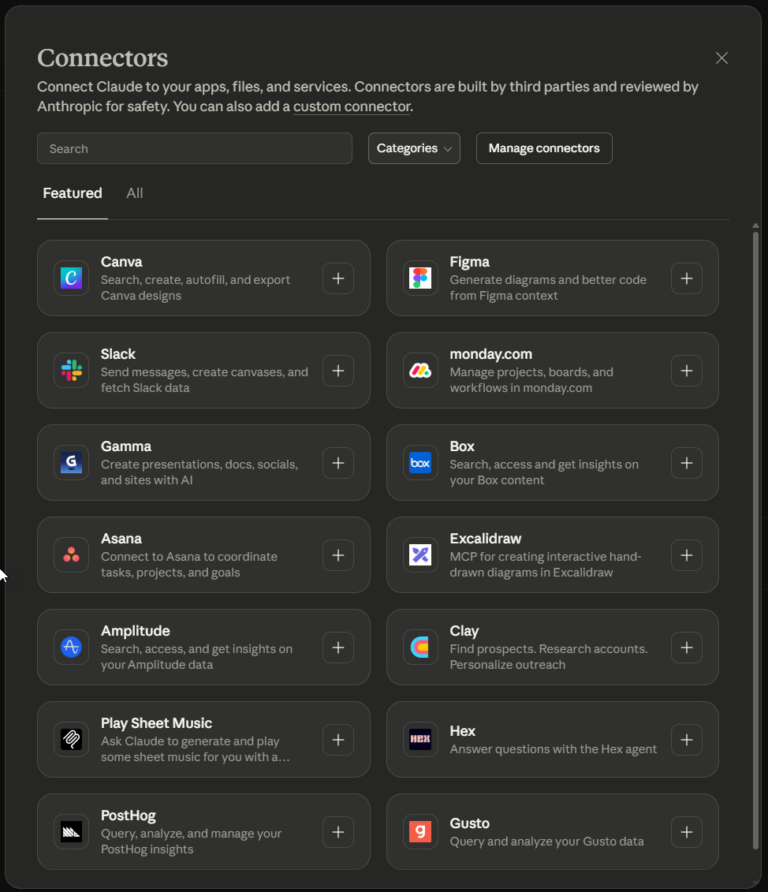
What Is an MCP Server? And, Why It Matters for AI Tool Use
My daily work literally depends on the existence of MCP servers now, spread between Claude Desktop and Claude Code. Database queries, image generation, web scraping, file management, search console data, email. Much of my daily working world lives in a conversation window. I am convinced we are at the beginning of a radical shift in … <a title="Building a Free, Open Source SEO Crawler for LLM Consumption" class="read-more" href="https://houtini.com/building-a-free-open-source-seo-crawler-for-llm-consumption/" aria-label="Read more about Building a Free, Open Source SEO Crawler for LLM Consumption">Read more</a>
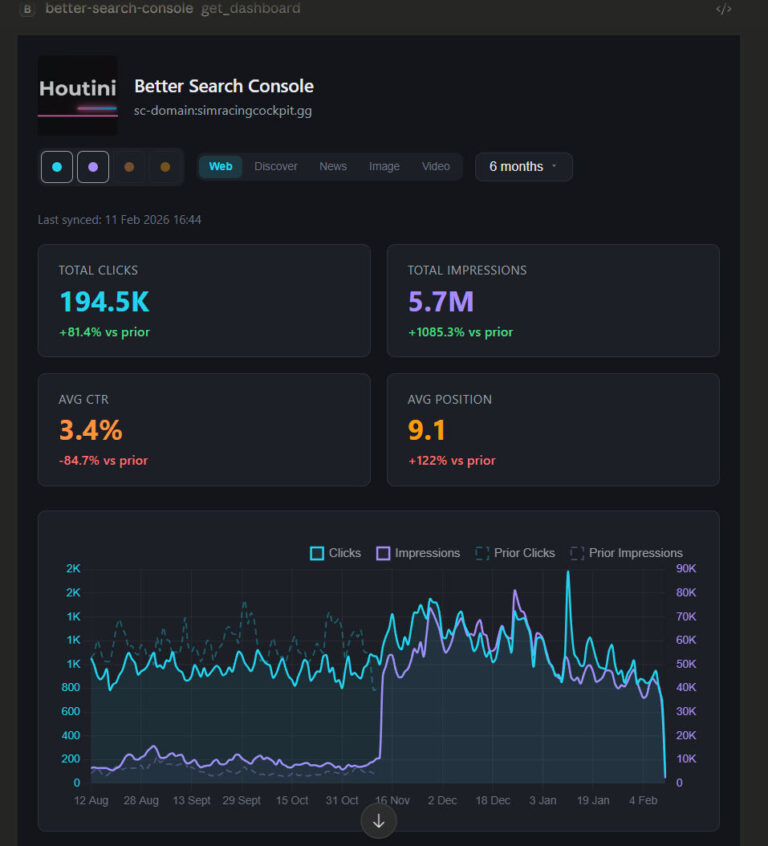
Better Search Console: Analyse Your Google Search Console Data with Interactive Dashboards
Every MCP server that connects to Google Search Console has the same fundamental limitation. The API returns a maximum of 1,000 rows per request. One or two requests in, and you’ve consumed your context window. This problem is quite universal with MCP tool use for Desktop users, so, I’ve been working on fixing it. Remember … <a title="Building a Free, Open Source SEO Crawler for LLM Consumption" class="read-more" href="https://houtini.com/building-a-free-open-source-seo-crawler-for-llm-consumption/" aria-label="Read more about Building a Free, Open Source SEO Crawler for LLM Consumption">Read more</a>
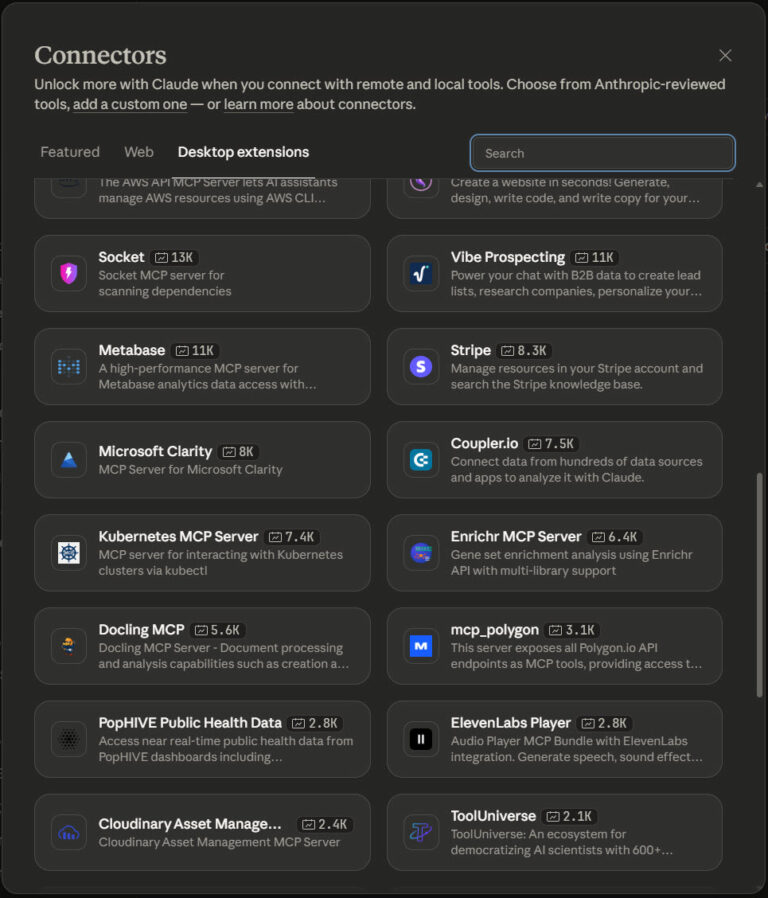
The Best MCPs for Claude Desktop (And How I Use Them)
Aside from using Claude to Code, I use Claude Desktop for various aspects of my working day. From research, data analysis and writing. It’s really powerful, reliable when used in the way it was intended, and, as a productivity tool, it’s astonishing. While Claude is brilliant, it’s the extensions, the MCP servers, that really make … <a title="Building a Free, Open Source SEO Crawler for LLM Consumption" class="read-more" href="https://houtini.com/building-a-free-open-source-seo-crawler-for-llm-consumption/" aria-label="Read more about Building a Free, Open Source SEO Crawler for LLM Consumption">Read more</a>
Building a Free, Open Source SEO Crawler for LLM Consumption
I wanted to build on my experience working with the MCP protocol SDK to see just how far we can extend an AI assistant’s capabilities. I decided that I’d quite like to build a crawler to check my site’s “technical SEO” health and came across Crawlee – which seemed like the ideal library to base … <a title="Building a Free, Open Source SEO Crawler for LLM Consumption" class="read-more" href="https://houtini.com/building-a-free-open-source-seo-crawler-for-llm-consumption/" aria-label="Read more about Building a Free, Open Source SEO Crawler for LLM Consumption">Read more</a>
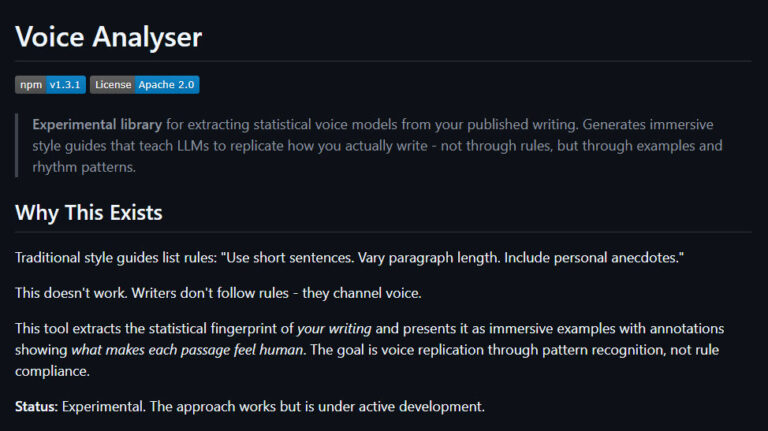
Generate a Tone of Voice Guide with Voice Analyser MCP
While AI will never replace human creativity, it can certainly help with productivity. Today I’m sharing my Voice Analyser MCP – an experimental tone of voice guideline generator that runs from a website’s XML sitemap. The point of this project was to understand how AI communicates and to learn more about the detectable patterns it … <a title="Building a Free, Open Source SEO Crawler for LLM Consumption" class="read-more" href="https://houtini.com/building-a-free-open-source-seo-crawler-for-llm-consumption/" aria-label="Read more about Building a Free, Open Source SEO Crawler for LLM Consumption">Read more</a>