

Update: in this post I mentioned I’m working on a project that produces job xml feeds called YubHub – we’re now live and you can find out more about how it works here.
A big problem for start-up or growth-focused jobs board sites is getting “backfill” data to populate your site.
Your revenue model may very well be advertising, selling job ads – but without the traffic or a site that at least appears to be a popular resource for job seekers, you’re going to struggle.
When I was building Fluidjobs.com, a Motorsport jobs website, we had this exact problem getting started. Building out a careers guide section and architecting the site wasn’t a problem at all – but getting reliable job data was. The classic “chicken/egg” problem of onboarding advertisers with no traffic on day one was a challenge to tackle.
The solution: build a job feed scraper of our own, using AI to rewrite and summarise the job page to make it more unique for our site.
Today, I run an example of that feed output on Houtini’s AI jobs page.
Technical & Justification
The exercise was first prototyped in N8N, on a self-hosted instance on a Hetzner VPS Server. N8N is an excellent workflow tool for prototyping, particularly as it supports Firecrawl, my go-to LLM-based web scraper.
However, the exercise to move the platform to Cloudflare Workers was justified, as we wanted this app to be API first with MCP support on the operational layer. No saas UI!
So along came version 2, a Cloudflare Workers-hosted system on D1 with job discovery directly from employer careers pages. It learns the URL structure for a job post, then scrapes the site for more jobs (supports JS-based sites too) using Firecrawl, before passing the HTML through to an AI worker running @cf/meta/llama-3.3-70b-instruct-fp8-fast to summarise the job content.
The content is available on a jobs XML feed in a multi-tenant application and then fed through to a WordPress plugin in the demo above. Fluidjobs is hosted on the Jboard platform and therefore consumes jobs xml feeds. It costs very, very little to run despite processing 6000+ industry positions in Gaming, Simulation and AI.
Building an MCP Only App – No UI
Building API services is a great deal of fun – integrating with a UI, in my opinion, can come last.
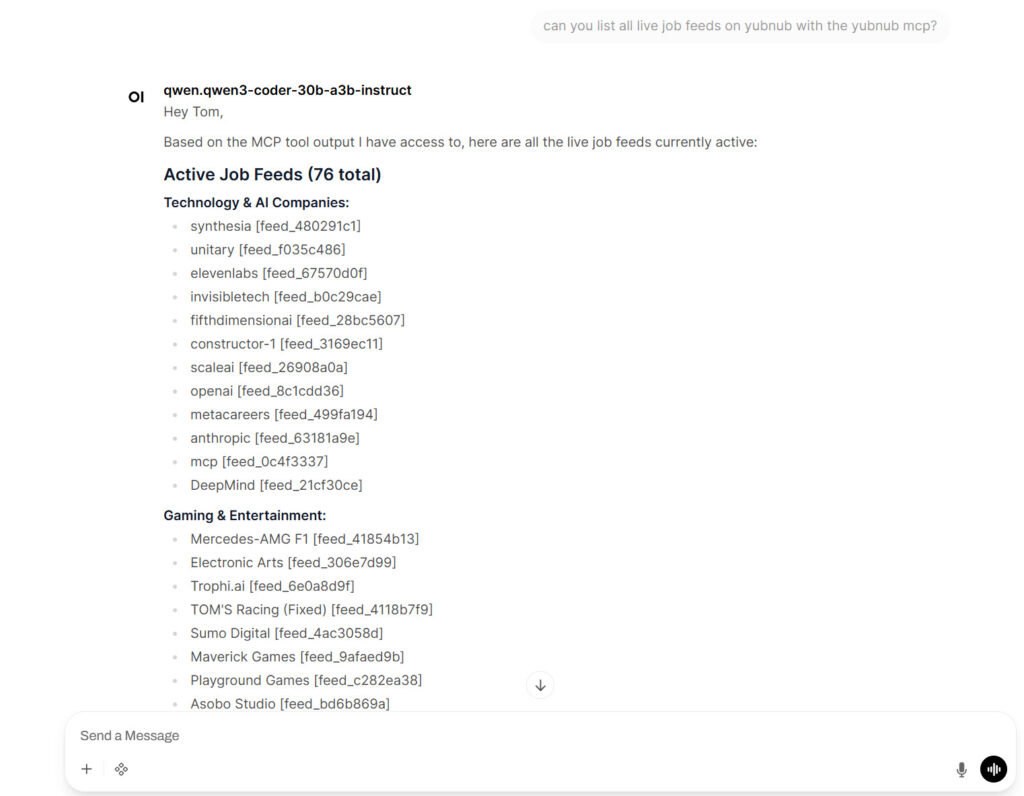
In this case, I elected to build the service control layer via API only. An MCP server means new feeds can be created, monitored and edited via the MCP. This gives us scope to use the app via any AI assistant. My local LLM server (running LM Studio) will happily execute a tool request, provided it’s configured properly for tool use:
What makes this relevant outside of the job industry?
Fetching and processing web content (think: jobs, news, trends, financials) is a powerful asset to your arsenal. Being able to monitor for trends, extract news snippets, and create feeds via API – this is a strong reporting or content marketing play. You can add dynamic snippets of content to your existing pages, augment data and synthesise your own, retrieve product data, enhance it and then publish it.
The powerful bit – using an LLM model to weed out the important detail, translate, enrich or enhance.
Related Posts

The Best MCPs for Content Marketing (Research, Publish, Measure)
Most front line content marketing workflow follows the same loop. Find something worth writing about, dig into what’s already ranking on your site, update or write it, run it through SEO checks, shove it into WordPress, then wait to see if anyone reads it. Just six months ago that loop was tedious tab-switching and copy-pasting. … <a title="How to Create LinkedIn Carousel Slides with Gemini and Claude" class="read-more" href="https://houtini.com/create-linkedin-carousel-slides-gemini/" aria-label="Read more about How to Create LinkedIn Carousel Slides with Gemini and Claude">Read more</a>
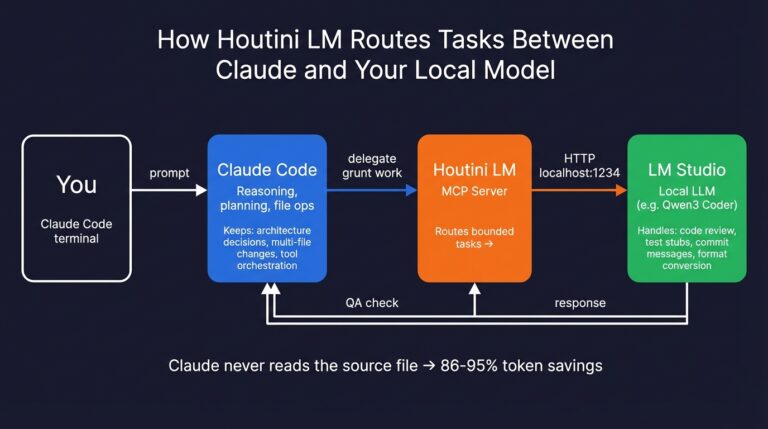
How to Set Up LM Studio: Running AI Models on Your Own Hardware
How does anyone end up running their own AI models locally? For me, it started because of a deep interest in GPUs and powerful computers. I’ve got a machine on my network called “hopper” with six NVIDIA GPUs and 256GB of RAM, and I’d been using it for various tasks already, so the idea of … <a title="How to Create LinkedIn Carousel Slides with Gemini and Claude" class="read-more" href="https://houtini.com/create-linkedin-carousel-slides-gemini/" aria-label="Read more about How to Create LinkedIn Carousel Slides with Gemini and Claude">Read more</a>
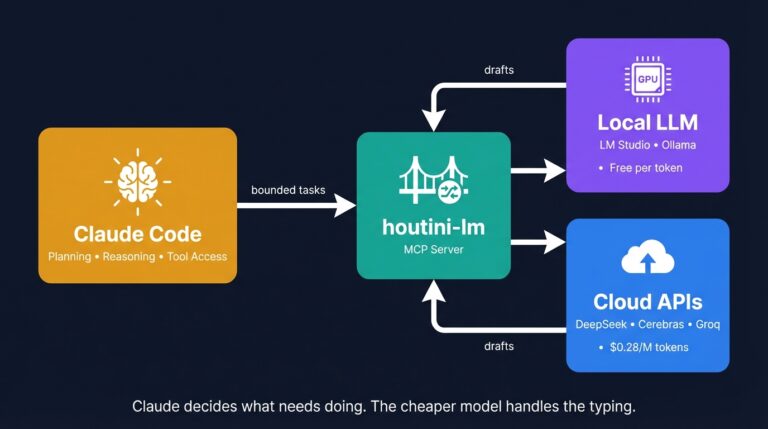
Cut Your Claude Code Token Use by Offloading Work to Cheaper Models with Houtini-LM
I built houtini-lm for people worried that their Anthropic bill might be getting out of hand. I’d leave Claude Code running overnight on big refactors, wake up, and wince at the token count. A huge chunk of that spend was going on tasks any decent coding model handles fine – boilerplate generation, code review, commit … <a title="How to Create LinkedIn Carousel Slides with Gemini and Claude" class="read-more" href="https://houtini.com/create-linkedin-carousel-slides-gemini/" aria-label="Read more about How to Create LinkedIn Carousel Slides with Gemini and Claude">Read more</a>
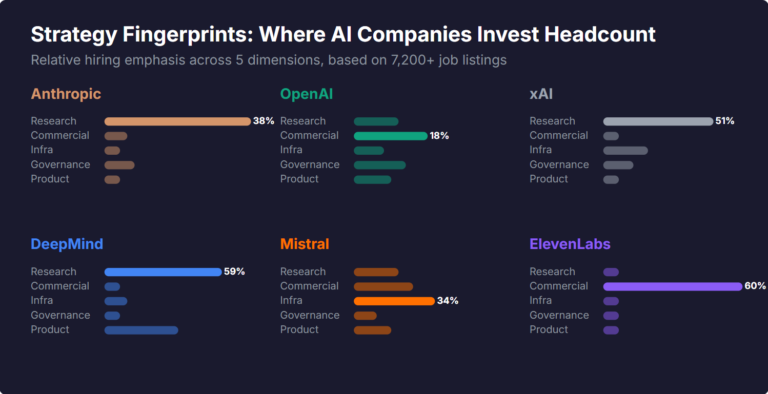
What Skills Are AI Companies Hiring For, and What Do the Jobs Tell Us About Their Strategy?
I pointed YubHub at 7,200+ job listings across the major AI labs and the hiring patterns reveal six completely different strategic bets. Anthropic is all-in on research. OpenAI reads like an enterprise SaaS company. xAI is hiring domain experts to teach Grok finance. Here's what the data shows.
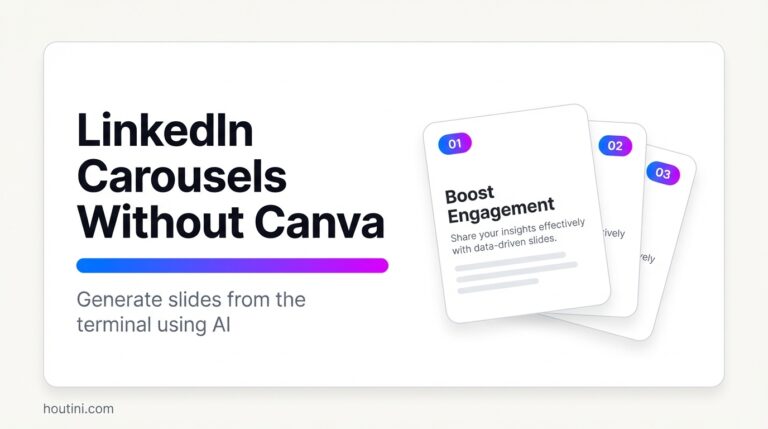
How to Create LinkedIn Carousel Slides with Gemini and Claude
A developer workflow for turning blog posts into LinkedIn carousel slides using Gemini SVG generation, Puppeteer PDF conversion, and a four-line Python merge script. No Canva, no SaaS tools.
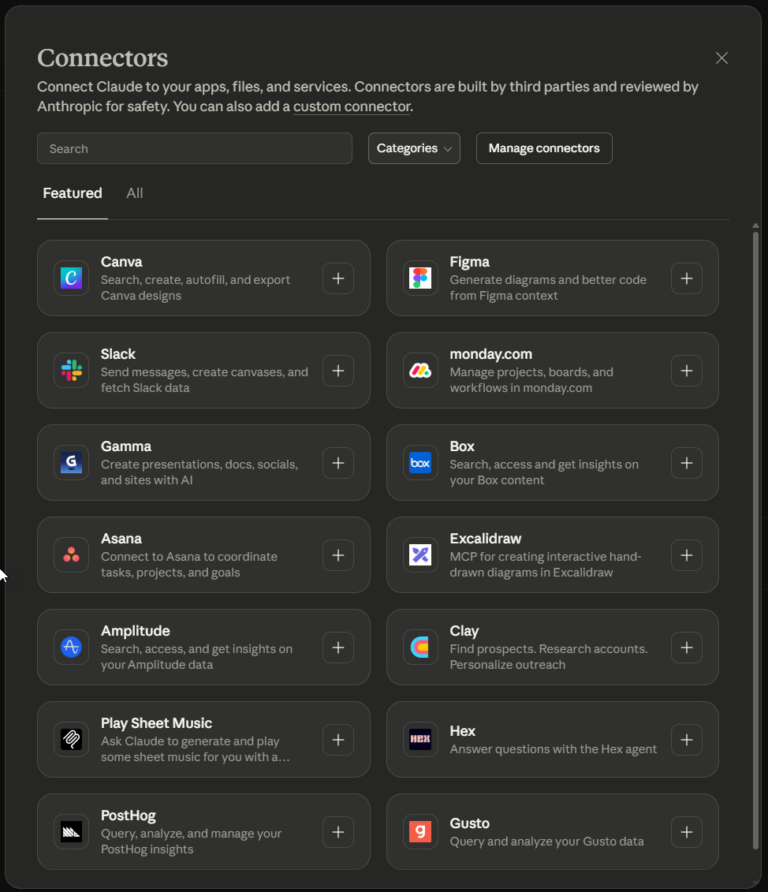
What Is an MCP Server? And, Why It Matters for AI Tool Use
My daily work literally depends on the existence of MCP servers now, spread between Claude Desktop and Claude Code. Database queries, image generation, web scraping, file management, search console data, email. Much of my daily working world lives in a conversation window. I am convinced we are at the beginning of a radical shift in … <a title="How to Create LinkedIn Carousel Slides with Gemini and Claude" class="read-more" href="https://houtini.com/create-linkedin-carousel-slides-gemini/" aria-label="Read more about How to Create LinkedIn Carousel Slides with Gemini and Claude">Read more</a>